Tutorials
FilmMovie Studio tutorials
Hands-on, step-by-step guides: what to open, where to click and what to type to turn a single idea into a finished video, game, app or product shot — right inside FilmMovie Studio.
 /anime-style-forge
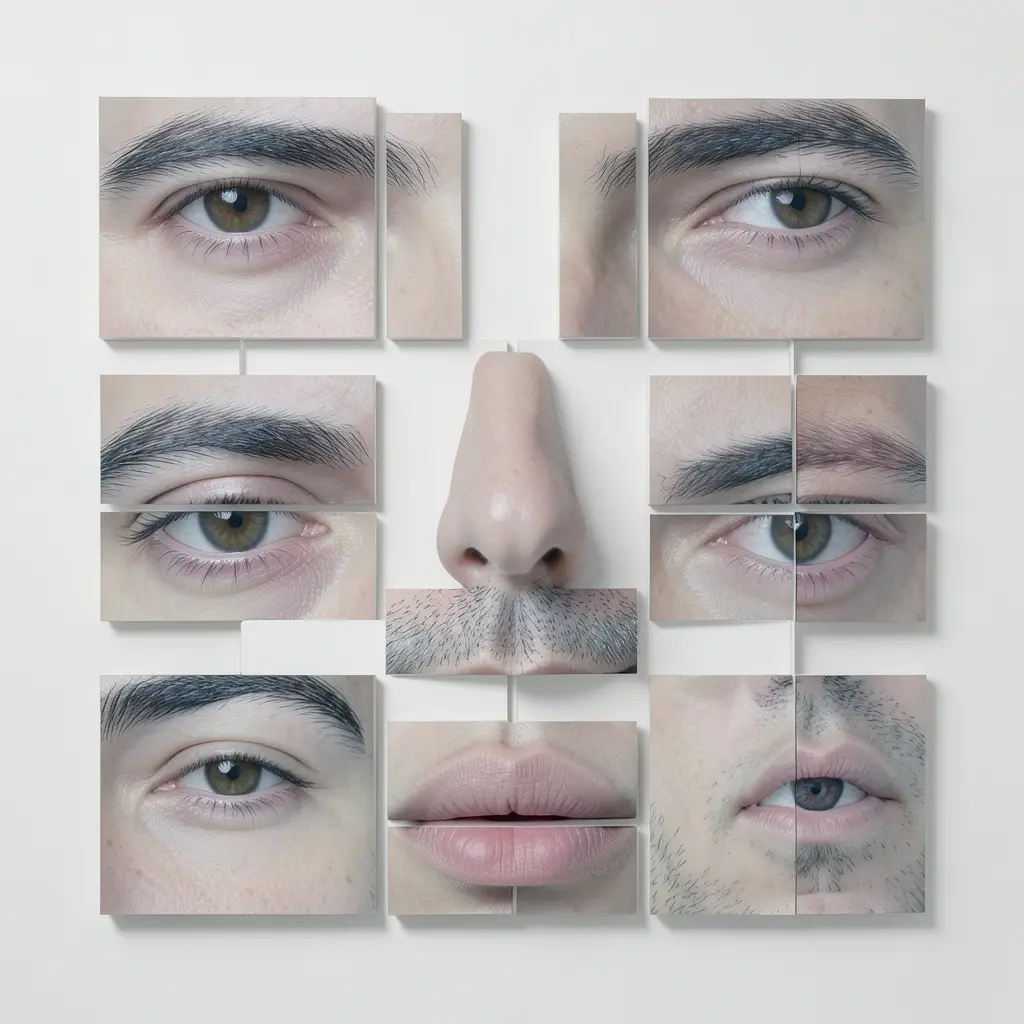
Anime Style Forge: forge a reusable anime art style and apply it again and again
Style is provenance, not an adjective. /anime-style-forge first works out which anime style you actually mean, writes its visual DNA into a Style Spec, waits for your sign-off, then generates the image — complete with a consistency check and one automatic retry.
 /poster-design
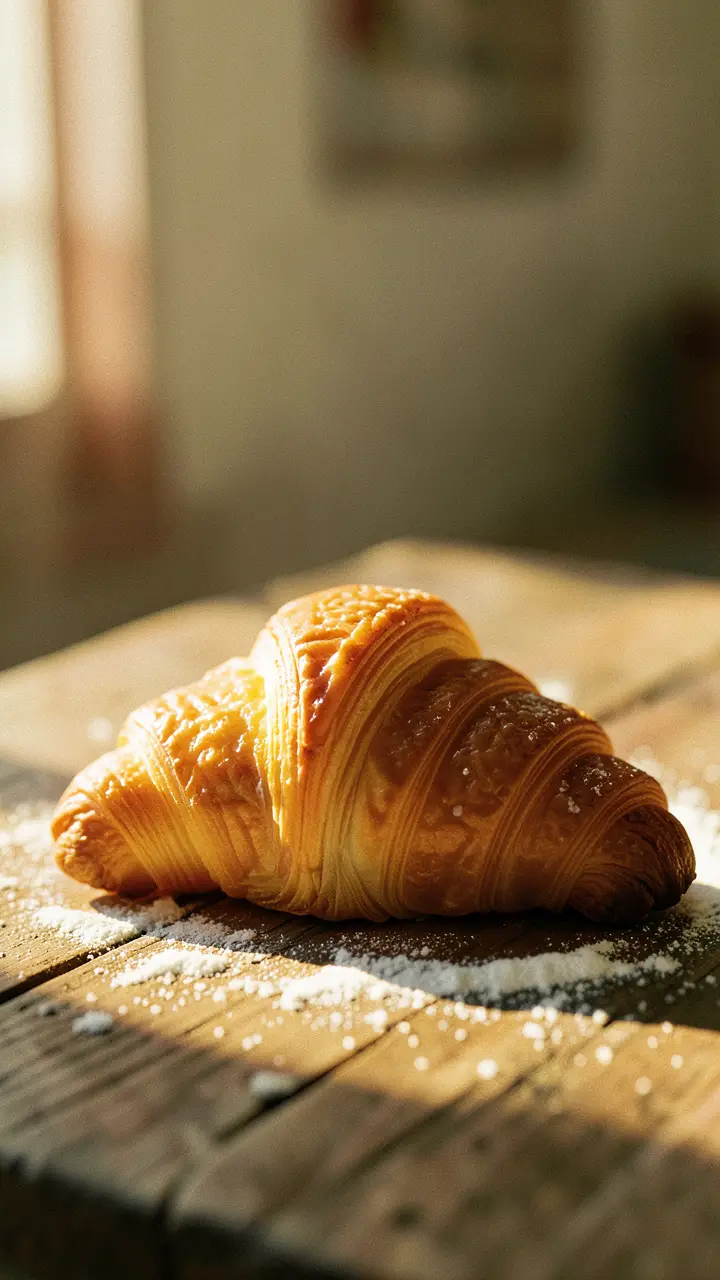
Design a professional poster with /poster-design
From brief to finished poster: /poster-design asks for the subtype and aspect ratio, takes your text verbatim, writes a design direction, generates the poster and scores it against a quality rubric.
 /dynamic-poster
Dynamic poster: design a still, then make it move
Turn a product or announcement into a surreal motion poster — a single designed frame that breathes. With /dynamic-poster you move from concept to a still poster, a 9-panel storyboard grid, a motion clip, the timeline and a final render.
 /image-remix
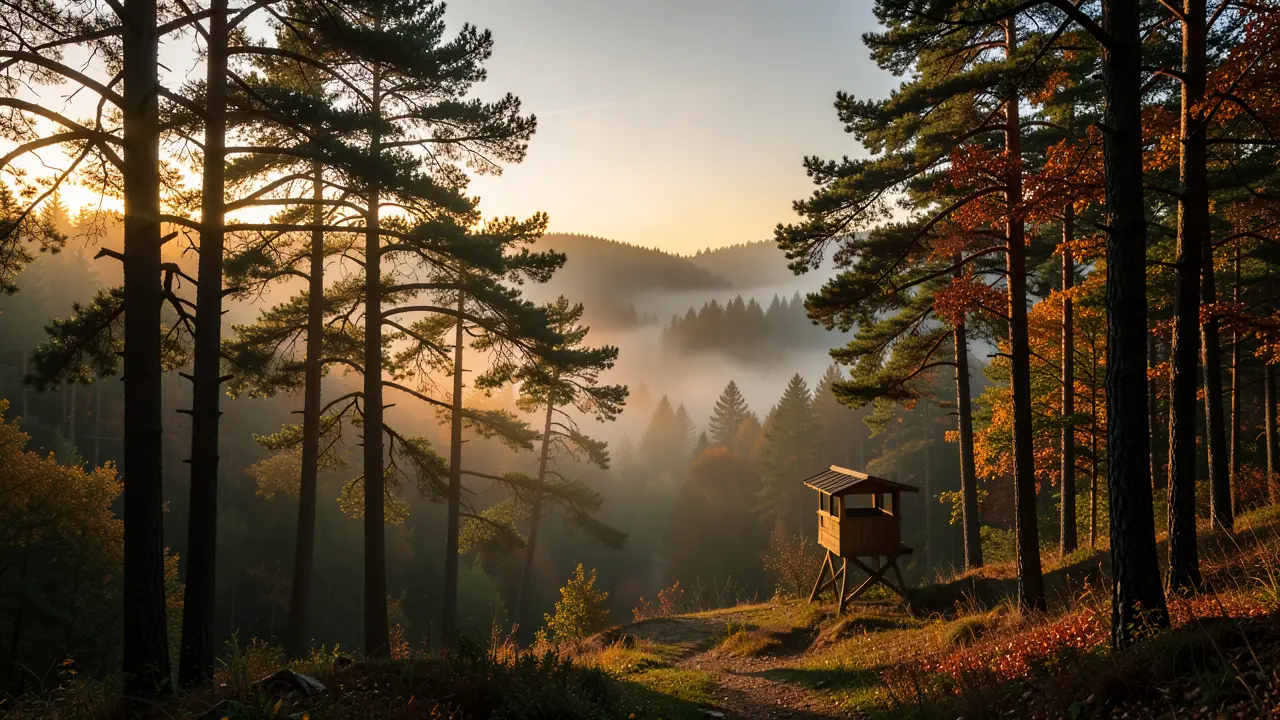
Image Remix: same vibe, different content
Love an image and want a different subject in the same mood? Remix reads why the reference works — composition, palette, light, mood — and carries that feel onto your new subject in one generated image.
 /image-paint-edit
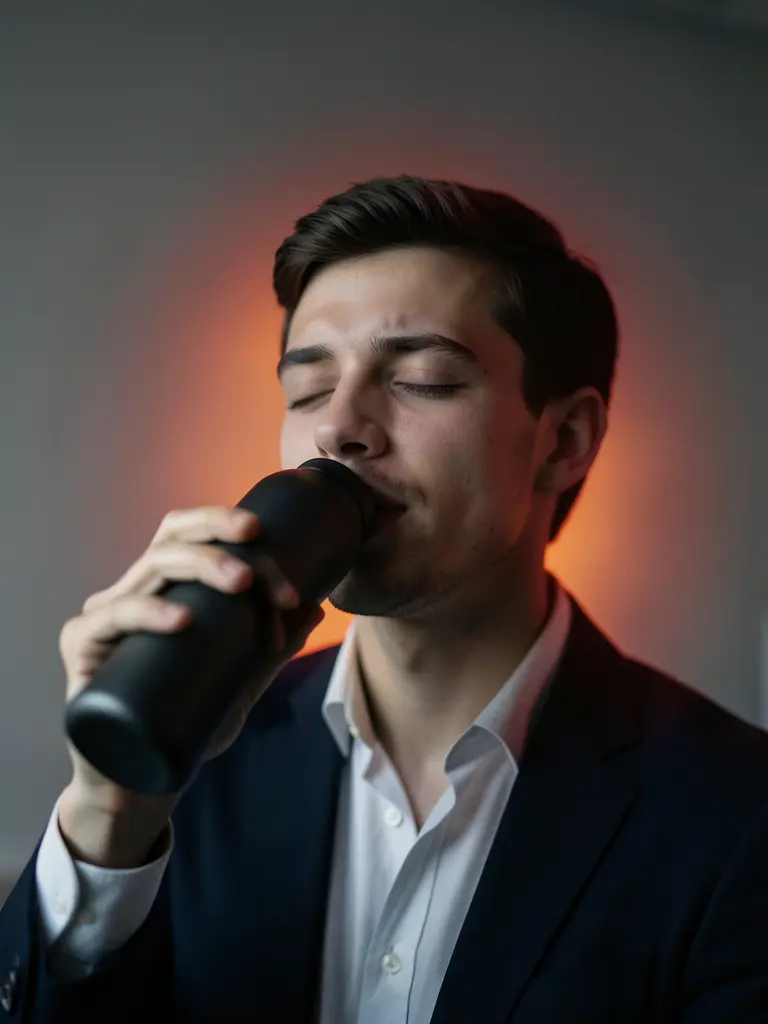
Repaint just one spot: local image edits with a mask
With the /image-paint-edit command you change exactly one object or detail in a finished image — paint a mask over the region, describe what should be there, and the rest of the scene stays identical pixel for pixel.
/relightRelight any image: change the light and mood, keep every detail intact
With /relight you change only an image's illumination — light direction, temperature, shadows and atmosphere — while the subject, composition and details stay identical. Pick a ready-made cinematic mood or describe the light in your own words.
/face-warpFace Warp: deconstruct a portrait into a faceless body and a feature puzzle
An advanced skill that splits one portrait into two character-consistent variants: a "faceless" body (identity removed) and a "feature puzzle" (identity without the body). Both serve as references for downstream AI creation where identity must travel without a full face.
/minecraft-pixel-artMinecraft pixel art: turn a photo into a blocky world with one command
Attach a photo or describe a subject and /minecraft-pixel-art rebuilds it from cubic blocks — chunky 16×16 textures, flat shading and the classic Minecraft palette. One generation, one card on the canvas.