A dynamic poster is not an animated slide deck — it is graphic design that breathes. Every frame must stand on its own as a poster, exactly one "impossible" thing moves, and the typography stays sharp and legible. In this guide you describe a subject, approve one of three concepts, generate a still poster, expand it into a 9-panel motion grid, animate it into a short clip, then add music and render a final MP4 on the timeline.
What you'll need
- FilmMovie Studio installed with a provider configured for both image and video.
- A subject for the poster — a product, launch or announcement; ideally with a product photo or logo to attach via the paperclip.
- A short headline and one supporting line, or let the app suggest copy.
Step by step
- 1
Run /dynamic-poster and describe the subject
In the Workspace, type /dynamic-poster in chat and describe the product or announcement. If you have a product photo or logo, attach it via the paperclip icon — a typed filename won't work, the app needs the actual file. If you have no photo, reply "skip" and the poster is designed from the description alone.
Film Movie StudioRenderTerra-X Seasonal Motion Pos…New projectFiles frame_1.png
 frame_2.png
 frame_3.png
 frame_4.png
Drag an image here, or click to upload
reference.pngTip: An attached photo keeps the product's colors, material and shape consistent across every later frame. - 2
Choose the aspect ratio and approve a concept
The app asks for an aspect ratio — 9:16 (stories/TikTok), 4:5 (feed) or 16:9 (screens). Then it presents three motion concepts on the canvas, each with a different "impossible" mechanic and tone. This is the creative gate (⛔): use the prompt to pick the concept to develop.
Film Movie StudioRenderTerra-X Seasonal Motion Pos…New projectSkills/dynamic-poster/short-drama/image-creator/audio-studio/app-builder/dynamic-poster small mouse with black bakground
SkillsModelsType / to switch skills anytime
Tip: If no concept fits, ask for changes — the app revises them and re-presents the gate until you approve. - 3
Generate the still poster (Style Reference)
After approval, the app produces one still frame — the poster at rest, with the "impossible" element frozen at its most striking instant, a cool desaturated palette, and negative space reserved for type. A "Style Reference" card appears on the canvas. If it's off, ask for one revision.
Film Movie StudioRenderTerra-X Seasonal Motion Pos…New projectFilesframe_1.pngframe_2.pngframe_3.pngframe_4.png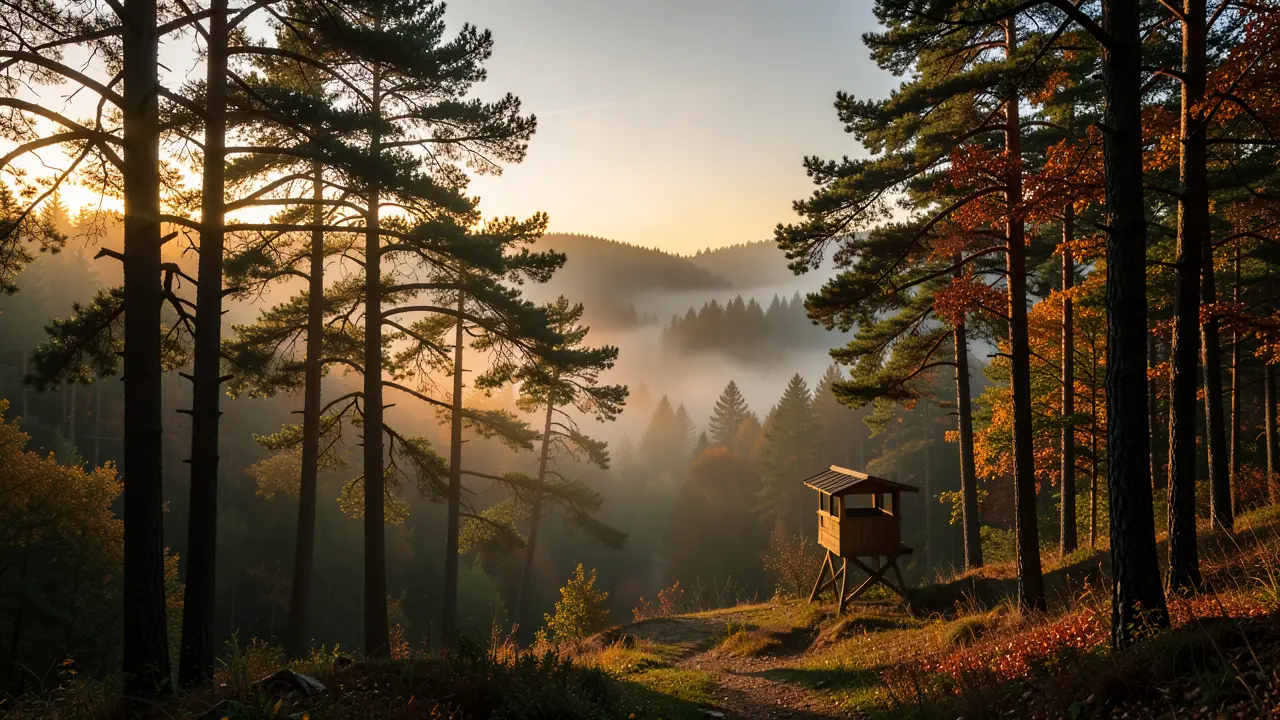 frame_5.png
 frame_6.png60%promptframe_01.pngGenerating… 42%Remixframe_02.pngGenerating… 68%Remixframe_03.pngGenerating… 55%Remixframe_04.pngGenerating… 80%Remixoutput
 - 4
Expand it into a 9-panel motion grid
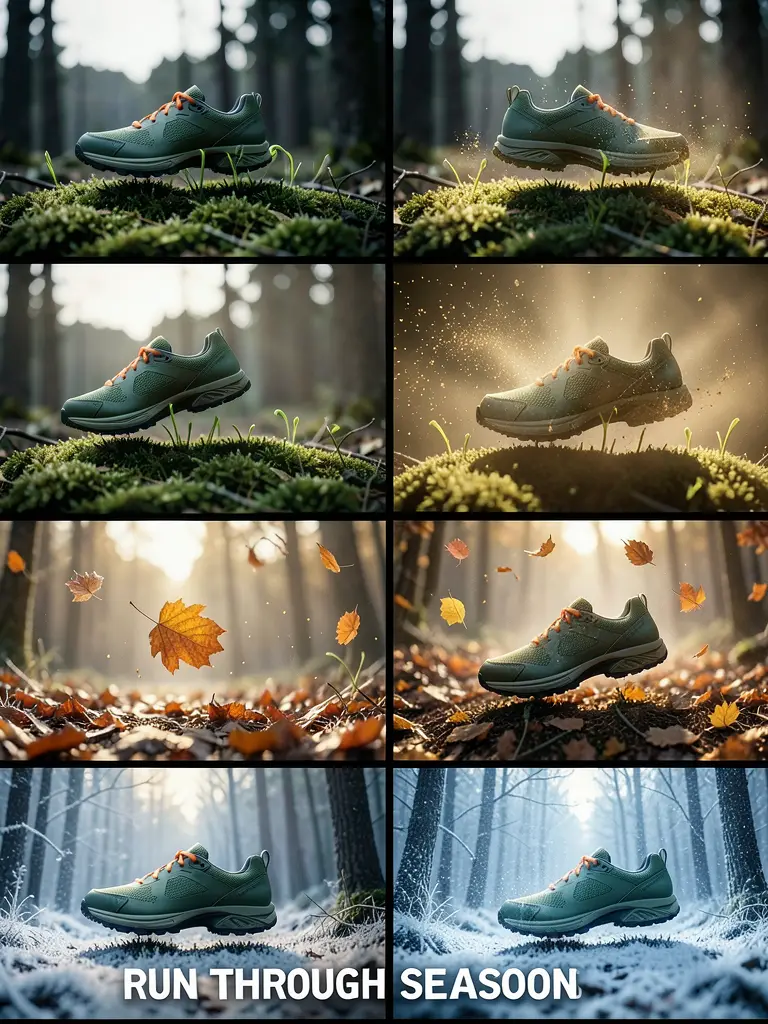
The app generates one 3×3 image, the "9-Grid Motion Board" — the same nine poster frames as the single motion unfolds, from rest (panel 1) to the closing frame with the brand text (panel 9). It serves as the storyboard and as the video's first frame.
Film Movie StudioRenderTerra-X Seasonal Motion Pos…New projectFilesframe_1.pngframe_2.pngframe_3.png60%promptframe_01.pngGenerating… 42%Remixframe_02.pngGenerating… 68%Remixframe_03.pngGenerating… 55%RemixoutputTip: Composition, camera and lighting stay identical across all nine panels — only one thing moves. That's what makes a poster that breathes, not a film cut. - 5
Animate the poster into a motion clip
From the grid, the app generates a 6- to 8-second "Dynamic Poster" video. The camera is locked off, only the one impossible element moves, and the headline stays sharp and legible throughout. The clip ends on the panel-9 state, so it feels loop-ready.
Film Movie StudioRenderTerra-X Seasonal Motion Pos…New projectFilesframe_1.pngframe_2.pngframe_3.pngframe_4.png60%promptframe_01.pngRemixframe_02.pngRemixframe_03.pngRemixframe_04.pngGenerating… 80%Remixoutput - 6
Open the timeline and add music
The app opens the Timeline and adds the clip to it. If the video came back silent, it generates instrumental background music matched to the brand category (e.g. beauty → ethereal ambient, tech → synthwave) and drops it on the audio track.
Film Movie StudioRenderTerra-X Seasonal Motion Pos…New projectFilesframe_1.pngframe_2.pngframe_3.pngframe_4.png frame_5.png
Drag an image here, or click to upload
reference.png - 7
Render the final poster
Click "Render". The app stitches the grid, video and music into a single MP4 and adds a final-render card to the canvas. The file is saved locally in the project folder, ready to share. Render is the terminal step — to make changes, edit the cards or the timeline and render again.
Film Movie StudioRenderTerra-X Seasonal Motion Pos…New projectFilesframe_1.pngframe_2.pngframe_3.pngframe_4.png frame_5.png
 frame_6.pngFinal render1080p · MP4SaveFilesTip: Upload the finished vertical MP4 straight to stories or reels; for feed, pick the 4:5 ratio in step 2.
What you get
You have a finished dynamic poster — a short MP4 that reads like print design with a pulse: clean composition, a legible headline and a single impossible motion that stops the scroll. The file is saved locally, ready for stories, reels or feed. For variations, just ask in chat for a different concept or aspect ratio and run the loop again.
Pro tips
- Stick to one impossible motion per poster — stacked effects kill the clean "poster" read.
- Typography is the still anchor: the headline never warps or dissolves; motion happens around and behind it.
- Avoid AI-tell words like "8K", "hyper-realistic" or "masterpiece"; instead name a camera/lens feel and 1–2 real imperfections (grain, gentle vignetting).
Try it yourself
FilmMovie Studio is a desktop app that walks you from idea to finished export. Download it and start creating.
Get FilmMovie Studio