Tutorials
FilmMovie Studio tutorials
Hands-on, step-by-step guides: what to open, where to click and what to type to turn a single idea into a finished video, game, app or product shot — right inside FilmMovie Studio.
 Launchpad
Your first project: from the Launchpad to a finished export
A tour of the FilmMovie Studio interface and one full loop: create a project, type your idea into chat, watch cards appear on the canvas, assemble the timeline and render a finished MP4.
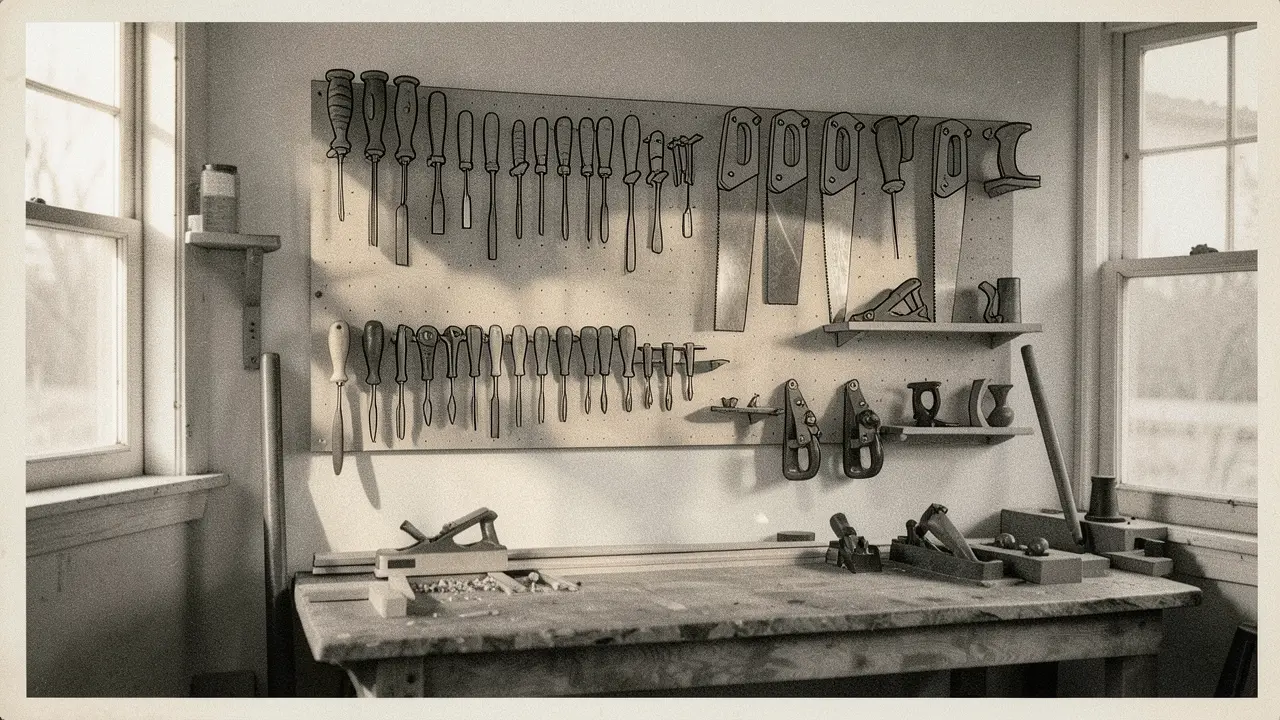 /short-drama
Direct a short drama: from idea to rendered episodes
The /short-drama command turns FilmMovie Studio into an AI director: it analyzes your idea, designs characters, locks a visual style, plans episodes and scenes, generates keyframes, animates them into clips with lip-synced dialogue, scores the music and assembles a finished timeline to render.
 /ecommerce-design
E-commerce product shots: main, hero, detail and lifestyle in minutes
With the /ecommerce-design skill you turn one reference product photo into a full e-commerce image set — white-background main, hero, detail, lifestyle and size reference, ready for Amazon, Shopify or Taobao.
 /games
Build a playable game on the canvas: from idea to .html export
The /games command turns a sentence into a real, playable game right on the canvas. It's built as one self-contained HTML/JS file — arcade, puzzle, platformer or 3D with Three.js — you play it inline in the card and finally export it as .html.
 /app-builder
Build a working app from one sentence — from idea to React code
With the /app-builder command you describe an app idea in your own words and FilmMovie Studio builds a functional multi-screen app with live preview and wired navigation — pick a device, navigate the screens, refine via chat and export runnable React / React Native code.
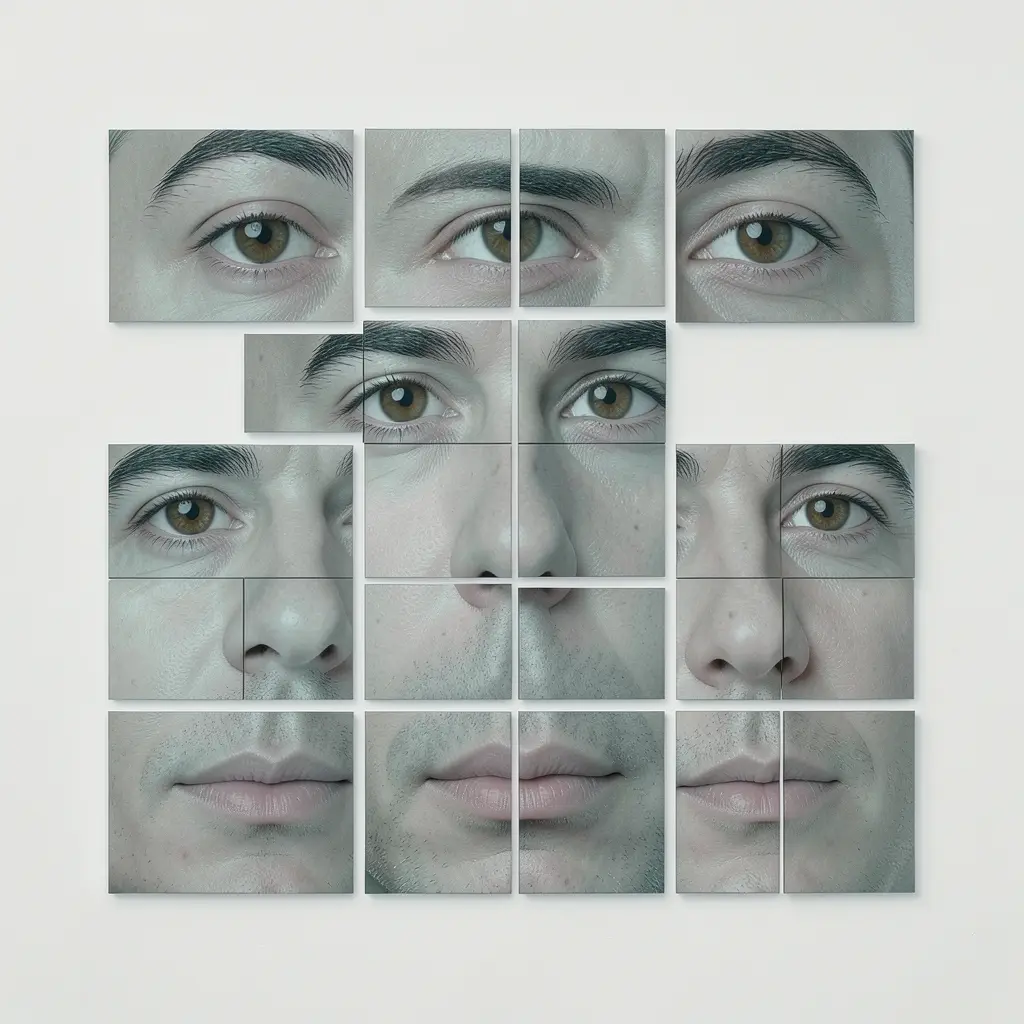 /image-creator
AI images: from one sentence to a polished frame — generate, remix, retouch and style
Learn the full image loop in FilmMovie Studio: generate a single image with /image-creator, spin off variations with remix, repaint one region with inpainting, dress it in an anime or film style and save it locally.
Music, voice and SFX: score your film with /audio-studio
With a single /audio-studio command you create music, a spoken voiceover or a sound effect. Describe a track's style or dictate a line, watch an audio card land on the canvas, preview it and drop it onto the music, SFX or dialogue track of your timeline.
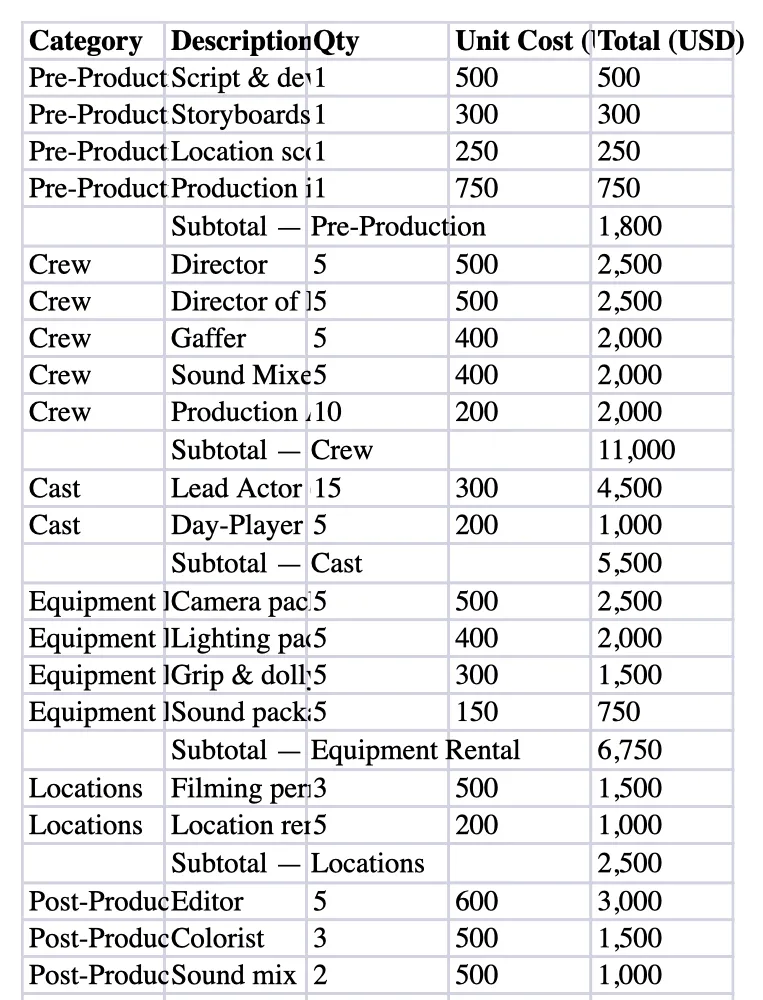 /documents
Documents and spreadsheets: read PDF and XLSX, produce Word, PDF and Excel
Drop a PDF, DOCX, XLSX or CSV onto the canvas, let FilmMovie Studio extract the text and data, then generate a finished Word, PDF or Excel — reports, scripts, budgets and shooting schedules — saved locally.