Tutorials
FilmMovie Studio tutorials
Hands-on, step-by-step guides: what to open, where to click and what to type to turn a single idea into a finished video, game, app or product shot — right inside FilmMovie Studio.
 /hilo-promo
A vertical promo with a talking presenter in minutes (/hilo-promo)
From a short brief, /hilo-promo builds a vertical 9:16 ad: a presenter portrait, a spoken script, a voiceover, a lip-synced talking video, supporting visuals, subtitles and music — all assembled on the timeline.
 /continue-story
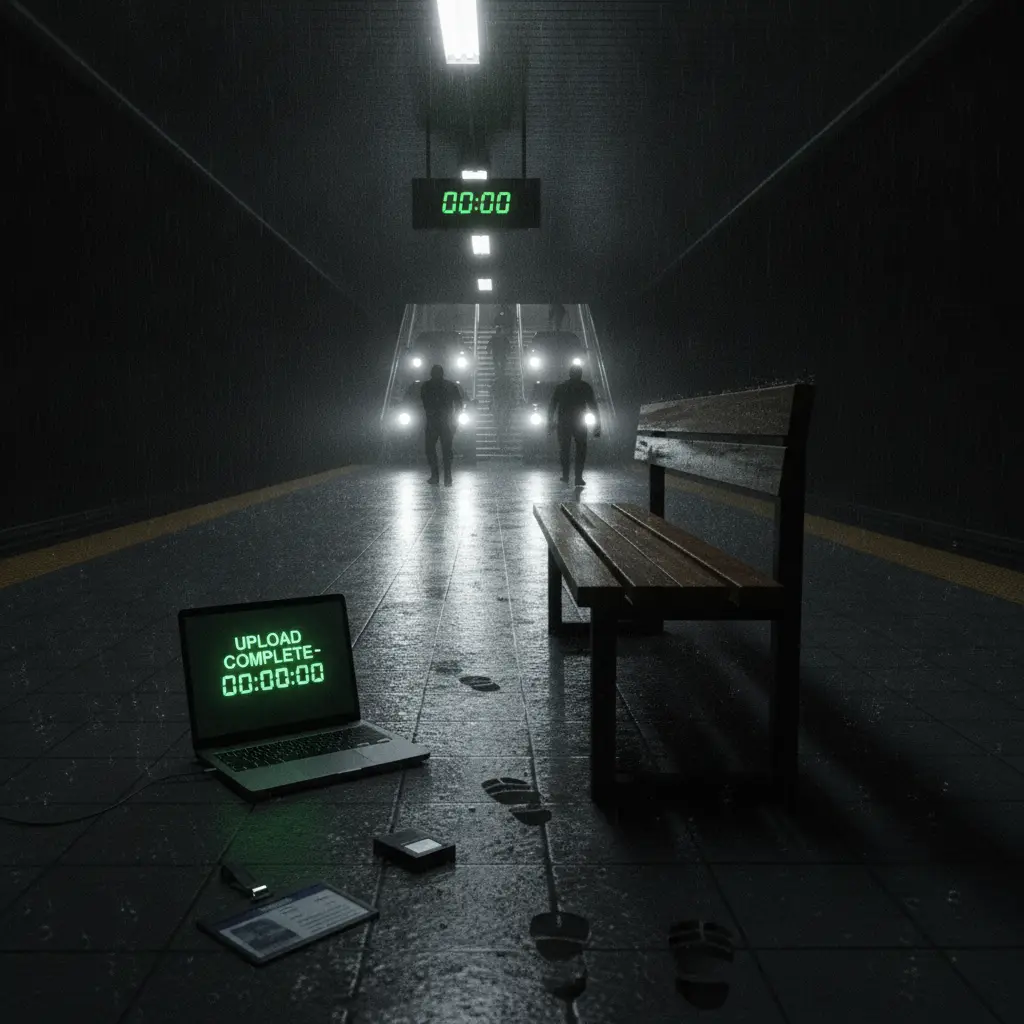
Continue the story: the next scene from your last frame
Reopen an earlier project and add the next scene that picks up exactly where the previous clip ended. /continue-story pulls the clip's last frame as an anchor, so lighting, framing and characters carry over seamlessly.
 /video-generator
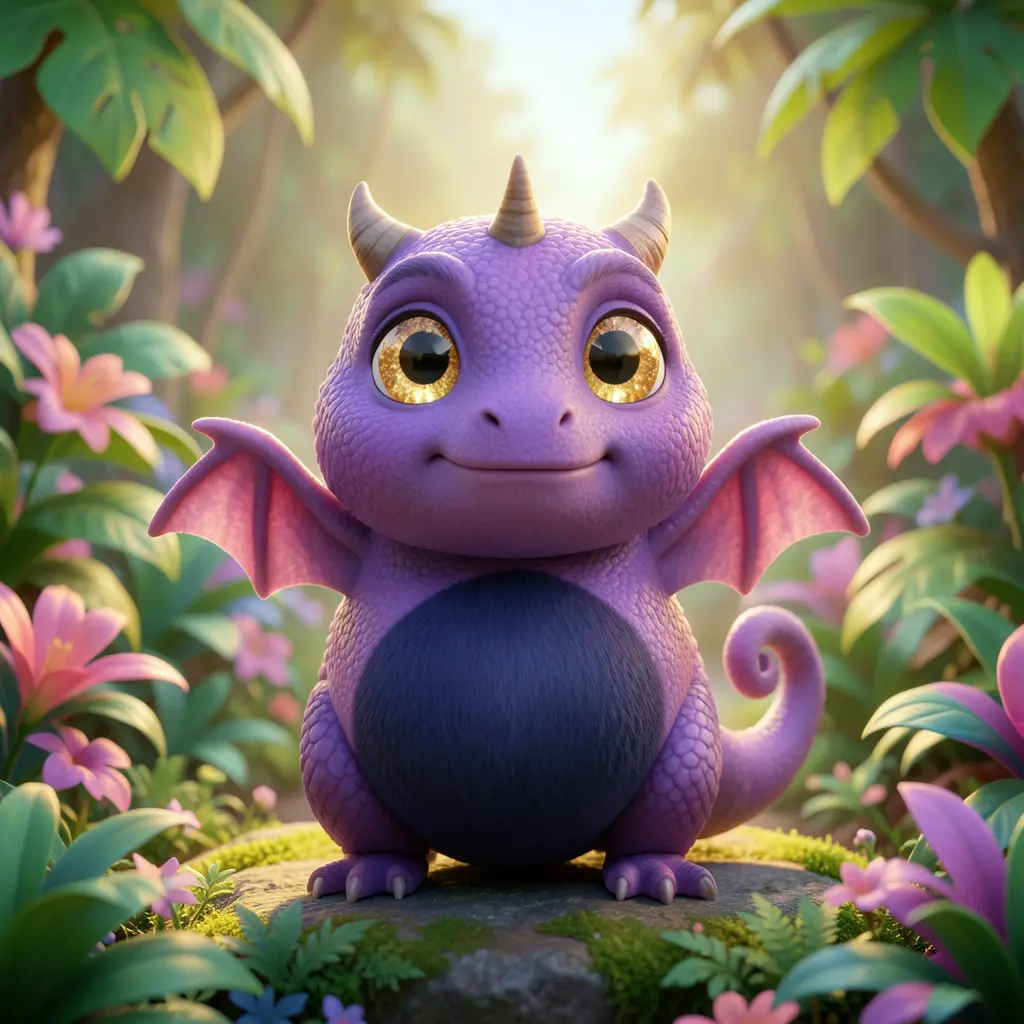
One shot in seconds: quick text-to-video and image-to-video generation
The fastest way to get a moving shot on the canvas: pick the /video-generator skill, describe one clip or attach a first frame, and the app produces a short video that drops onto the canvas as a card.
/video-promptingDirecting motion: writing video prompts that control camera and pacing
Go from "a nice shot" to directing. Learn to build a video prompt in the order subject → action → camera → lighting → style, use visual verbs, one camera move per clip, and compare variants right on the canvas.
 /path-guided-camera-move
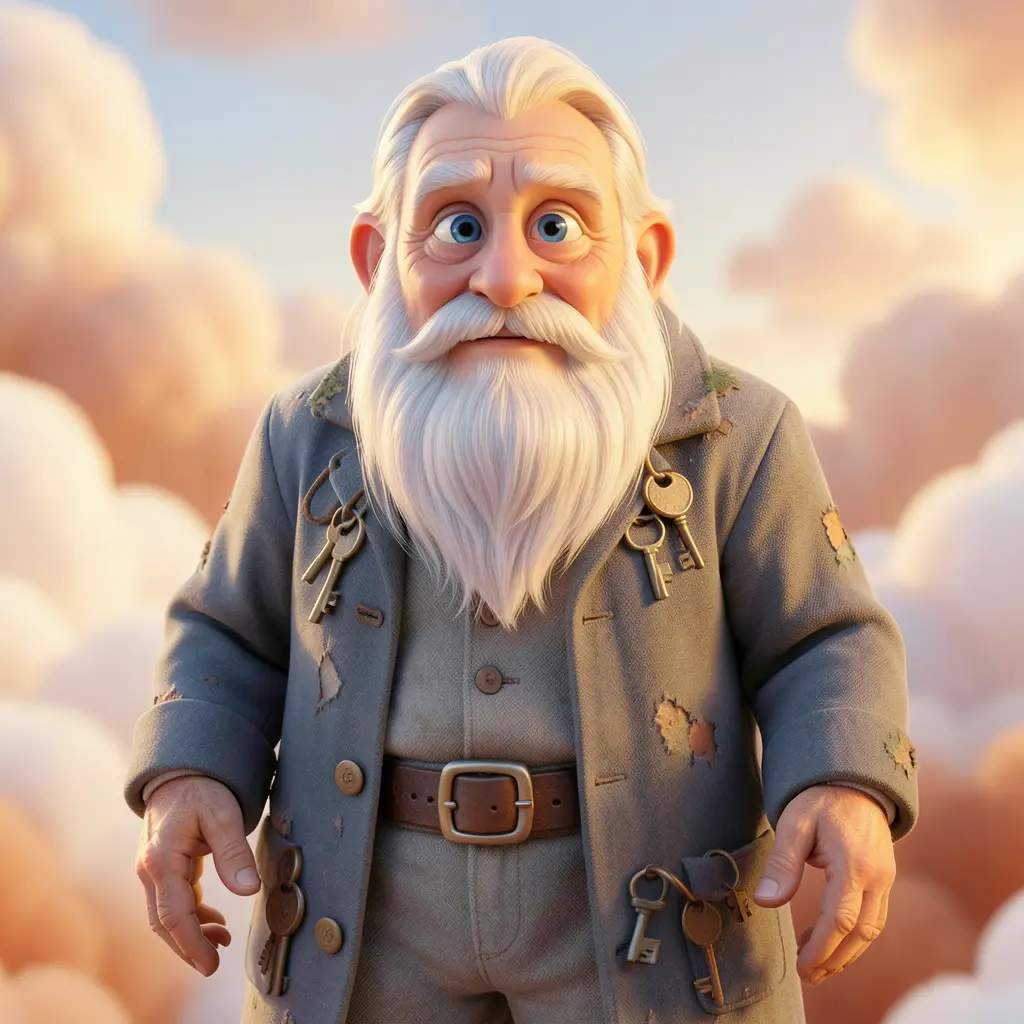
Path-guided camera move: draw a route and bring a still shot to life
An advanced workflow: draw an arrow on an image as the camera route, FilmMovie Studio reads it with vision and builds an FPV image-to-video prompt — route segments, camera grammar, a speed profile and diegetic-only sound with no music.
 /clip-export
Trim a video card and export a clean clip
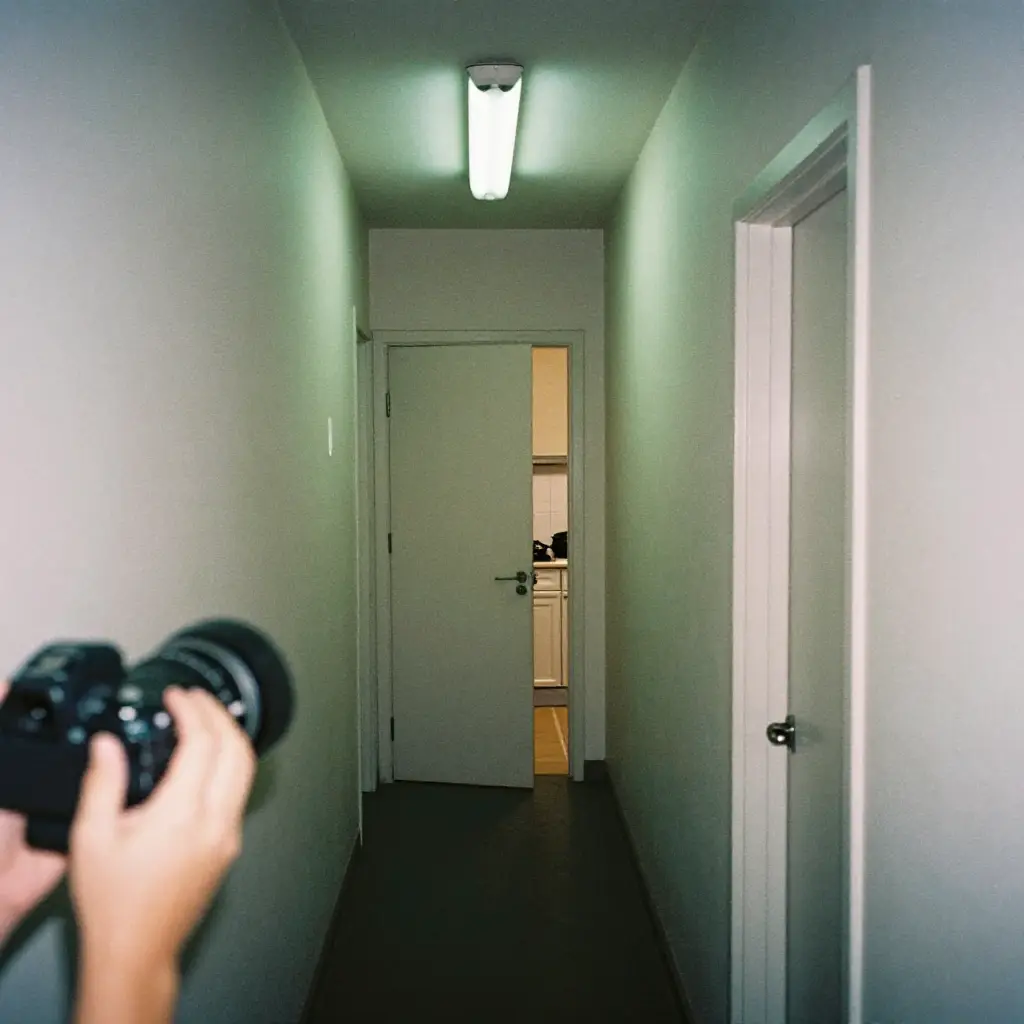
Got a video card on the canvas that runs a few seconds long? With /clip-export you trim it by dragging the handles, preview the selection, drop it on the timeline and render one short, clean MP4 clip.
 /film-shot
Film shots: design a scene with real camera language
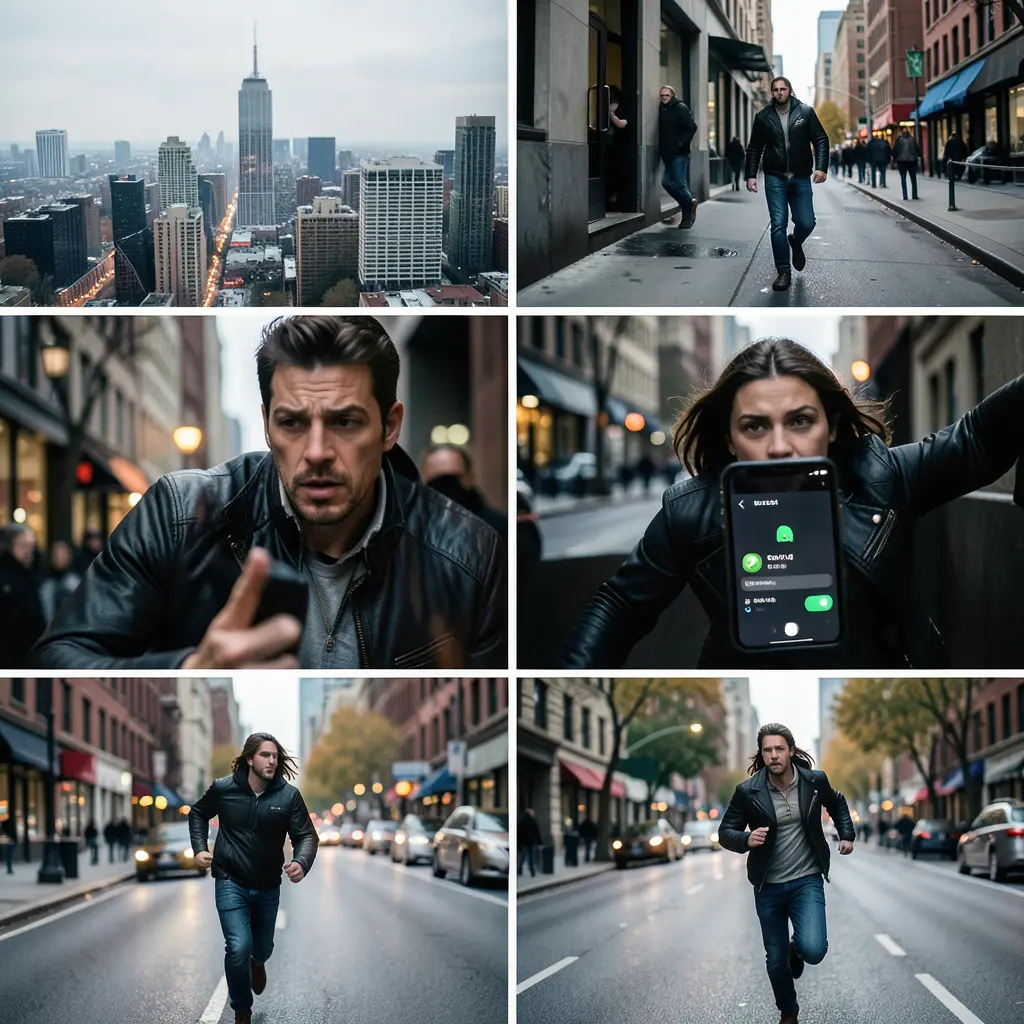
With the /film-shot skill you turn a subject and a mood into a series of film stills with professional camera language — lock the style and medium, keep the face recognizable across shots and let the app generate a consistent set on the canvas.
 /multi-shot
Multi-Shot: the same subject from a new camera angle
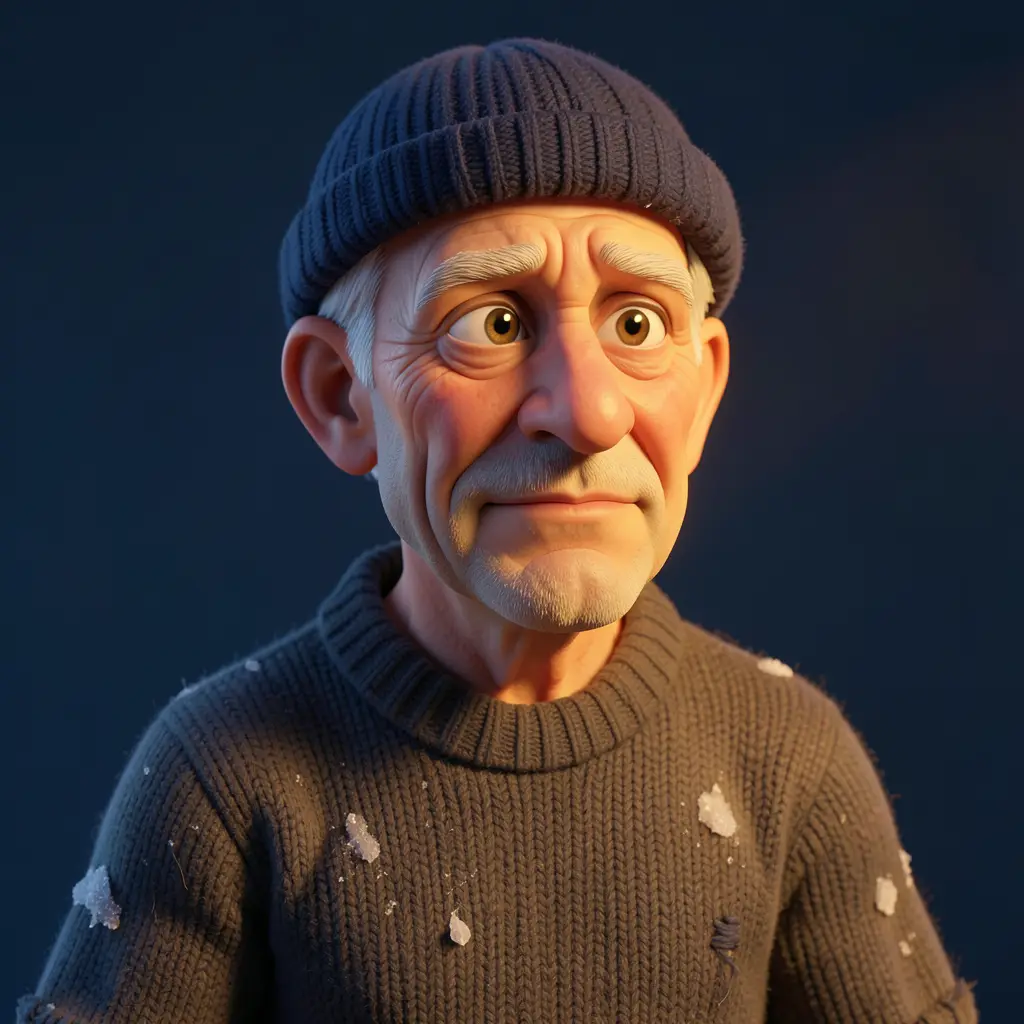
From one photo of a character or product, render extra shots from other angles — front, profile, low-angle hero or top-down — with identity, lighting and style locked. The camera moves, the world doesn't.