Tutorials
FilmMovie Studio tutorials
Hands-on, step-by-step guides: what to open, where to click and what to type to turn a single idea into a finished video, game, app or product shot — right inside FilmMovie Studio.
 /avatar-studio
Avatar Studio: one character that stays the same across every pose
Turn one photo or description into a stylized avatar, then spin off a whole set of poses and expressions — face, hair and outfit stay the same. The secret is chaining references.
 /film-style-picker
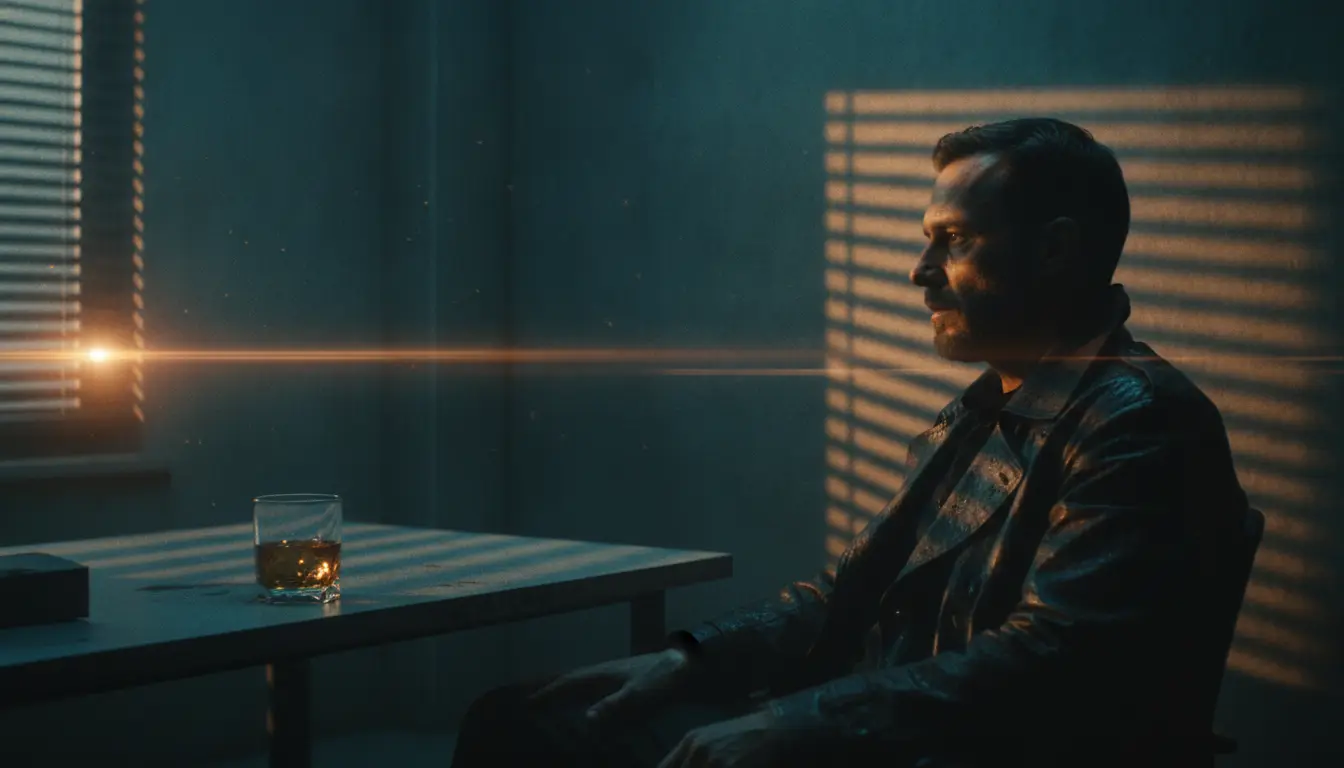
Lock in a film style: one look for the whole project
Before you start generating, pick one of 36 cinematic styles and lock it as a card on the canvas. Every later image and video then stays visually consistent — same palette, light and mood.
 /film-assets
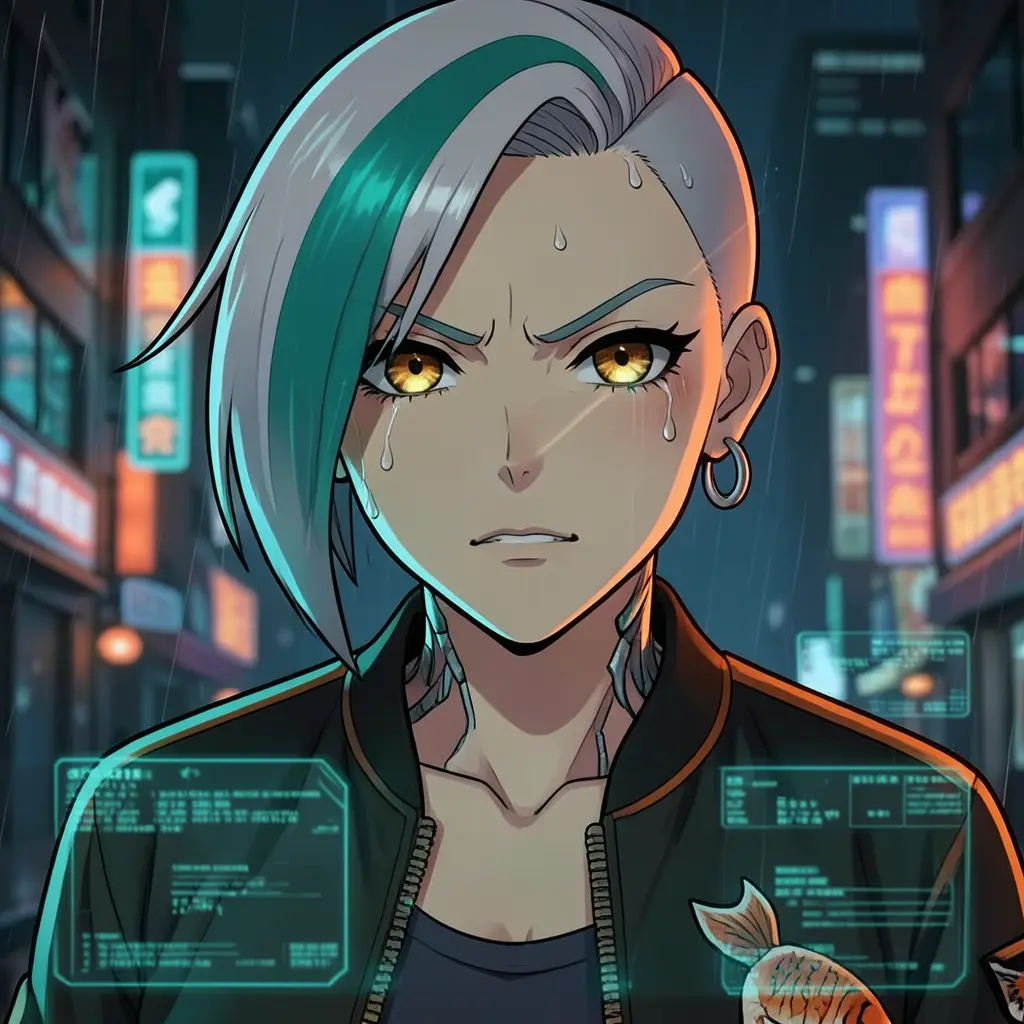
Film assets: consistent reference sheets for characters, props and locations
Turn one reference photo into a whole set of production sheets — character turnarounds, expressions, poses, prop orbit views or location concepts — while the identity stays recognizably the same across every panel. These are the assets a real art department pins to the wall.
 /ecommerce-image
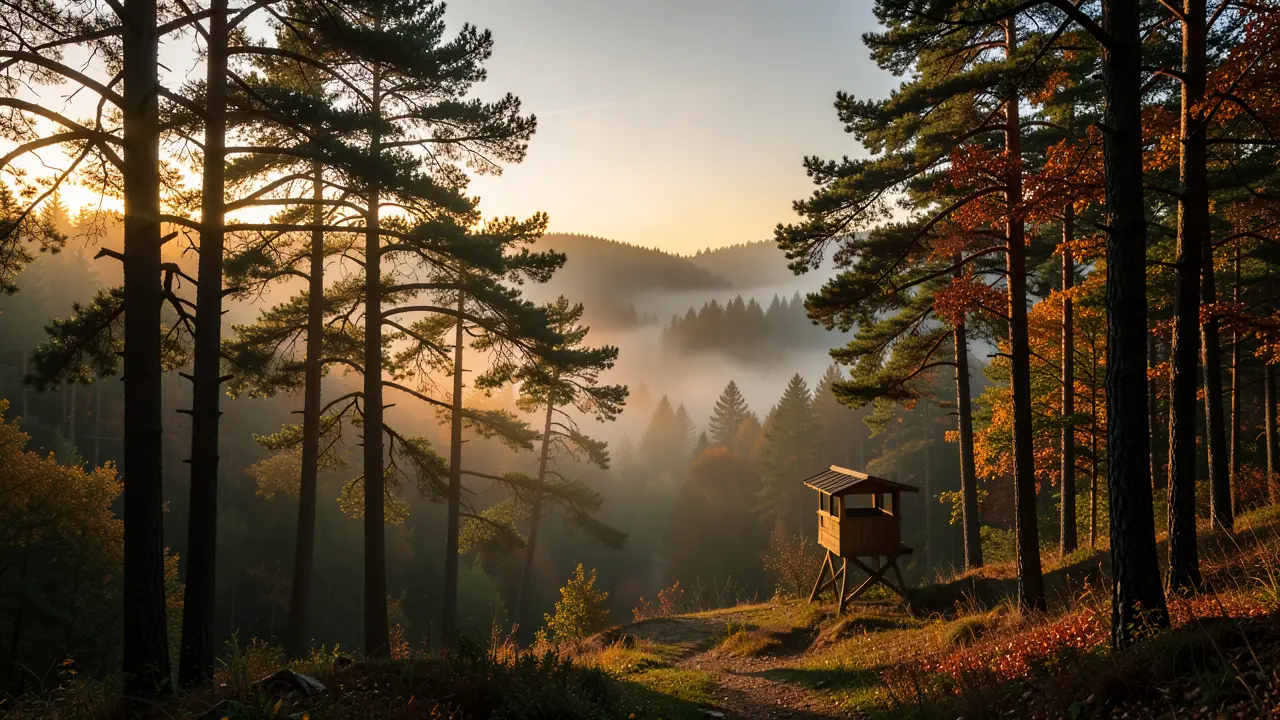
Quick product shot: one image and variants from a single photo
Need one clean product shot for a listing — not a whole set? The /ecommerce-image command takes a single photo of your product and turns it into one finished image you can quickly multiply into variants with Remix.
 /ad-idea
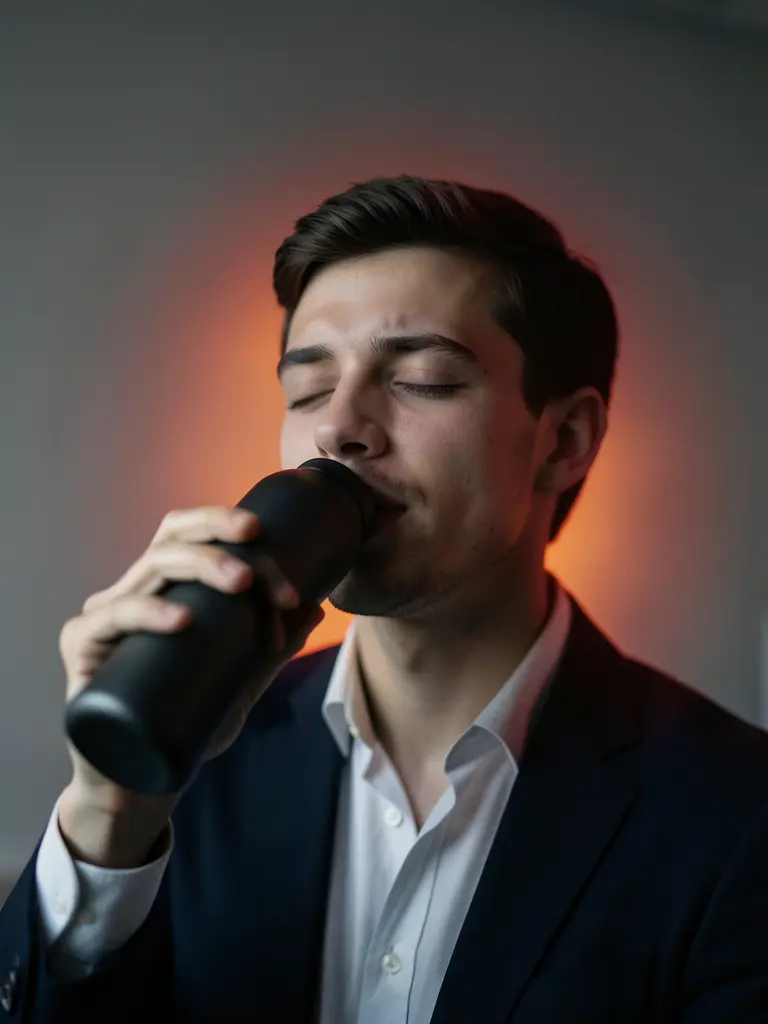
Ad idea: from brief to a concept ready for video
Describe your product and audience; /ad-idea lays a consumer insight and three scored creative concepts with copy onto the canvas. Pick one, get a full proposal plus a mood board — then carry the direction into a video skill.
/detail-page-skill-courseA course sales page: the six-layer funnel that convinces
With /detail-page-skill-course you build a long-form sales page for a course or knowledge product: the app gathers the offer, audience and proof, plans a hook → pain → solution → proof → offer → CTA funnel, and generates one tall image per layer in a single visual system.
 /asmr-ambient
ASMR ambient: a sleep soundscape from idea to timeline
With /asmr-ambient you build a calming soundscape — a slow whispered narration over a quiet music bed. You fill a short brief, approve the script, watch audio cards appear on the canvas, preview them and lay them onto the timeline. The result is layered audio to mix, not a finished video.
/drama-soundtrackScoring a drama: compose a full soundtrack for a scene with /drama-soundtrack
Paste a script or story outline and FilmMovie Studio derives a musical analysis from it, drafts a soundtrack plan, and — once you approve — composes an opening and ending theme, character motifs and instrumental cues for the key scenes, all laid out for audition on the timeline's music track.