On any film project the same character, prop or location shows up in dozens of shots — and has to look the same every time. The /film-assets skill puts you in the art supervisor's chair: from one reference it generates a complete, internally consistent set of production sheets. The key trick is an identity lock — a written "Identity Card" and an anchor sheet that carry into every later generation, so the face, hair, outfit and materials stay recognizably the same. In this guide we'll build one such set from scratch.
What you'll need
- FilmMovie Studio installed with at least one image provider configured (kie.ai or deAPI).
- One good reference photo of the subject — a character's face, a prop or a location (if you have none, a precise text description is enough).
- A decision on the medium for the whole set — photorealistic, 2D anime or 3D render (never mixed within a set).
Step by step
- 1
Launch the /film-assets skill and pick a module
In the chat panel type /film-assets (or pick the skill icon) and describe the subject, e.g. "a turnaround of my detective". At the first creative gate the app asks via a choice menu which production asset to build: Character multi-view, Prop multi-view or Scene concept art. For a character it also asks the sub-type: Views sheet, Expressions, Poses or Character card.
Film Movie StudioRenderNeo-Osaka Cyberpunk Drone R…New projectSearch skills…AllWorkflowsQuickvideoShort DramaViral vertical mini-series, end to end.imageImage CreatorGenerate single images from a prompt.audioAudio StudioVoiceover, SFX and music tracks.copyApp BuilderMulti-screen apps with live preview.imageE-commerce DesignPro product shots for any platform.videoMusic VideoBeat-synced clips cut to your track.Tip: If your opening message names the module clearly ("orbit views of this sword"), the app skips the question and just confirms the module in one sentence. - 2
Attach the reference photo via the paperclip
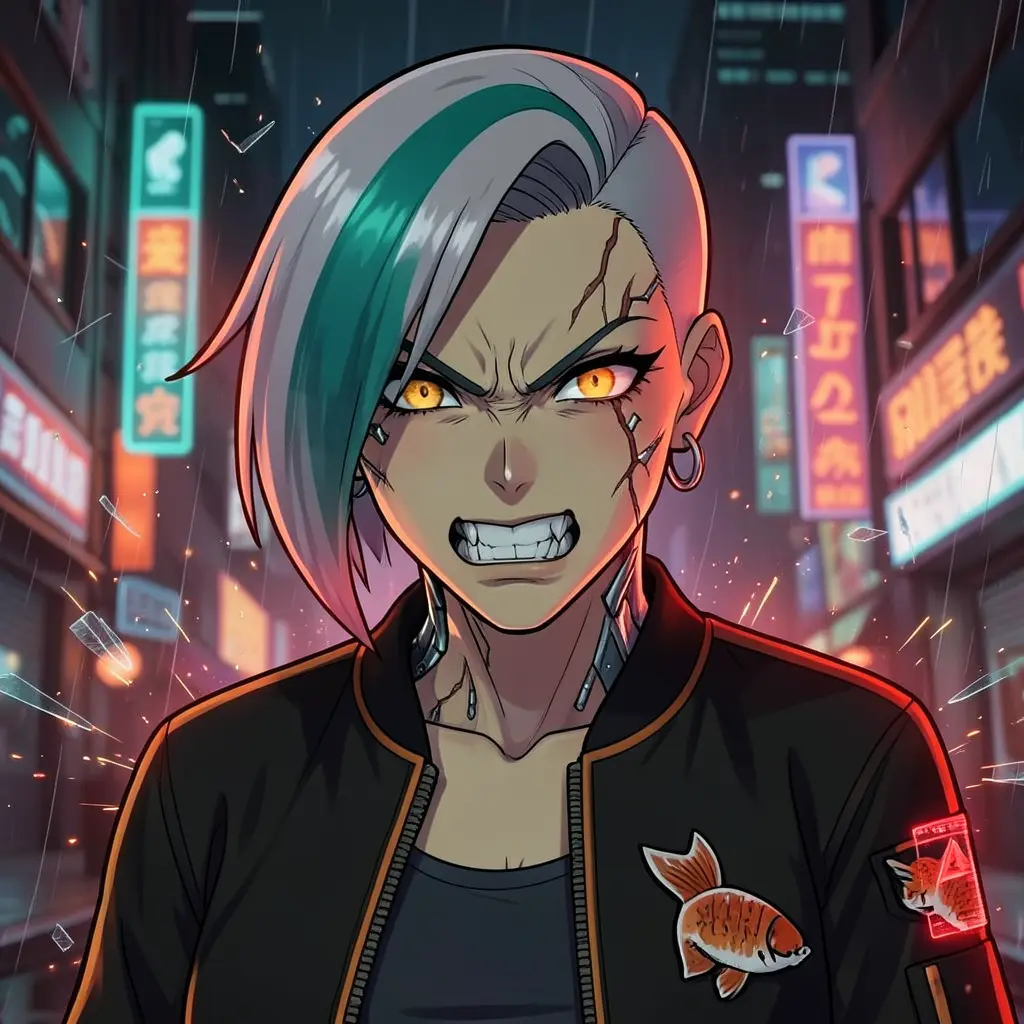
When the app asks for a reference, click the paperclip icon in the chat box and attach the actual file. A filename typed into chat won't work — the app needs the real image to lock the design to. If you have no image, reply "skip" and describe the subject in words.
Film Movie StudioRenderNeo-Osaka Cyberpunk Drone R…New projectFiles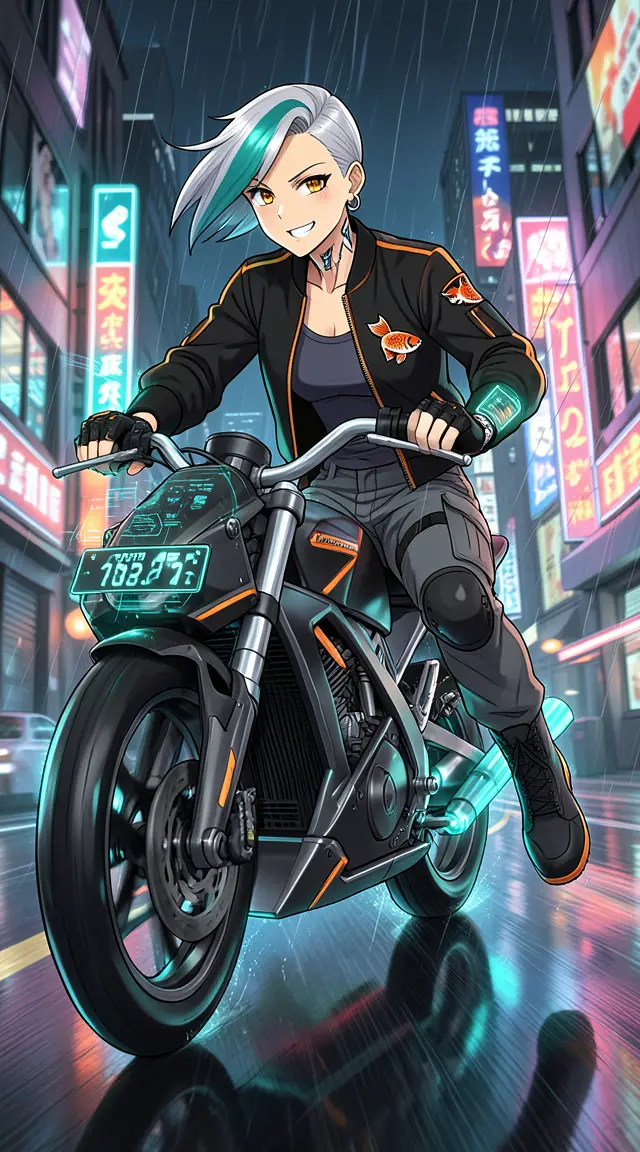 frame_1.png
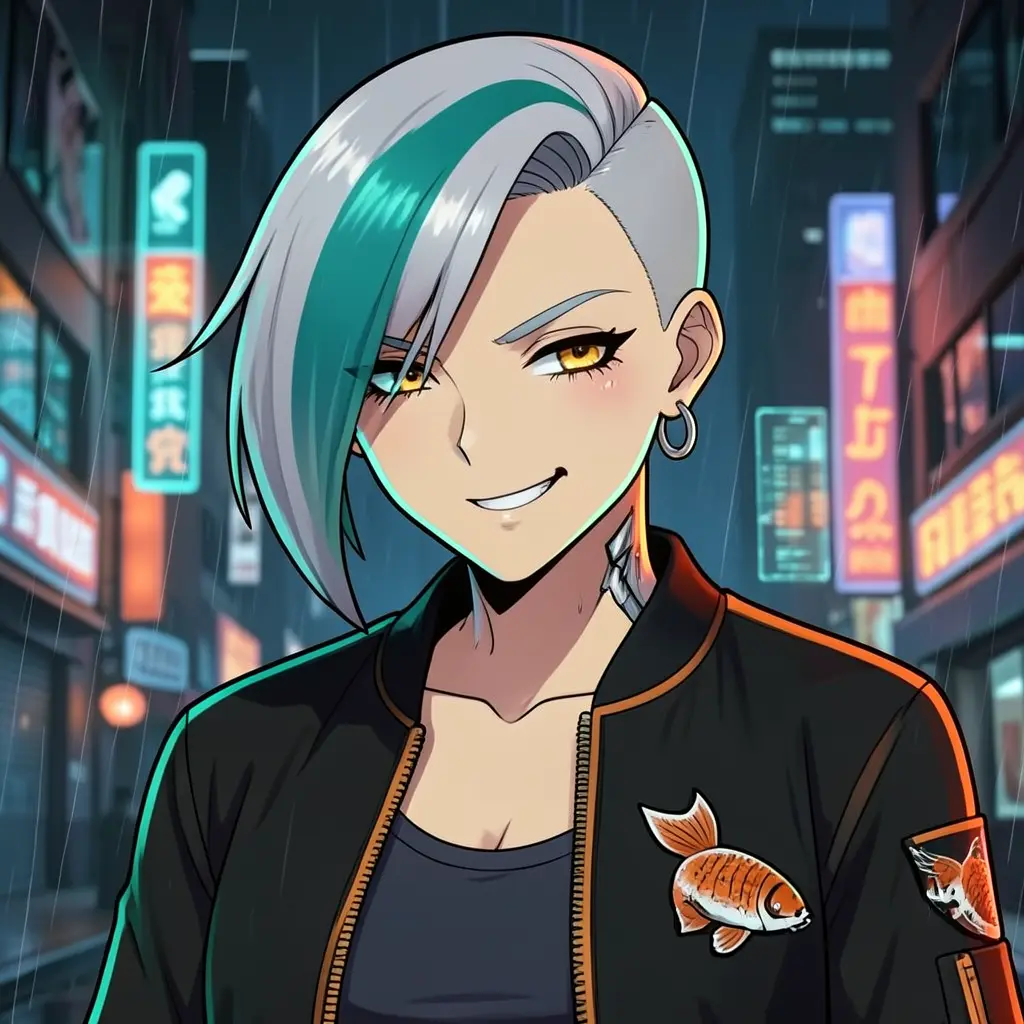 frame_2.png
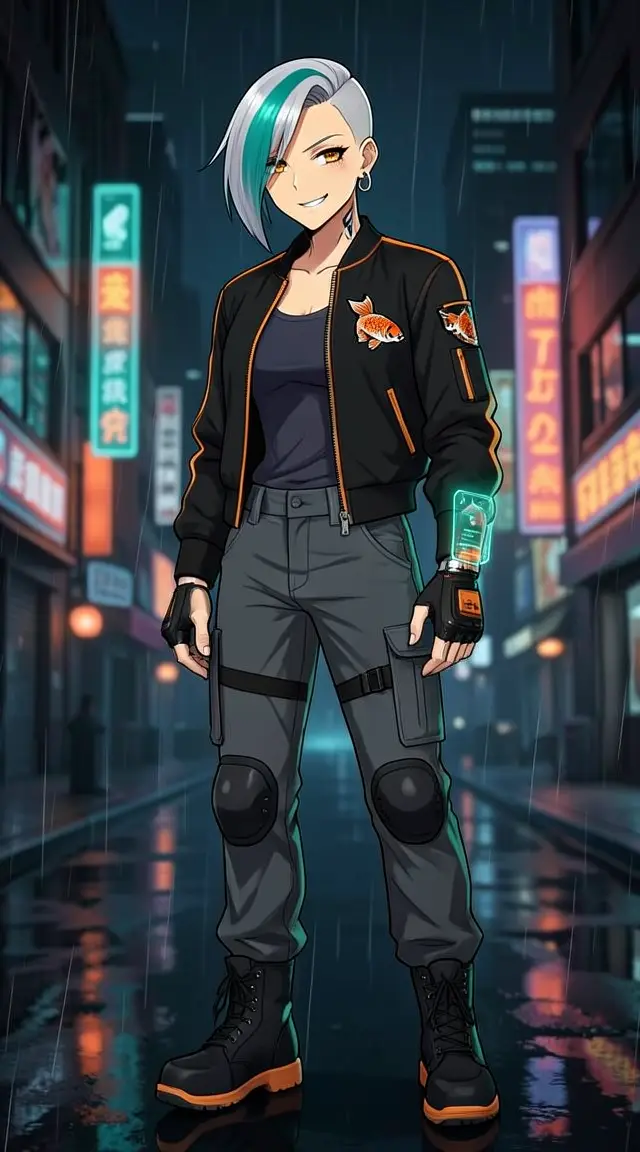 frame_3.png
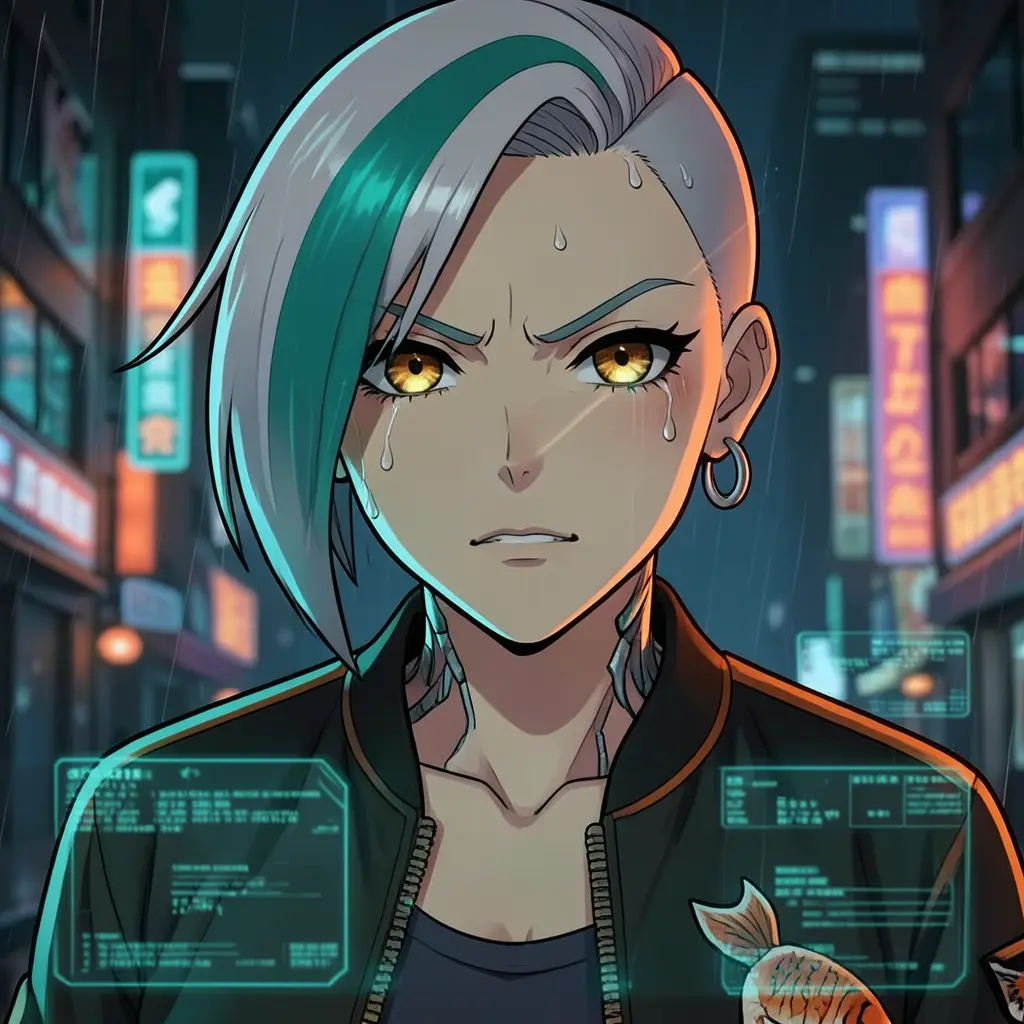 frame_4.png
 frame_5.png
Drag an image here, or click to upload
reference.pngTip: From the attached photo the app runs a vision analysis (generate_copy) and extracts face, hair, outfit, materials and the medium into a written Identity Card. - 3
Fill in the Asset Brief
A brief form opens with tabs matching the module. For a character you choose the output (Single composite sheet — recommended / Separate images), view count (three/four/eight) and background (pure white — recommended). For a prop, view type and background; for a scene, the variant set (angles, time of day, weather/season). Confirm and the app saves a document card "<Subject> — Asset Brief" with the Identity Card onto the canvas.
Film Movie StudioRenderNeo-Osaka Cyberpunk Drone R…New projectSkills/film-assets/short-drama/image-creator/audio-studio/app-builder/film-assets cyberpunk anime, neon-lit cityscape, holographic UI, rain-soaked streets, cybernetic implants. Close-up facial expression portrait of Rin Kazama — expression is…
SkillsModelsType / to switch skills anytime
- 4
Generate the primary (anchor) sheet
The app generates the first sheet — turnaround, expressions or poses — and drops a card on the canvas that shimmers while generating, then fills with the finished panel sheet. The Identity Card is pasted verbatim into the prompt and the reference photo goes in via image_urls, so every panel shows the same subject. For side views the app uses camera-movement language (not left/right) to avoid mirrored duplicates.
Film Movie StudioRenderNeo-Osaka Cyberpunk Drone R…New projectFilesframe_1.pngframe_2.pngframe_3.png60%promptframe_01.pngRemixframe_02.pngRemixframe_03.pngGenerating… 55%Remixoutput - 5
Check the anchor at the silent quality gate
The app silently compares the sheet against the reference (same face, correct panel count, genuinely different angles, consistent medium) and rates it. If the rating is low it regenerates once automatically with the failing constraint strengthened. The first sheet that passes becomes the anchor for the whole set.
Film Movie StudioRenderNeo-Osaka Cyberpunk Drone R…New projectFilesframe_1.pngframe_2.pngframe_3.pngframe_4.png60%promptframe_01.pngRemixframe_02.pngRemixframe_03.pngRemixframe_04.pngGenerating… 80%Remixoutput - 6
Generate the remaining sheets from the same anchor
For every later sheet — expressions after the turnaround, more poses, a scene variant under different light — the app passes both the anchor sheet and the original reference in ref_node_ids, so the identity never drifts. Cards parent to the brief, so the project graph stays connected and easy to read.
Film Movie StudioRenderNeo-Osaka Cyberpunk Drone R…New projectFilesframe_1.pngframe_2.pngframe_3.pngframe_4.pngframe_5.png60%promptframe_01.pngGenerating… 42%Remixframe_02.pngGenerating… 68%Remixframe_03.pngGenerating… 55%Remixframe_04.pngGenerating… 80%RemixoutputTip: For props the app hard-locks the panel count ("exactly N panels, each with one instance"), since models tend to add extra copies. - 7
Wrap up the set at the review gate
The app summarizes what each sheet contains and offers another round via a choice menu: Add more views/variants, Adjust something or Done. After "Done" you have the complete sheet set on the canvas, saved locally. This skill produces still assets only — no video render; you assemble those in another workflow.
Film Movie StudioRenderNeo-Osaka Cyberpunk Drone R…New projectFilesframe_1.pngframe_2.pngframe_3.pngframe_4.pngframe_5.png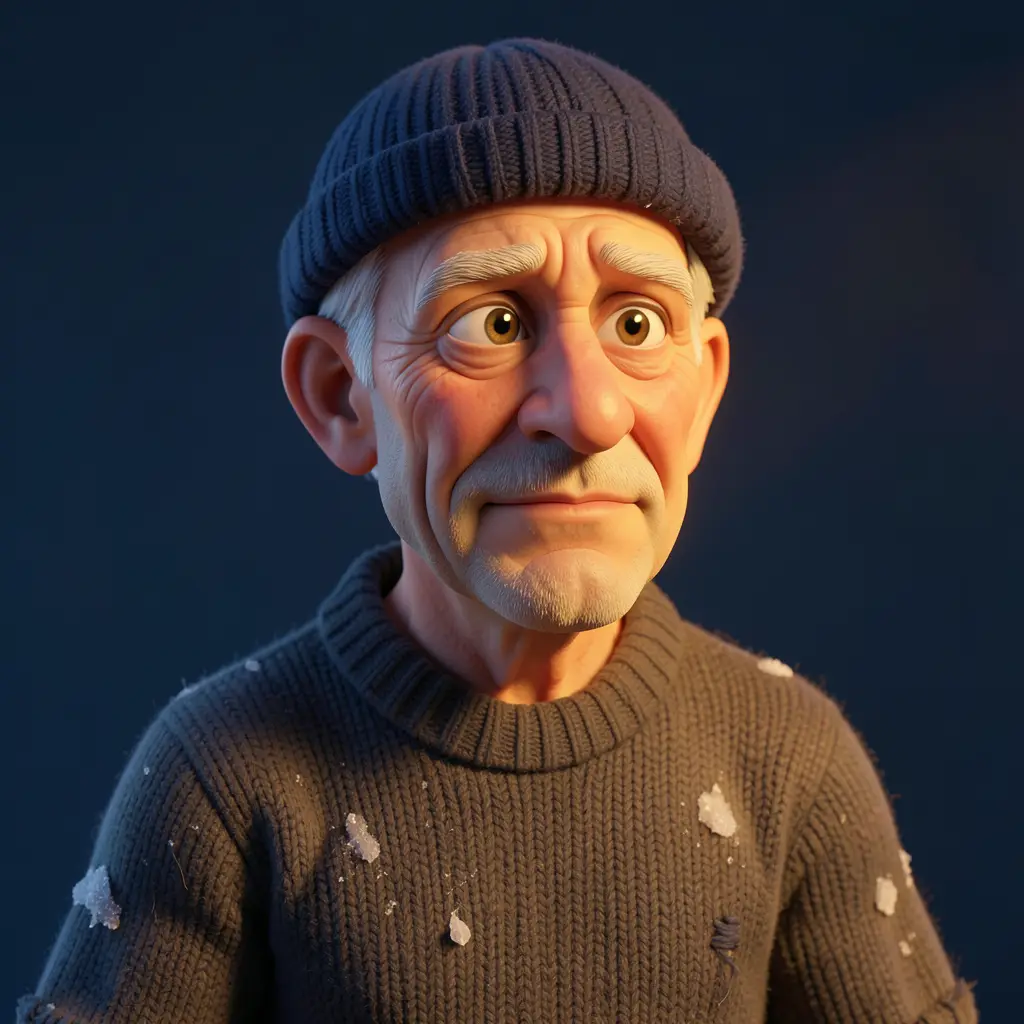 frame_6.png60%promptframe_01.pngRemixframe_02.pngRemixframe_03.pngRemixframe_04.pngGenerating… 80%Remixoutput
What you get
You have a complete set of production sheets on the canvas — the anchor sheet plus every expression, pose or variant — all showing recognizably the same subject thanks to the identity lock. You can now attach these references into later shots and workflows, so every scene with this character, prop or location stays consistent. Everything is saved locally in the project.
Pro tips
- Identity rests on repeating the full appearance description in every prompt — never paraphrase it; always copy the Identity Card verbatim.
- One set = one medium. Photorealistic, anime and 3D never mix within a set; decide right at the start.
- Avoid left/right/mirror words for views — models have weak orientation and will produce mirrored duplicates. That's why the app uses camera-orbit language.
Try it yourself
FilmMovie Studio is a desktop app that walks you from idea to finished export. Download it and start creating.
Get FilmMovie Studio