The most common reason an AI project looks "all over the place" is that every shot was made in a different style. The /film-style-picker skill prevents that: it walks you through 36 film styles (from cyberpunk through Wong Kar-wai to Ghibli), compares the strongest candidates and saves the one you choose as a document on the canvas. This "style guide" holds a ready-made prompt template and palette you then add to every generation. In this guide you'll pick and lock a style.
What you'll need
- An open project in FilmMovie Studio with an empty or in-progress canvas.
- A generation provider configured (kie.ai or deAPI) — only needed if you want sample frames.
- At least a rough idea of the mood or director you like (e.g. "neon city in the rain").
Step by step
- 1
Launch the /film-style-picker skill
In the chat panel on the right, type /film-style-picker and press Enter. If you already know a director or film (e.g. "I want it like Wong Kar-wai"), add that right after the command — the skill skips the category question and offers the closest styles straight away.
Film Movie StudioRenderNeon Shadow Neo-NoirNew projectSkills/film-style-picker/short-drama/image-creator/audio-studio/app-builder/film-style-picker Neo-noir film still, smoke-filled interior of a dim bar or gambling den, thick volumetric light shafts cutting through hanging cigarette haze from a single overhead…
SkillsModelsType / to switch skills anytime
Tip: Just describe the mood in your own words — the app recognises both "cyberpunk" and "Midsommar vibes" and maps them to its database of 36 styles. - 2
Pick a style group
If you didn't name a mood, a choice prompt (ask_user_choice) appears with four groups: Realistic / Drama, Sci-Fi, Fantasy & Horror, Animation & Whimsy, Period & Retro. Click the group button closest to what you have in mind.
Film Movie StudioRenderNeon Shadow Neo-NoirNew projectSkills/film-style-picker/short-drama/image-creator/audio-studio/app-builder/film-style-picker Neo-noir film still, smoke-filled interior of a dim bar or gambling den, thick volumetric light shafts cutting through hanging cigarette haze from a single overhead…
SkillsModelsType / to switch skills anytime
- 3
Compare three candidate styles on the canvas
The app selects the 3 best styles and drops a "Style Comparison" text card on the canvas — each style lists its directors, visual keywords, palette and mood. Zoom into the card and compare them side by side.
Film Movie StudioRenderNeon Shadow Neo-NoirNew projectFiles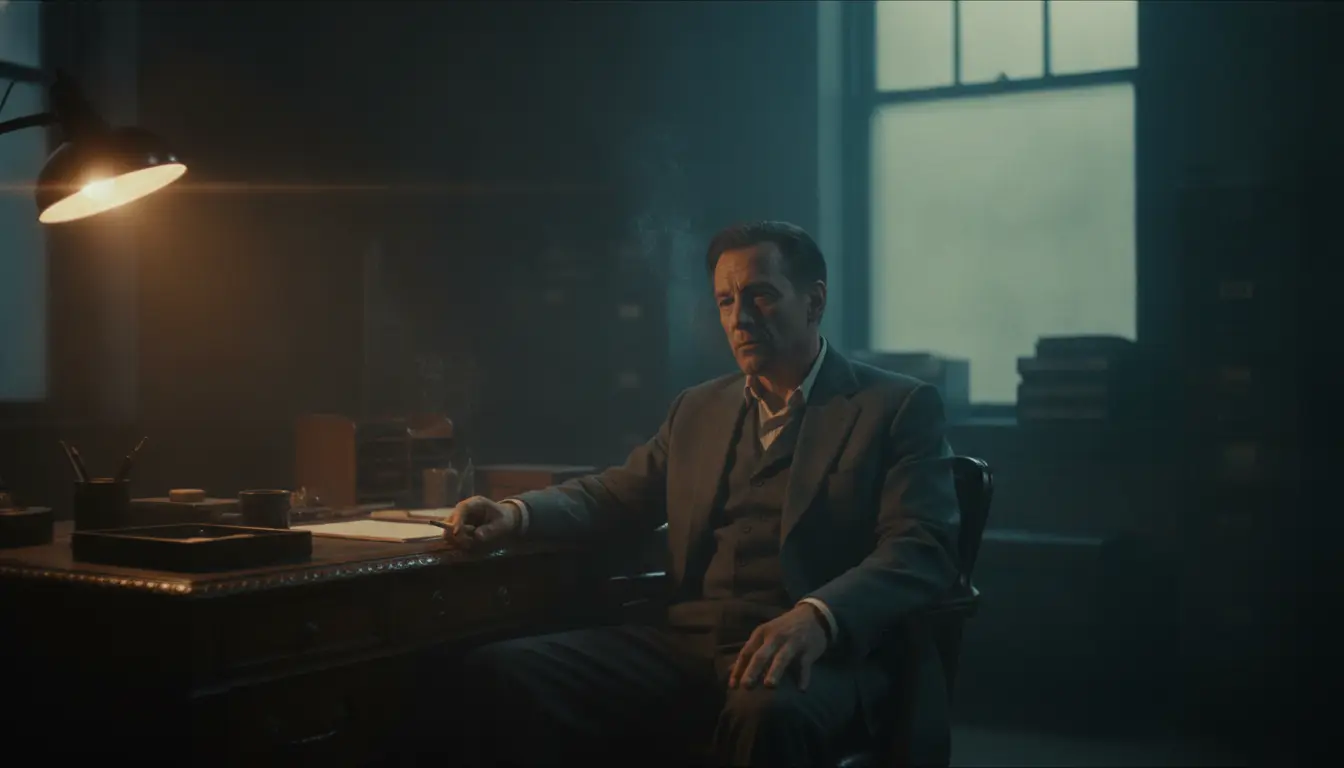 frame_1.png
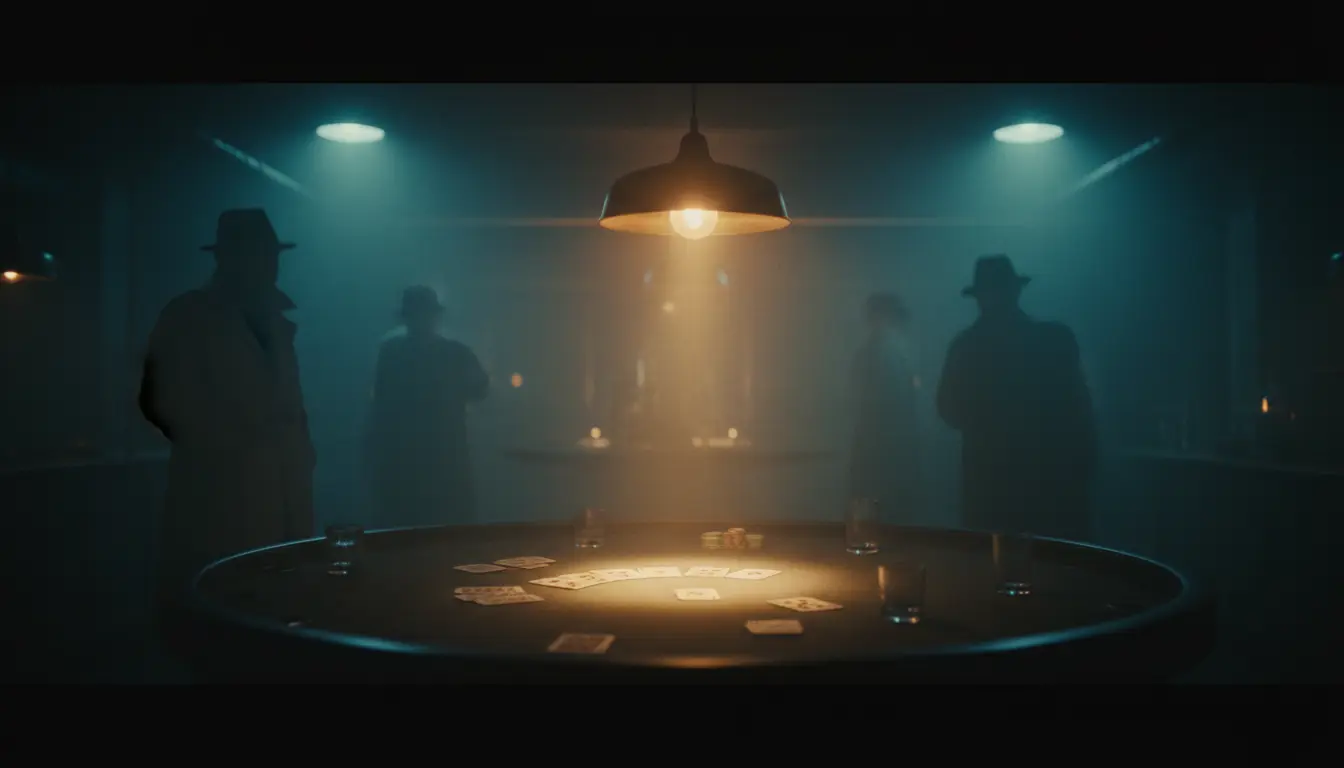 frame_2.png
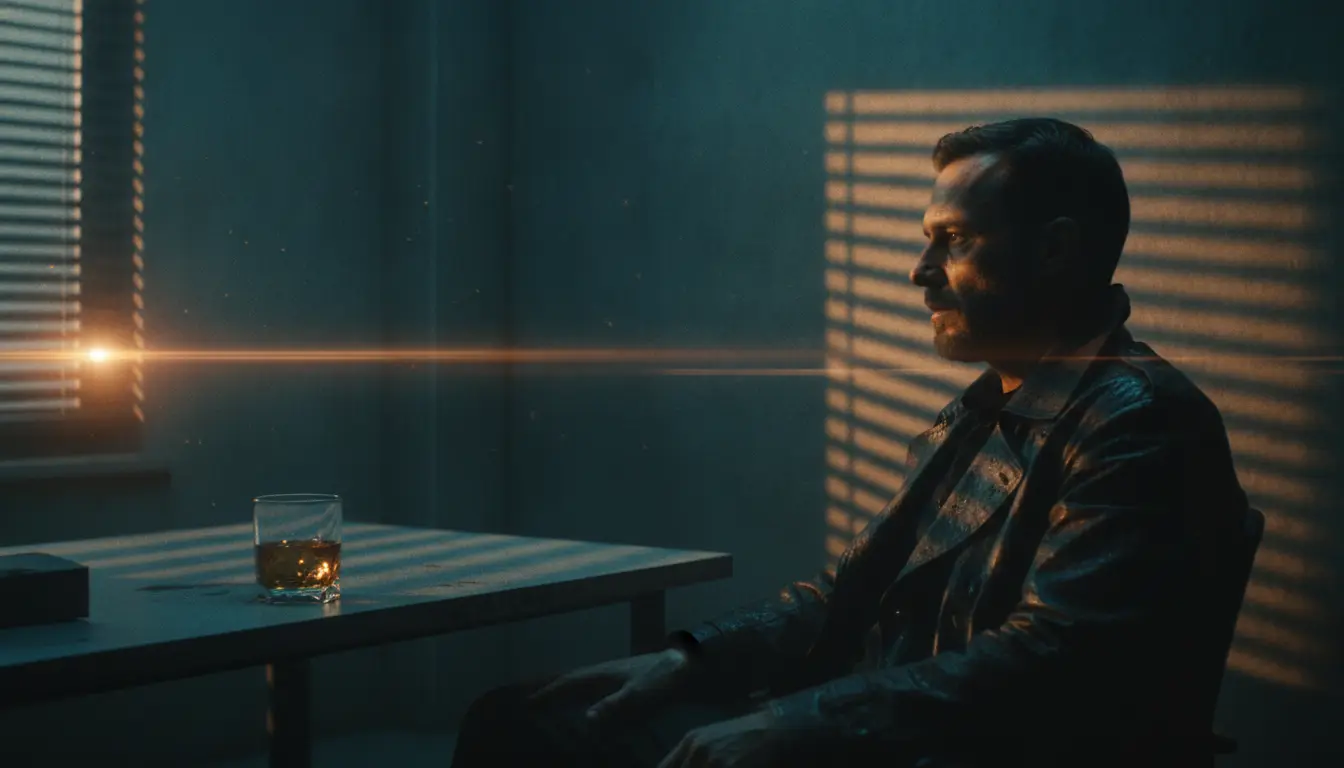 frame_3.png
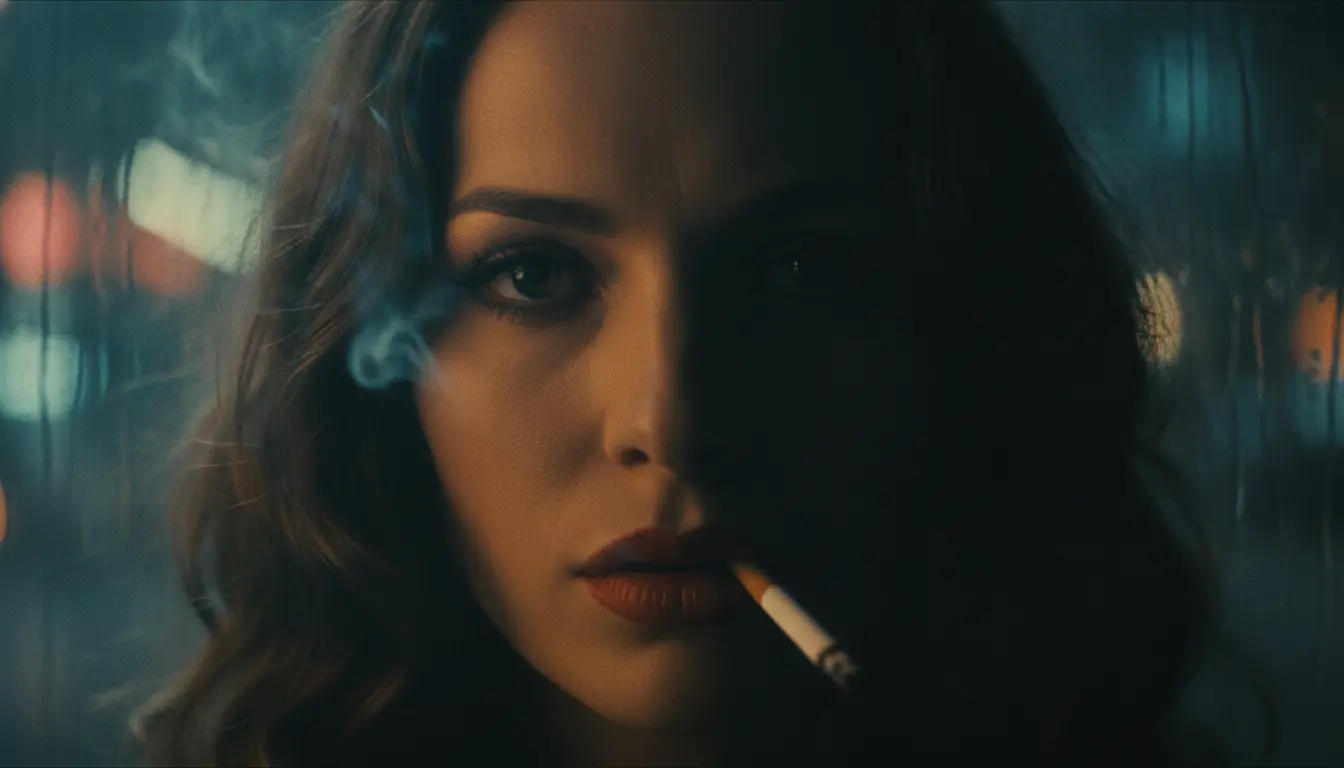 frame_4.png
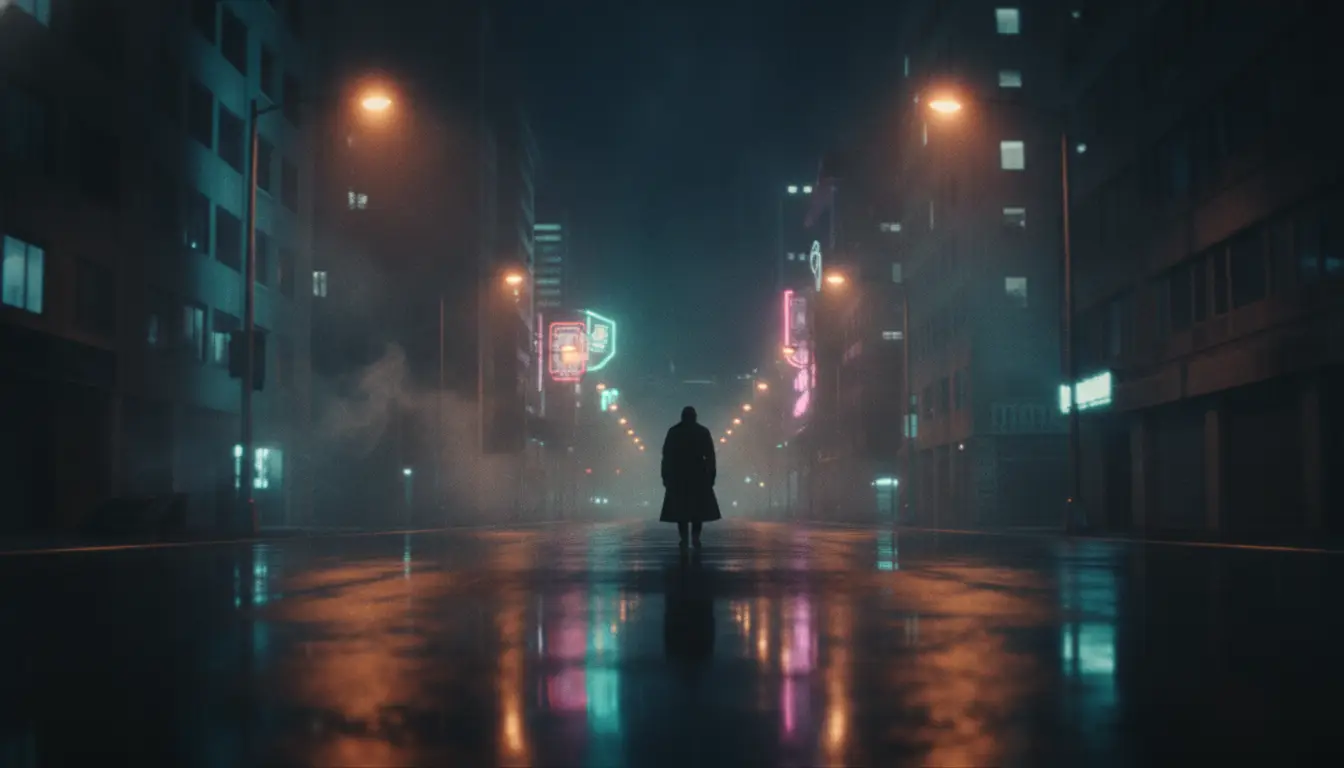 frame_5.png
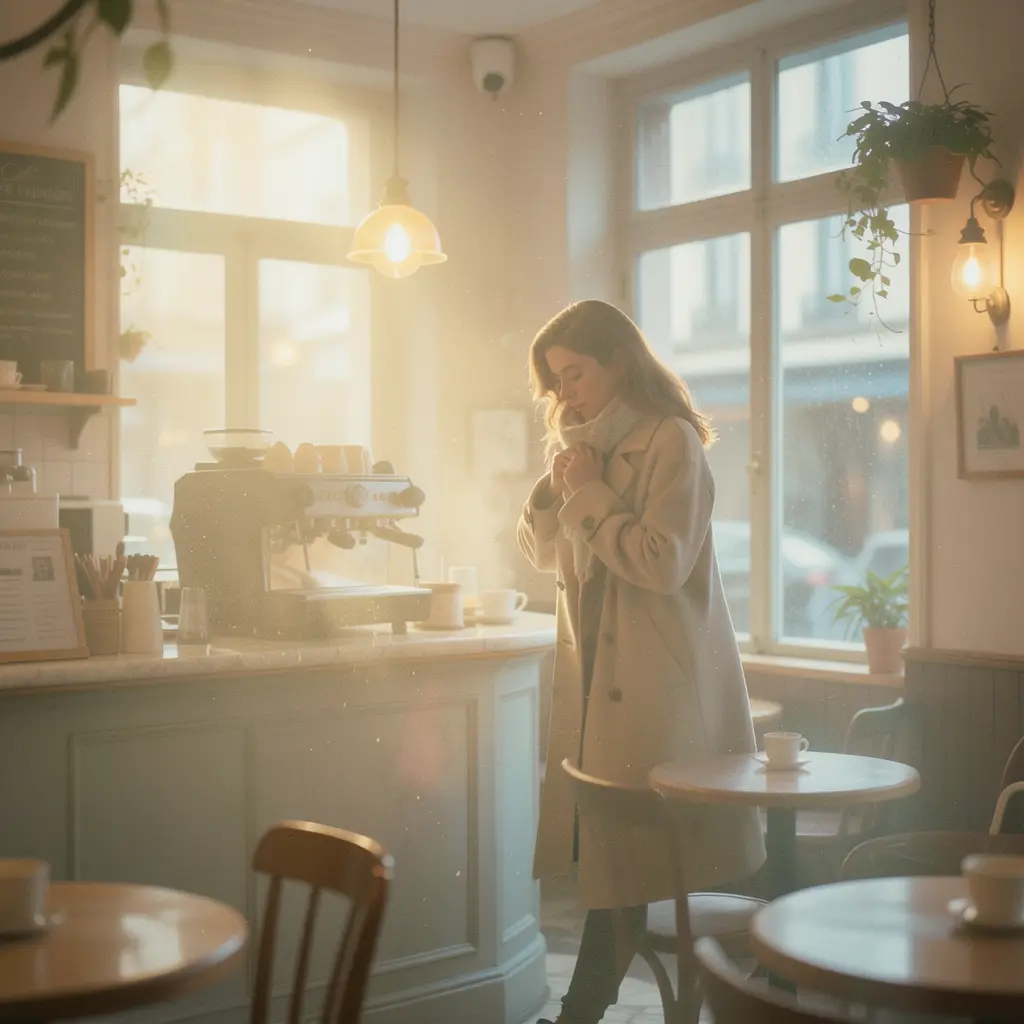 frame_6.png60%promptframe_01.pngRemixframe_02.pngRemixframe_03.pngRemixframe_04.pngGenerating… 80%Remixoutput
 - 4
Optionally generate sample frames
The app asks whether to generate one sample frame per style so you can see the difference for yourself. Click "Yes, generate 3 samples" (uses 3 image generations) or "No, the cards are enough". The frames hang under the comparison card.
Film Movie StudioRenderNeon Shadow Neo-NoirNew projectFilesframe_1.pngframe_2.pngframe_3.png60%promptframe_01.pngGenerating… 42%Remixframe_02.pngGenerating… 68%Remixframe_03.pngGenerating… 55%RemixoutputTip: Samples cost credits, but when deciding between two similar styles they're well worth it — you see exactly how the light and colours suit your subject. - 5
Lock in one style
A final choice prompt appears with four options: the three candidate styles plus "None of these — show me different styles". Click the card of the style you want to use. That locks it in; pick the fourth option and the app offers more styles instead.
Film Movie StudioRenderNeon Shadow Neo-NoirNew projectSkills/film-style-picker/short-drama/image-creator/audio-studio/app-builder/film-style-picker Neo-noir film still, smoke-filled interior of a dim bar or gambling den, thick volumetric light shafts cutting through hanging cigarette haze from a single overhead…
SkillsModelsType / to switch skills anytime
- 6
Add your scene for the final prompt
The app asks for your specific scene — subject, action, environment, camera angle and aspect ratio. Type it into chat. From this it builds the final prompt: style template + your description + mood + aspect ratio + "cinematic, high detail".
Film Movie StudioRenderNeon Shadow Neo-NoirNew projectSkills/film-style-picker/short-drama/image-creator/audio-studio/app-builder/film-style-picker Neo-noir film still, smoke-filled interior of a dim bar or gambling den, thick volumetric light shafts cutting through hanging cigarette haze from a single overhead…
SkillsModelsType / to switch skills anytime
- 7
Save the style guide to the canvas
The app adds a "Style Guide" document to the canvas with the style name, prompt template, final prompt, palette and usage notes. This document is your reference point — attach its template to every later image or video generation so the whole project keeps one consistent look.
Film Movie StudioRenderNeon Shadow Neo-NoirNew projectFilesframe_1.pngframe_2.pngframe_3.pngframe_4.pngframe_5.png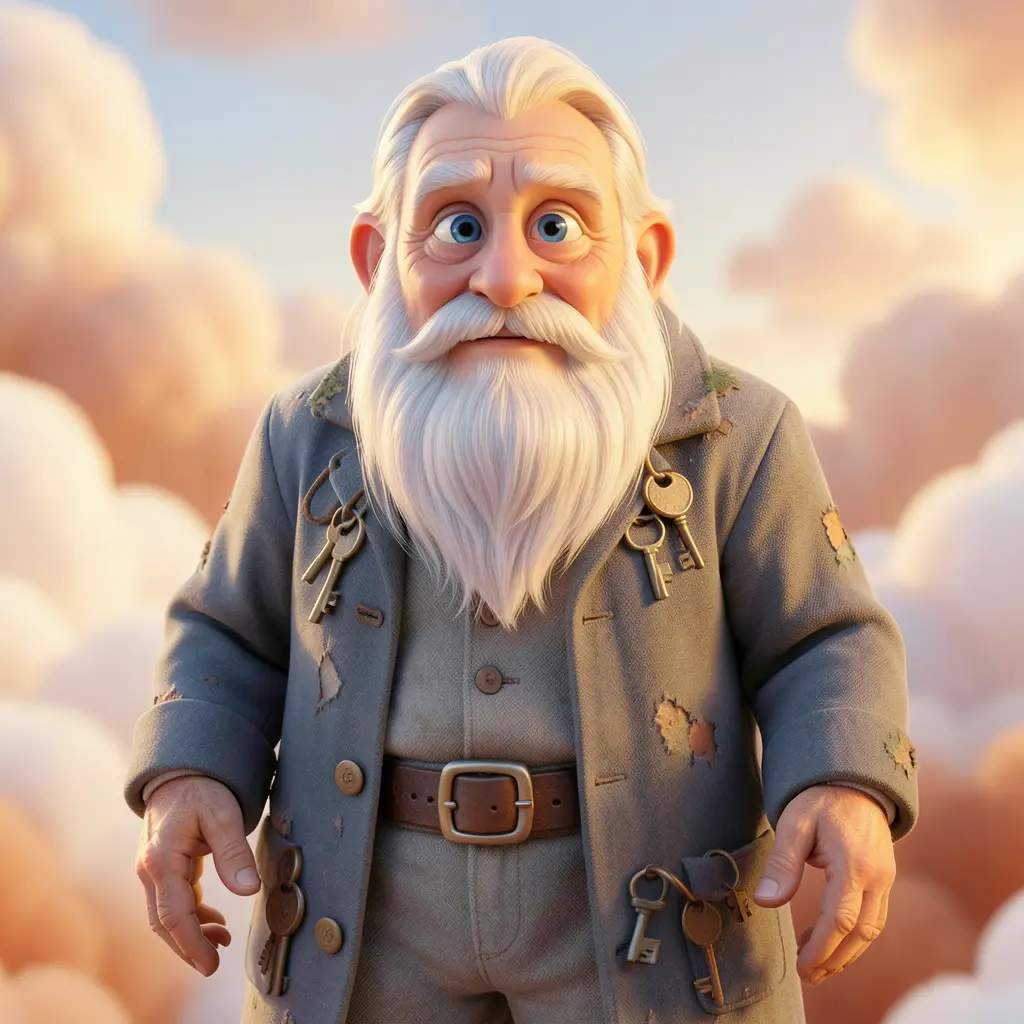 frame_6.png
Drag an image here, or click to upload
reference.pngTip: Use the guide's palette for color grading cards (color_adjust) too: e.g. Fincher = lower temperature and higher contrast, 70s grain = higher temperature and saturation.
What you get
On the canvas you have a "Style Guide" document with the style name, palette and a ready prompt template — and with it the locked visual language of the whole project. For every later image or video you just attach this template, and all your shots hold together: same light, colours and mood.
Pro tips
- Never mix two style templates in one prompt — pick one style per project and stick with it.
- Prompt templates stay in English even if your interface is in another language; generation models respond to them most reliably.
- If you have your own reference photo, attach it in chat — the skill identifies the closest style instead of choosing from scratch.
Try it yourself
FilmMovie Studio is a desktop app that walks you from idea to finished export. Download it and start creating.
Get FilmMovie Studio