Great advertising starts with an idea, not a camera. The /ad-idea skill in FilmMovie Studio works like a creative director: from a short brief it pulls one sharp consumer insight, invents three different concepts (each via a different method), scores them internally and hands you a tidy menu. You pick one and get a full creative proposal — tagline, headlines, key visuals — plus a mood board of images. No video is rendered here; the goal is to decide WHAT you'll say before you start producing. You then carry the finished direction into a video skill.
What you'll need
- FilmMovie Studio installed with at least one generation provider configured.
- A product or brand you want to promote — one or two sentences about what it is and who it's for.
- Optionally a product photo or an existing ad as reference (attach it via the paperclip icon).
Step by step
- 1
Pick the /ad-idea skill
In your project, click the skill icon in the chat panel and choose /ad-idea (Ad Idea) from the list. This tells the app you want to develop a concept first — not generate video right away.
Film Movie StudioRenderVOLN Sparkling Water Campai…New projectSearch skills…AllWorkflowsQuickvideoShort DramaViral vertical mini-series, end to end.imageImage CreatorGenerate single images from a prompt.audioAudio StudioVoiceover, SFX and music tracks.copyApp BuilderMulti-screen apps with live preview.imageE-commerce DesignPro product shots for any platform.videoMusic VideoBeat-synced clips cut to your track. - 2
Describe your product or brand
The app asks what you're promoting. Type one or two sentences: what it is, what it does and who it's for. If you have a product photo or an old ad, attach it via the paperclip icon — the concept and mood board will then reflect it.
Film Movie StudioRenderVOLN Sparkling Water Campai…New projectFiles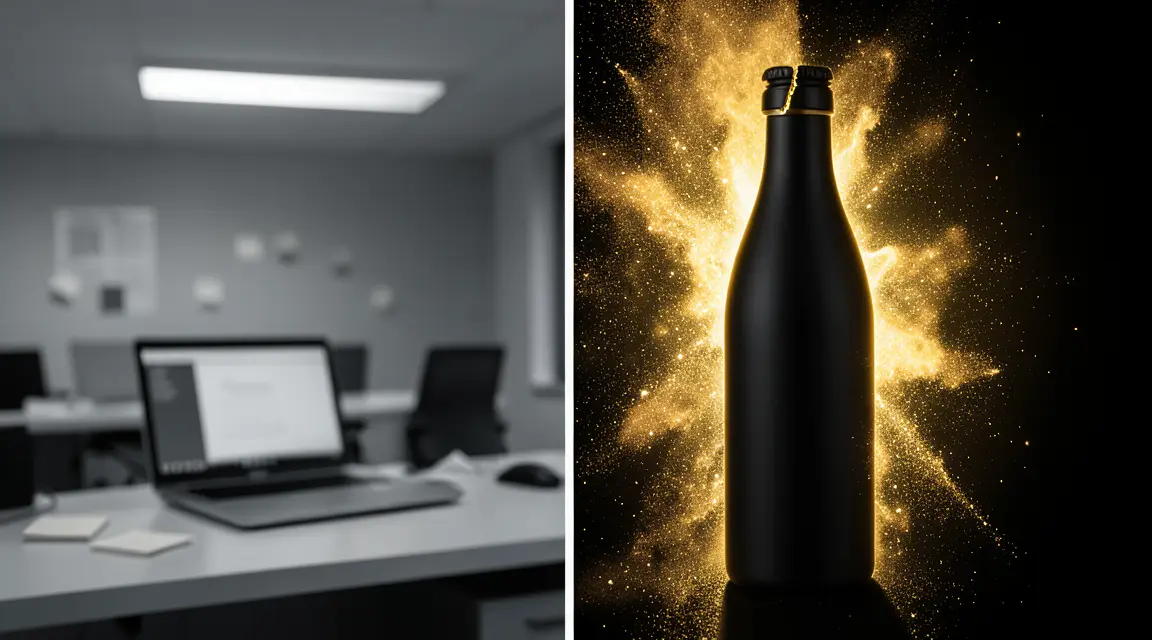 frame_1.png
 frame_2.png
 frame_3.png
 frame_4.png
 frame_5.png
Drag an image here, or click to upload
reference.pngTip: Be specific about what makes the product different. The sharper the input, the more ownable the concept you get. - 3
Fill the brief: audience, goal and tone
A short form opens with three tabs. Under "Audience" you pick who you're talking to (e.g. young families, professionals 30–45). Under "Goal" you set what the ad should achieve (awareness, product launch, repositioning, conversion). Under "Tone" you choose the emotion (playful, heartfelt, bold, premium).
Film Movie StudioRenderVOLN Sparkling Water Campai…New projectFilesframe_1.pngframe_2.pngframe_3.pngframe_4.pngframe_5.png frame_6.pngframe_01.pngRemixVariationsAdd to timelineFullscreenDelete
 - 4
Read the Insight Brief card
The first card drops onto the canvas — an "Insight Brief" document. It holds a summary of your brief and one core insight in the shape "[Audience] wants [X], but [Y stands in their way], because [Z]". This is the foundation every concept grows from.
Film Movie StudioRenderVOLN Sparkling Water Campai…New projectFilesframe_1.pngframe_2.pngframe_3.pngDrag an image here, or click to upload
reference.png - 5
Compare the three concepts
A "Concept Options" card appears with three concepts (A, B, C). Each has a one-line idea (≤15 words), the method that produced it, a short rationale, three key visuals and a "brand-swap" test. They're deliberately different so you have a real choice.
Film Movie StudioRenderVOLN Sparkling Water Campai…New projectFilesframe_1.pngframe_2.pngframe_3.pngframe_4.png60%promptframe_01.pngGenerating… 42%Remixframe_02.pngGenerating… 68%Remixframe_03.pngGenerating… 55%Remixframe_04.pngGenerating… 80%RemixoutputTip: Run the brand-swap test yourself: if a concept would also work with a competitor's logo, it isn't yours enough. The best one fits in a single sentence. - 6
Pick a concept and get the full proposal
The app pauses at a creative gate and asks you to choose. Click the concept you want to develop. A "Creative Proposal" card is added with a tagline, headlines, detailed key visuals, channel extensibility and a visual direction. If nothing landed, type "try again" to get a fresh trio from different methods.
Film Movie StudioRenderVOLN Sparkling Water Campai…New projectSkills/ad-idea/short-drama/image-creator/audio-studio/app-builder/ad-idea A conceptual mood frame establishing the visual system for a sparkling water brand called VOLN. The image is split into two zones divided by a hard vertical threshold.…
SkillsModelsType / to switch skills anytime
- 7
Review the mood board and move into video
Finally, 1–3 images generate as a mood board — atmosphere, key moment, style frame. This is where /ad-idea ends (no video). Once you're happy with the concept, add the proposal and the mood board to chat and launch a video skill (e.g. /promo-video) to turn the direction into a finished spot.
Film Movie StudioRenderVOLN Sparkling Water Campai…New projectSkills/ad-idea/short-drama/image-creator/audio-studio/app-builder/ad-idea A conceptual mood frame establishing the visual system for a sparkling water brand called VOLN. The image is split into two zones divided by a hard vertical threshold.…
SkillsModelsType / to switch skills anytime
Tip: The mood board isn't the final ad — it's a visual reference you hand to the video skill so it keeps a consistent style.
What you get
From one or two sentences about your product you now have a full creative direction on the canvas: a consumer insight, three scored concepts, a full proposal for your chosen concept (tagline, headlines, key visuals) and a mood board. You've decided WHAT you'll say — and you now hand that validated direction to a video skill that turns it into a finished spot.
Pro tips
- The insight matters more than the idea: if the Insight Brief card feels off, fix it in chat before picking a concept — everything else grows from it.
- The concepts come from three different methods on purpose. If they feel too similar, type "go bolder" or "different audience" to get a fresh trio.
- An attached product photo carries through to the mood board, so the images show your actual product, not a generic stand-in.
Try it yourself
FilmMovie Studio is a desktop app that walks you from idea to finished export. Download it and start creating.
Get FilmMovie Studio