The /minecraft-pixel-art skill is a "blockifier": it takes any image or idea and rebuilds it as a Minecraft scene — cubic voxel blocks, chunky 16×16 textures and the unmistakable look of a game screenshot. It's a simple single-shot flow: the app settles the input, makes one generation call and stops. No confirmation cards, no waiting. If you attach a source image, the original composition, pose and color layout survive the blockification, because the image is passed as a reference. In this guide we'll run the whole flow on the FilmMovie Studio canvas.
What you'll need
- FilmMovie Studio installed (macOS or Windows).
- At least one image generation provider configured in Settings (a kie.ai or deAPI key).
- A photo to convert (a pet, building, portrait, logo) or a sentence describing a subject.
Step by step
- 1
Open a project and the chat panel
From the Launchpad, open an existing project or create a new one. The chat panel is on the right — that's where you'll call the skill. The canvas on the left can be empty for now.
Film Movie StudioRenderHunting Club WebsiteNew projectLaunchpadHubAll projectsRecent project 1
 project 2
 project 3Settings
Film Movie Studio
A new way to create media with AI
Describe what you want to create…
SkillsModelsType / to explore AI skills
Short DramaE-commerceMusic VideoGamesDocumentary - 2
Attach the source image
Click the paperclip icon in the chat box and pick the photo you want to convert — a dog, a house, a portrait or a logo. A bare filename typed in chat won't work, you need to attach the actual file. If you don't have an image, skip this step and just describe a subject in the next one.
Film Movie StudioRenderHunting Club WebsiteNew projectFilesframe_1.pngframe_2.png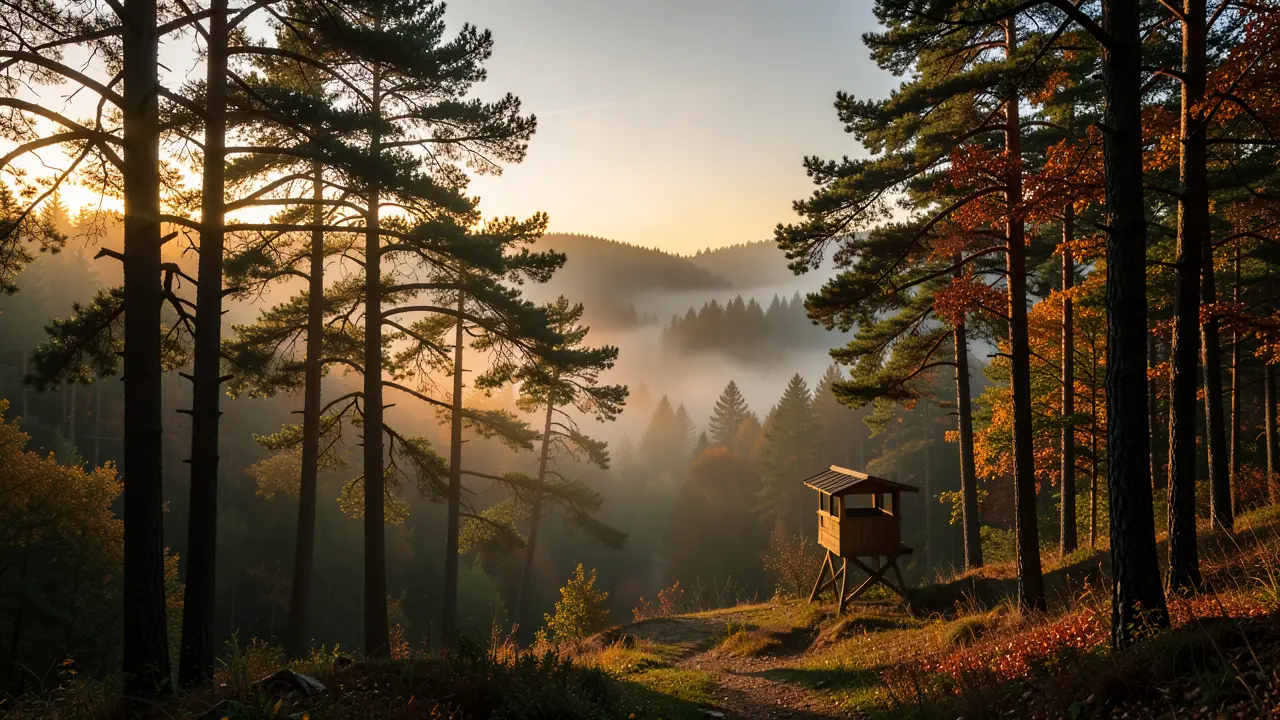 frame_3.pngframe_4.png
 frame_5.png
Drag an image here, or click to upload
reference.pngTip: The attached image locks the composition, pose and color layout, so the result stays true to the original — just rebuilt entirely from blocks. - 3
Run /minecraft-pixel-art
Type "/" in the chat box and pick /minecraft-pixel-art from the skill list. If you didn't attach an image, add a short subject description, e.g. "a red barn by a lake at sunset". Send the message.
Film Movie StudioRenderHunting Club WebsiteNew projectFilesframe_1.pngframe_2.pngframe_3.pngframe_4.png frame_5.png
 frame_6.png60%promptframe_01.pngRemixframe_02.pngRemixframe_03.pngRemixframe_04.pngGenerating… 80%Remixoutput
 - 4
Watch a single generation
The skill assembles an English prompt from Minecraft vocabulary — voxel cubes, 16×16 textures, flat shading, the classic block palette — and makes one generate_image call. No confirmation cards: the app generates right away.
Film Movie StudioRenderHunting Club WebsiteNew projectSkills/minecraft-pixel-art/short-drama/image-creator/audio-studio/app-builder/minecraft-pixel-art Cinematic wide landscape photo of a misty forest at dawn during hunting season. Golden morning light filtering through tall pine and oak trees, fog rolling across a…
SkillsModelsType / to switch skills anytime
- 5
Let the card drop onto the canvas
One card lands on the canvas, named "Minecraft — <subject>". It first shimmers (loading), then fills with the finished blocky image. The skill ends with one line naming the material mapping (e.g. "Fur → oak planks and terracotta, grass → classic grass blocks").
Film Movie StudioRenderHunting Club WebsiteNew projectFilesframe_1.pngframe_2.pngframe_3.pngframe_4.pngDrag an image here, or click to upload
reference.png - 6
Review the result and save
Double-click the card to view it fullscreen and check the block edges and shading. The image is saved locally to the project folder automatically — the link never expires.
Film Movie StudioRenderHunting Club WebsiteNew projectFilesframe_1.pngframe_2.pngframe_3.pngframe_4.png frame_5.pngframe_01.pngRemixVariationsAdd to timelineFullscreenDelete
 - 7
Want another version? Remix the card
The skill is single-shot — it won't regenerate on its own. For a different angle or subject, right-click the card and choose "Remix", or call /minecraft-pixel-art again with a new photo or description.
Film Movie StudioRenderHunting Club WebsiteNew projectSkills/minecraft-pixel-art/short-drama/image-creator/audio-studio/app-builder/minecraft-pixel-art Cinematic wide landscape photo of a misty forest at dawn during hunting season. Golden morning light filtering through tall pine and oak trees, fog rolling across a…
SkillsModelsType / to switch skills anytime
Tip: Remix starts from the existing card, so you keep the same blocky style and only change the content.
What you get
From a single photo or sentence you have a finished Minecraft-style image on the canvas — cubic blocks, chunky 16×16 textures, flat shading and the classic block palette — saved locally in the project. Because the skill passes the source image as a reference, the original composition stays readable, just rebuilt entirely from blocks. For more versions, remix the card or call the skill again.
Pro tips
- Clear subjects with strong shapes and colors work best — a pet, a building, a landscape. The blocky style will simplify detail anyway.
- Attach the real file via the paperclip; a bare filename typed in chat won't be accepted.
- Don't ask for "8K", "hyper-realistic" or a "grid" — chunky and simple IS the style, and detail words fight the blocks.
Try it yourself
FilmMovie Studio is a desktop app that walks you from idea to finished export. Download it and start creating.
Get FilmMovie Studio