Sometimes an image is perfect — only the light is wrong. /relight is a quick skill that acts as a lighting director: it takes your photo or a generated image and changes only the illumination — direction, intensity, color temperature, shadows and atmosphere — while the subject, pose and every physical detail stay exactly as they were. Choose from fourteen named cinematic looks (Golden Hour, Neon Noir, Chiaroscuro Drama…) or describe the light freely. This guide walks the whole flow from loading an image to optional variants.
What you'll need
- An open project in FilmMovie Studio with an image provider configured.
- An image to relight — a photo from your computer or an existing card on the canvas.
- An idea of the light you want — direction, temperature and mood (or a named preset).
Step by step
- 1
Load the source image
Drag a photo into the chat (or use the attachment clip), or right-click an existing image card on the canvas and choose "Add to chat". This is the single source the relight is computed from.
Film Movie StudioRenderArtisan Bakery Logo DesignNew projectFiles frame_1.png
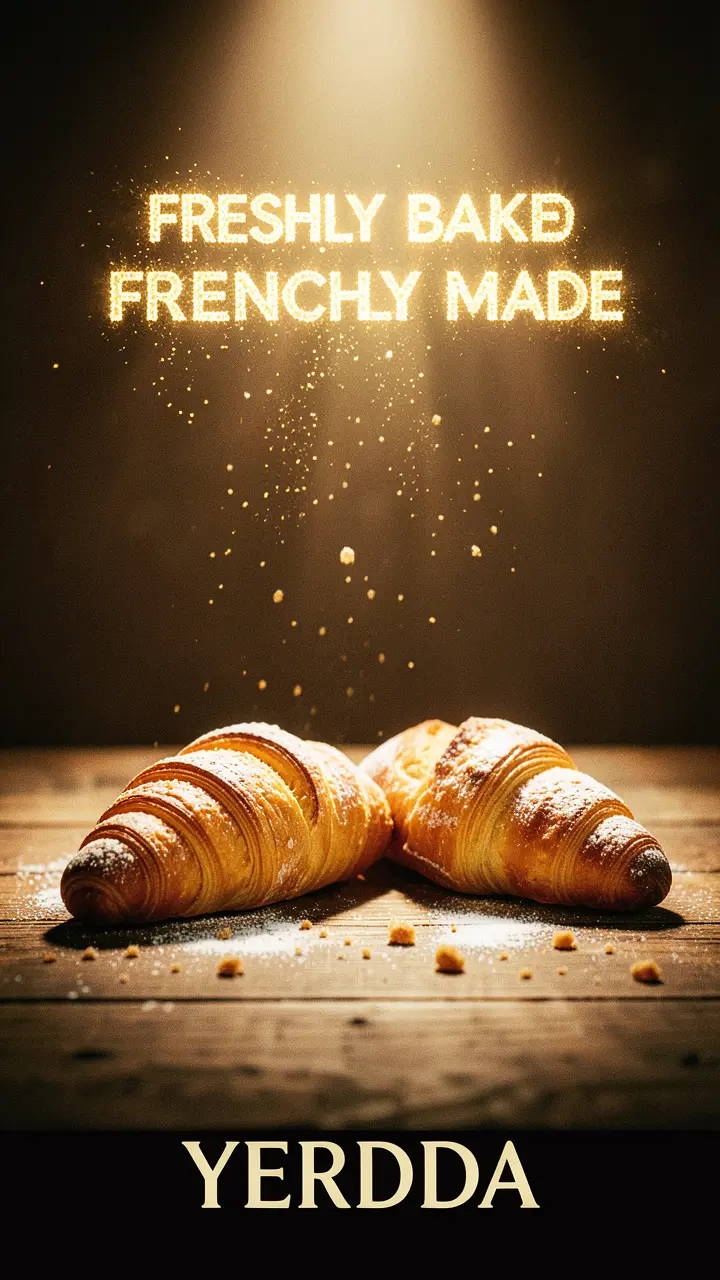 frame_2.png
 frame_3.png
 frame_4.png
Drag an image here, or click to upload
reference.pngTip: If several images sit on the canvas, just name the one in your text — e.g. "relight the portrait" — and the app will find it. - 2
Run the /relight skill
Type /relight in the chat and pick the skill from the list. You can add your intent right after it, e.g. "/relight to golden hour". The app confirms which image it's treating as the source.
Film Movie StudioRenderArtisan Bakery Logo DesignNew projectSearch skills…AllWorkflowsQuickvideoShort DramaViral vertical mini-series, end to end.imageImage CreatorGenerate single images from a prompt.audioAudio StudioVoiceover, SFX and music tracks.copyApp BuilderMulti-screen apps with live preview.imageE-commerce DesignPro product shots for any platform.videoMusic VideoBeat-synced clips cut to your track. - 3
Describe the new light
Say where the light should come from and what mood it should have — e.g. "soft side light from the left, warm around 3200K, dramatic shadows to the right". You can also name a ready-made preset such as Window Light or Neon Noir.
Film Movie StudioRenderArtisan Bakery Logo DesignNew projectSkills/relight/short-drama/image-creator/audio-studio/app-builder/relight Slow push-in toward the glowing mouth of a stone-deck bakery oven at dawn. Warm amber light spills outward and grows stronger as the camera glides forward. Fine flour…
SkillsModelsType / to switch skills anytime
Tip: Describing the CHANGE works best: "move the key from frontal to low side-left" is sharper than just "make it darker". - 4
Fill in the details in a short brief
If you didn't fully describe the mood, the app opens one short brief with tabs: direction, temperature, mood and background. Pick one option per tab — for example background "darken to near-black" — and confirm.
Film Movie StudioRenderArtisan Bakery Logo DesignNew projectSkills/relight/short-drama/image-creator/audio-studio/app-builder/relight Slow push-in toward the glowing mouth of a stone-deck bakery oven at dawn. Warm amber light spills outward and grows stronger as the camera glides forward. Fine flour…
SkillsModelsType / to switch skills anytime
- 5
Generate the relit version
The app composes the prompt (preservation clause first, then the new light, then the background) and calls image generation. A new card joins the canvas, linked to the original; while generating it shimmers, then fills with the result.
Film Movie StudioRenderArtisan Bakery Logo DesignNew projectFiles frame_1.pngframe_2.pngframe_3.pngframe_4.png60%promptframe_01.pngRemixframe_02.pngRemixframe_03.pngRemixframe_04.pngGenerating… 80%Remixoutput
 - 6
Ask for variants
When the app offers "Want 1–3 alternate lighting takes?", accept and name different directions or moods. Each variant is always computed from the original (not a previous relight), so quality never degrades, and all cards hang off the source.
Film Movie StudioRenderArtisan Bakery Logo DesignNew projectFilesframe_1.pngframe_2.pngframe_3.pngframe_4.pngframe_5.pngframe_01.pngRemixVariationsAdd to timelineFullscreenDelete - 7
Fine-trim the chosen card
If the result is nearly perfect, right-click the winning card and choose color grade. Small moves in temperature, contrast, brightness and saturation finish the tone without regenerating. One round is usually enough.
Film Movie StudioRenderArtisan Bakery Logo DesignNew projectFilesframe_1.pngframe_2.pngframe_3.pngframe_4.pngframe_5.png frame_6.pngTimelineRenderVideoVoiceoverMusicSubtitlesTip: Color grade is non-destructive — the original image stays untouched, so you can experiment without risk.
What you get
From a single source image you now have a relit version — or several variants — where only the light, shadows and atmosphere changed, while the subject and composition stayed identical. Every card hangs off the original on the canvas, and you can send the winner onward into animation or the timeline.
Pro tips
- Always compute variants from the original, not a previous relight — relighting an already-relit image degrades quality.
- Two presets can be blended, e.g. "Golden Hour direction with a Rim Halo backlight", when your answers point between them.
- If generation fails, the app shows the provider error verbatim and suggests one prompt tweak — you decide, it never auto-retries.
Try it yourself
FilmMovie Studio is a desktop app that walks you from idea to finished export. Download it and start creating.
Get FilmMovie Studio