The /poster-design skill works like a graphic studio, not a random image generator. It covers 12 subtypes — from social covers through movie and music posters to book covers and ad banners — and each one follows the same path: brief → design direction → generation → quality check. In this guide you'll make one poster from start to finish and see why the app asks questions before it starts drawing.
What you'll need
- FilmMovie Studio installed with an image generation provider configured.
- The exact wording for the poster — main title, plus optional subtitle, date/venue and a call to action (CTA).
- Optionally a logo or product photo you want to use on the poster.
Step by step
- 1
Start /poster-design in chat
In an open project, type /poster-design into the chat box and briefly describe your intent, e.g. "poster for a band concert on Saturday night". The app reads the skill's workflow and starts gathering the brief.
Film Movie StudioRenderArtisan Bakery Logo DesignNew projectSkills/poster-design/short-drama/image-creator/audio-studio/app-builder/poster-design Slow push-in toward the glowing mouth of a stone-deck bakery oven at dawn. Warm amber light spills outward and grows stronger as the camera glides forward. Fine flour…
SkillsModelsType / to switch skills anytime
- 2
Pick the subtype and aspect ratio
The app opens a brief dialog with two tabs. In the "poster type" tab, choose one of the 12 subtypes (social cover, movie poster, music festival, book cover, ad banner…). In the "aspect ratio" tab, confirm the recommended ratio for that subtype, e.g. 2:3 for a poster or 9:16 for a story.
Film Movie StudioRenderArtisan Bakery Logo DesignNew projectSkills/poster-design/short-drama/image-creator/audio-studio/app-builder/poster-design Slow push-in toward the glowing mouth of a stone-deck bakery oven at dawn. Warm amber light spills outward and grows stronger as the camera glides forward. Fine flour…
SkillsModelsType / to switch skills anytime
Tip: The aspect ratio is never defaulted to 1:1 — each subtype has its own default ratio that suits the medium. - 3
Give the exact text wording
In the next dialog the app asks for the exact wording: the main title, and optionally a subtitle, date/venue and CTA. The text is rendered verbatim, word for word — nothing is paraphrased or invented. For a text-free visual, reply "no text".
Film Movie StudioRenderArtisan Bakery Logo DesignNew projectFiles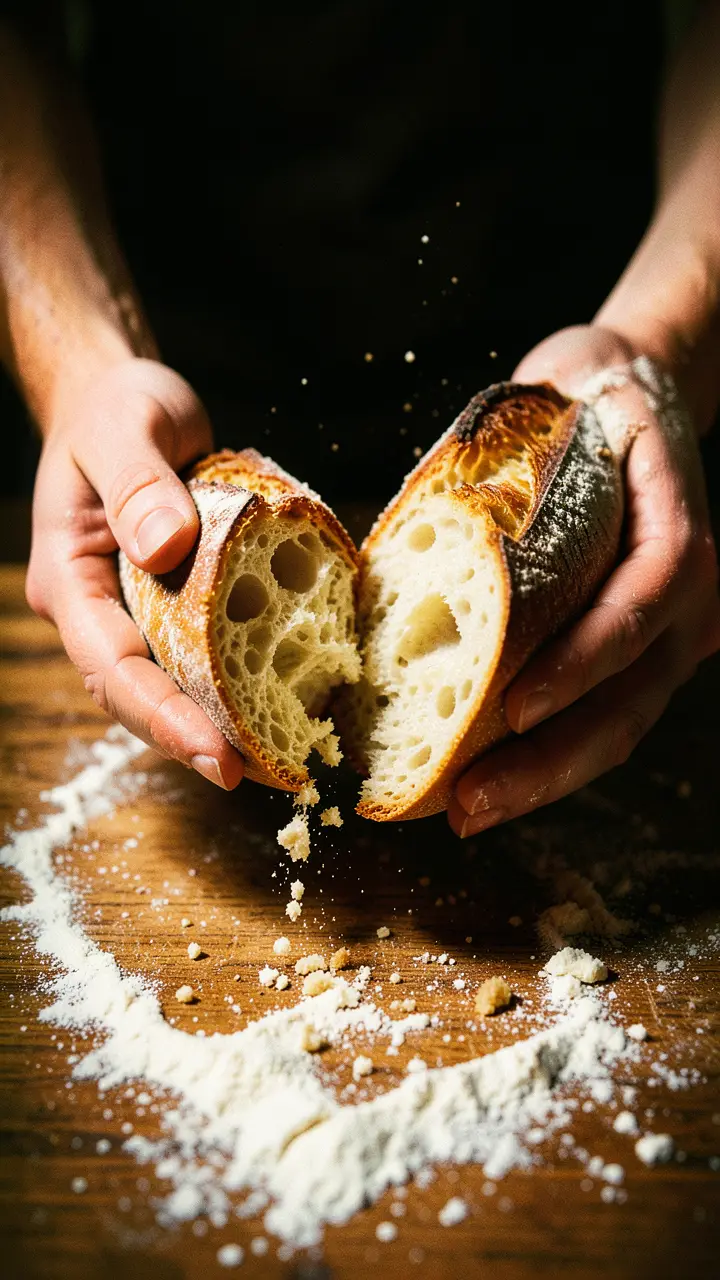 frame_1.png
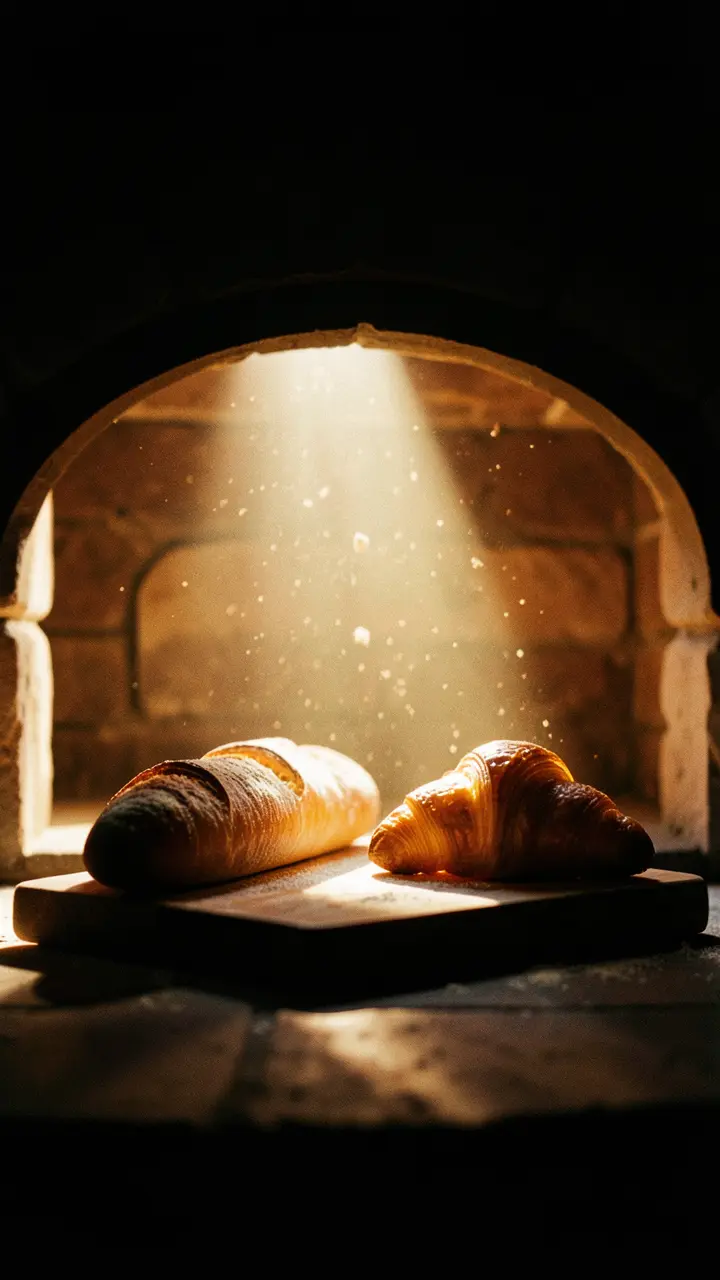 frame_2.png
 frame_3.png
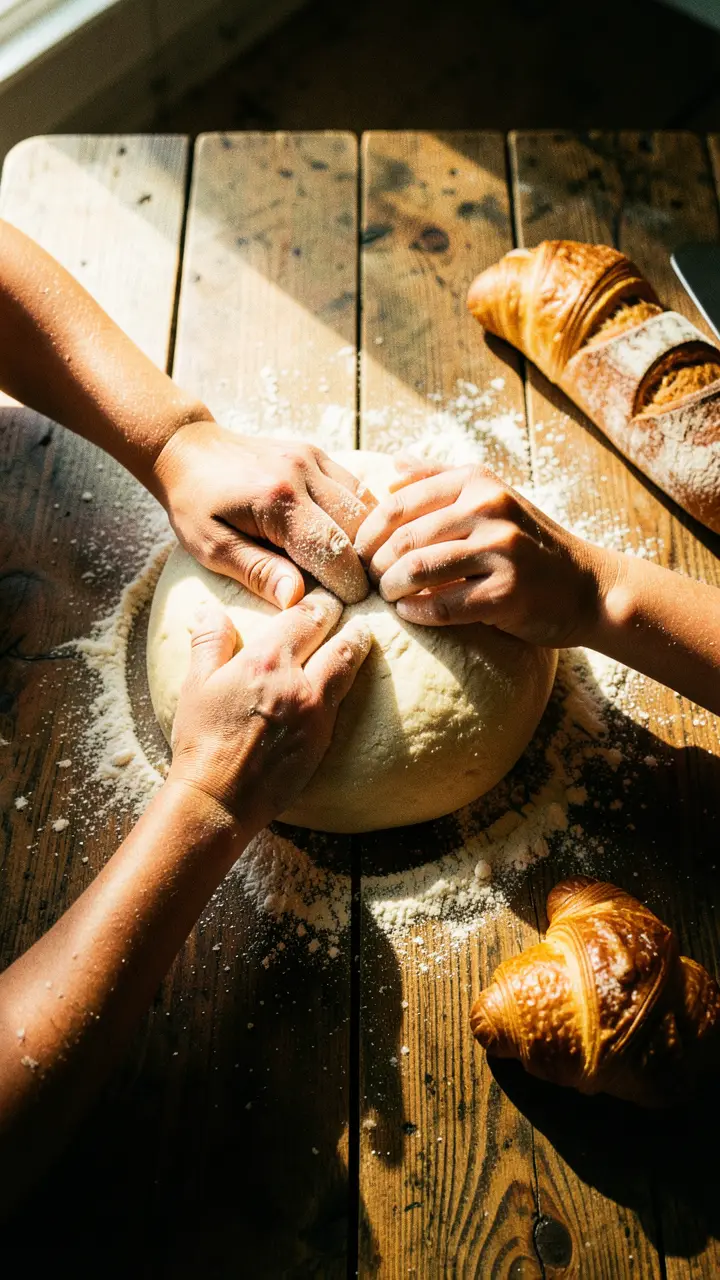 frame_4.png
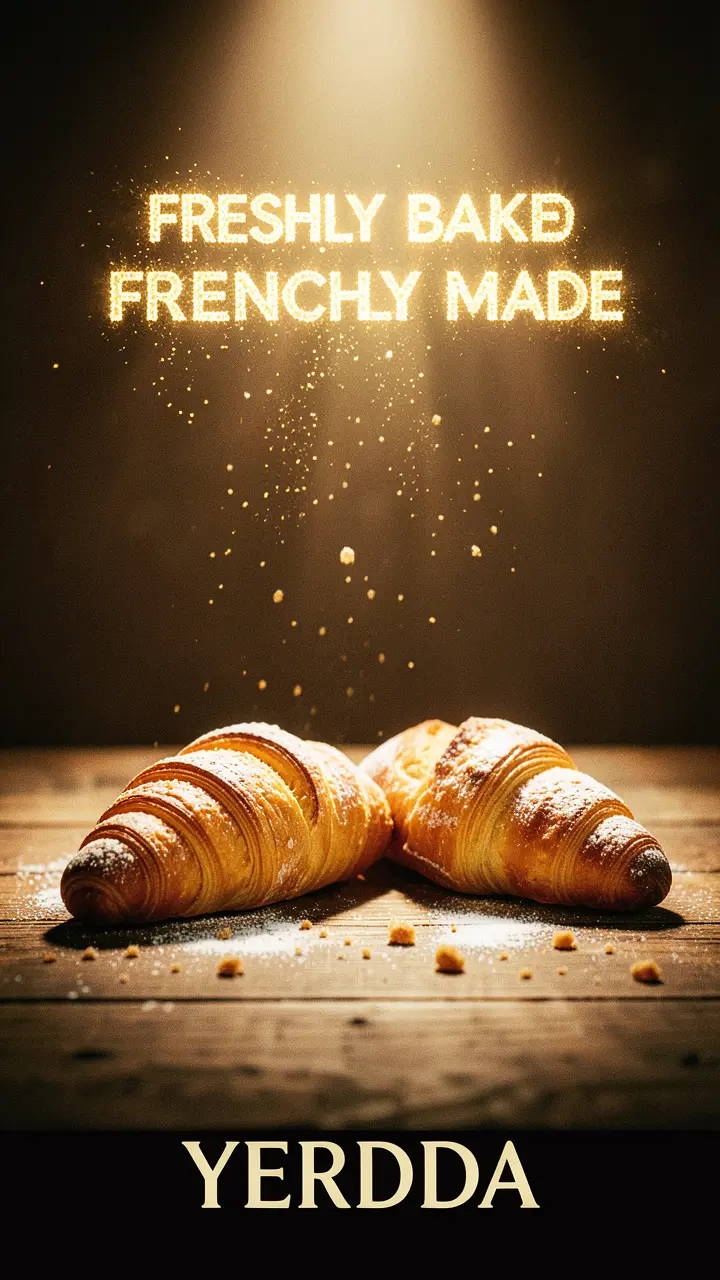 frame_5.pngFinal render1080p · MP4SaveFilesTip: Short titles render cleanly. For a title longer than ~12 words the app warns that the text may be hard to read.
 - 4
Attach a logo or product photo
If you want to feature a brand or product, add an image to the chat (by dragging it in or via the attachment pin). The app uses it as a reference both when writing the design direction and during generation itself.
Film Movie StudioRenderArtisan Bakery Logo DesignNew projectFilesframe_1.pngframe_2.pngframe_3.pngDrag an image here, or click to upload
reference.png - 5
Review the design direction card
The app generates a "Design direction" document and adds it to the canvas as a card. It covers the concept in one sentence, the composition mode, the type hierarchy, the palette as hex values and a hero visual description. Read it — this is the plan the poster is built from.
Film Movie StudioRenderArtisan Bakery Logo DesignNew projectSkills/poster-design/short-drama/image-creator/audio-studio/app-builder/poster-design Slow push-in toward the glowing mouth of a stone-deck bakery oven at dawn. Warm amber light spills outward and grows stronger as the camera glides forward. Fine flour…
SkillsModelsType / to switch skills anytime
- 6
Generate the poster
From the design direction the app assembles an image prompt and calls generation. A poster card appears on the canvas, linked to the direction card. The poster has a dominant title, clean typography and high contrast between text and background.
Film Movie StudioRenderArtisan Bakery Logo DesignNew projectFilesframe_1.pngframe_2.pngframe_3.pngframe_4.pngframe_5.png60%promptframe_01.pngRemixframe_02.pngRemixframe_03.pngRemixframe_04.pngGenerating… 80%Remixoutput - 7
Read the quality score
The app scores the poster 0–100 against a rubric: communication, visual impact, technical (including spell-checking against your exact text), brand fit and originality. If the score is below 75 or any text is garbled, the skill regenerates once and delivers the better of the two versions.
Film Movie StudioRenderArtisan Bakery Logo DesignNew projectFilesframe_1.pngframe_2.pngframe_3.pngframe_4.pngframe_5.png60%promptframe_01.pngGenerating… 42%Remixframe_02.pngGenerating… 68%Remixframe_03.pngGenerating… 55%Remixframe_04.pngGenerating… 80%Remixoutput - 8
Remix or export the result
Right-click the poster card. The "Remix" button is your manual retry for another version; from the context menu you can also export the poster or save it to the project folder.
Film Movie StudioRenderArtisan Bakery Logo DesignNew projectFilesframe_1.pngframe_2.pngframe_3.pngFinal render1080p · MP4SaveFilesTip: Need more sizes? Run generation again with a different aspect ratio — it reuses the same design direction as the parent card.
What you get
You have a finished poster built like a studio would: the brief set the subtype and aspect ratio, your text rendered verbatim, the design direction planned the composition and palette, and the quality score confirmed both readability and correct text. The poster card stays on the canvas linked to its design direction, so you can remix it or generate another size at any time.
Pro tips
- For text contrast, pick one composition mode — e.g. "Immersive Overlay" with a stroke or shadow behind the text — and don't mix several in one poster.
- Give brand colors as hex values with a proportion, e.g. "dominant orange #FF6B35, roughly 60% of the frame", so the palette lands.
- Avoid keywords like 8K, 4K or "hyper-realistic" — they hurt the result; let the design direction do the work.
Try it yourself
FilmMovie Studio is a desktop app that walks you from idea to finished export. Download it and start creating.
Get FilmMovie Studio