Image Remix isn't about cloning a picture. It's about keeping its soul — composition, colors, light and mood — while swapping the actual content. The app first runs a vision analysis of your reference, works out why the image works, then rebuilds one new image from pure text with your new subject in the same feel. It's a one-shot skill: one analysis, one generation, done. This guide walks the whole flow from attaching the reference to the result on the canvas.
What you'll need
- An open project in FilmMovie Studio with an image provider configured.
- A reference image whose vibe you want to keep (on disk or already on the canvas).
- An idea for a new subject — one sentence is enough, e.g. "a lighthouse at dawn".
Step by step
- 1
Get the reference into your project
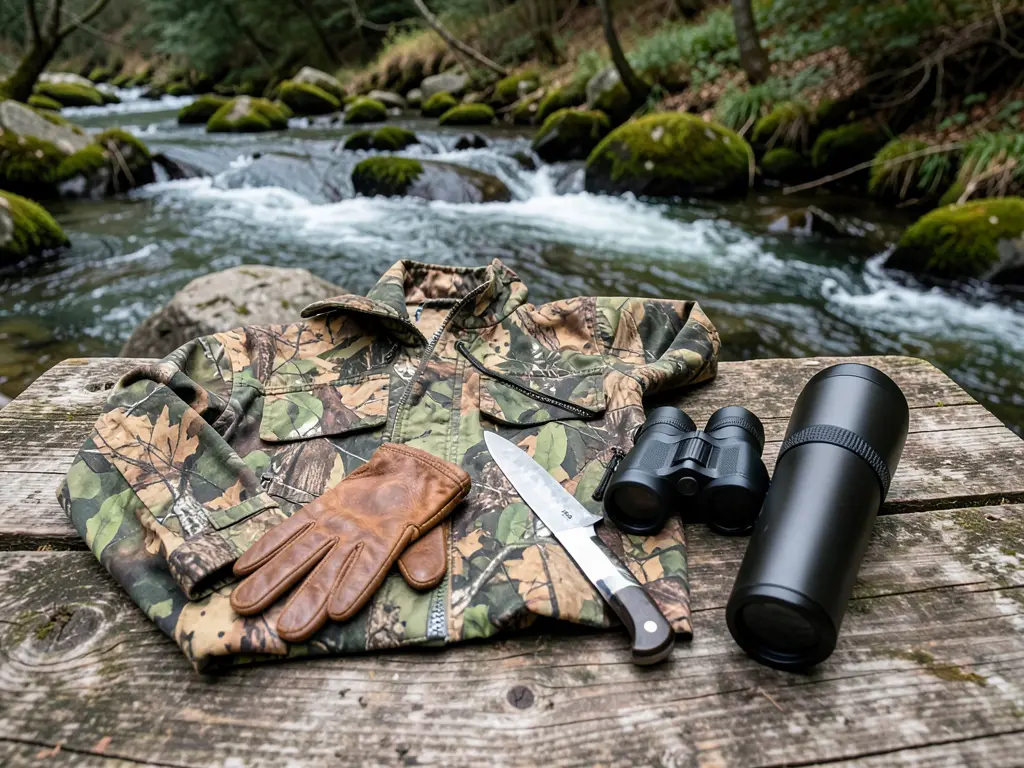
If the image is on disk, attach it via the paperclip icon in chat, or just drag it onto the canvas. If you already have a suitable image as a card on the canvas, you can remix straight from it. Remix needs the actual file — a filename typed into chat won't work.
Film Movie StudioRenderHunting Club WebsiteNew projectFiles frame_1.png
 frame_2.png
 frame_3.png
 frame_4.png
Drag an image here, or click to upload
reference.pngTip: Pick a reference with strong mood or light — those are the "soul" dimensions Remix carries over most faithfully. - 2
Start Remix from the card's context menu
Right-click the image card on the canvas and choose "Remix / Variations" from the menu. Alternatively, type /image-remix in chat and attach the reference. This tells the app you want to keep the feel, not the content.
Film Movie StudioRenderHunting Club WebsiteNew projectFilesframe_1.pngframe_2.pngframe_3.pngframe_4.png frame_5.png
Drag an image here, or click to upload
reference.png - 3
Say what new subject you want
Type the new subject in chat in one sentence, e.g. "same look, but desert dunes instead of a city". If you give no new subject, the app picks a fitting content swap itself after the analysis and tells you in one line what it chose.
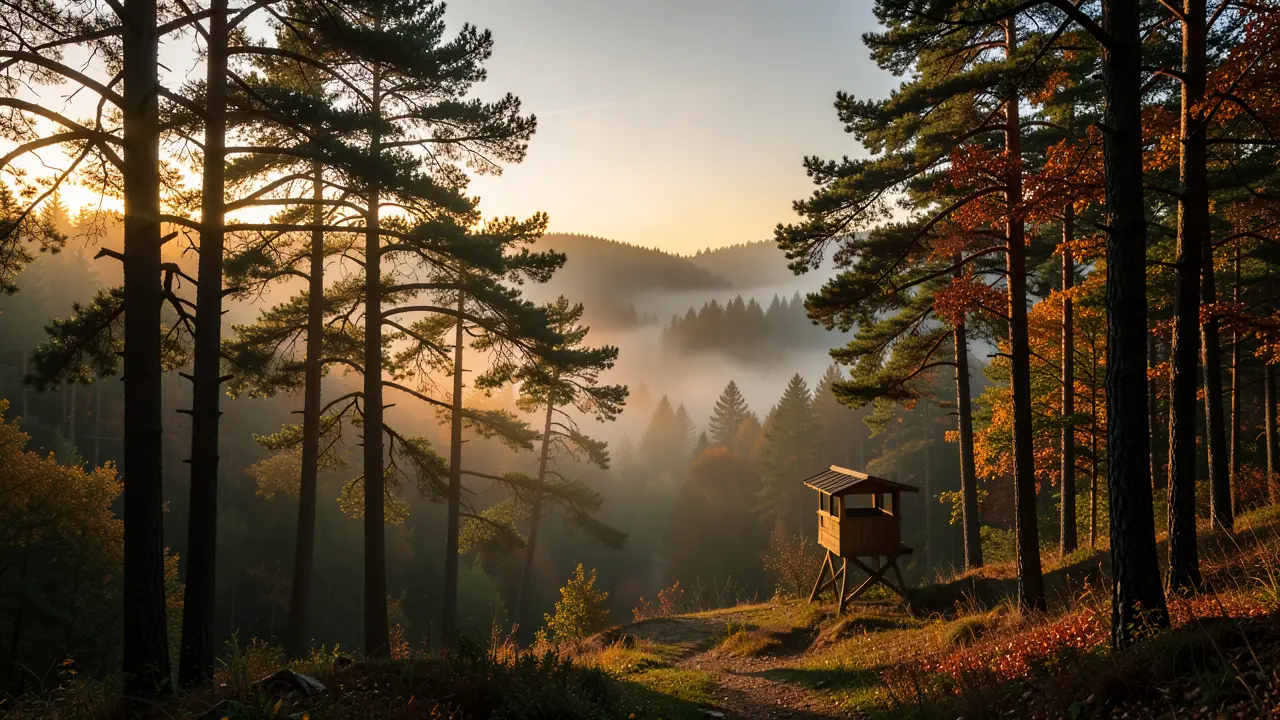
Film Movie StudioRenderHunting Club WebsiteNew projectSkills/image-remix/short-drama/image-creator/audio-studio/app-builder/image-remix Cinematic wide landscape photo of a misty forest at dawn during hunting season. Golden morning light filtering through tall pine and oak trees, fog rolling across a…
SkillsModelsType / to switch skills anytime
Tip: Describe only WHAT you want to see, not how to light it — Remix lifts the style from the reference. - 4
Let the vibe analysis run
The app first sends the reference for a vision analysis. It breaks down composition, palette (with hex values), light, mood, texture and medium, and names one or two "soul" dimensions that carry the image's appeal. This is analysis only — nothing is generated yet.
Film Movie StudioRenderHunting Club WebsiteNew projectFilesframe_1.pngframe_2.pngframe_3.png60%promptframe_01.pngGenerating… 42%Remixframe_02.pngGenerating… 68%Remixframe_03.pngGenerating… 55%Remixoutput - 5
Watch the remixed image appear
From the analysis the app assembles a text prompt and runs one generation. Key point: the reference itself is not passed to generation — the new image is built from pure text, so it inherits the feel, not the content. A "Remix — <your subject>" card lands on the canvas.
Film Movie StudioRenderHunting Club WebsiteNew projectFilesframe_1.pngframe_2.pngframe_3.pngframe_4.png60%promptframe_01.pngRemixframe_02.pngRemixframe_03.pngRemixframe_04.pngGenerating… 80%Remixoutput - 6
Read what was kept and what was swapped
When it finishes, the app posts one short line: which soul it kept and which content it swapped (e.g. "Kept: golden-hour glow and serene mood. Swapped: city skyline → desert dunes"). That tells you at a glance what Remix carried over.
Film Movie StudioRenderHunting Club WebsiteNew projectFilesframe_1.pngframe_2.pngframe_3.pngframe_4.png frame_5.pngframe_01.pngRemixVariationsAdd to timelineFullscreenDelete
 - 7
Iterate with another Remix
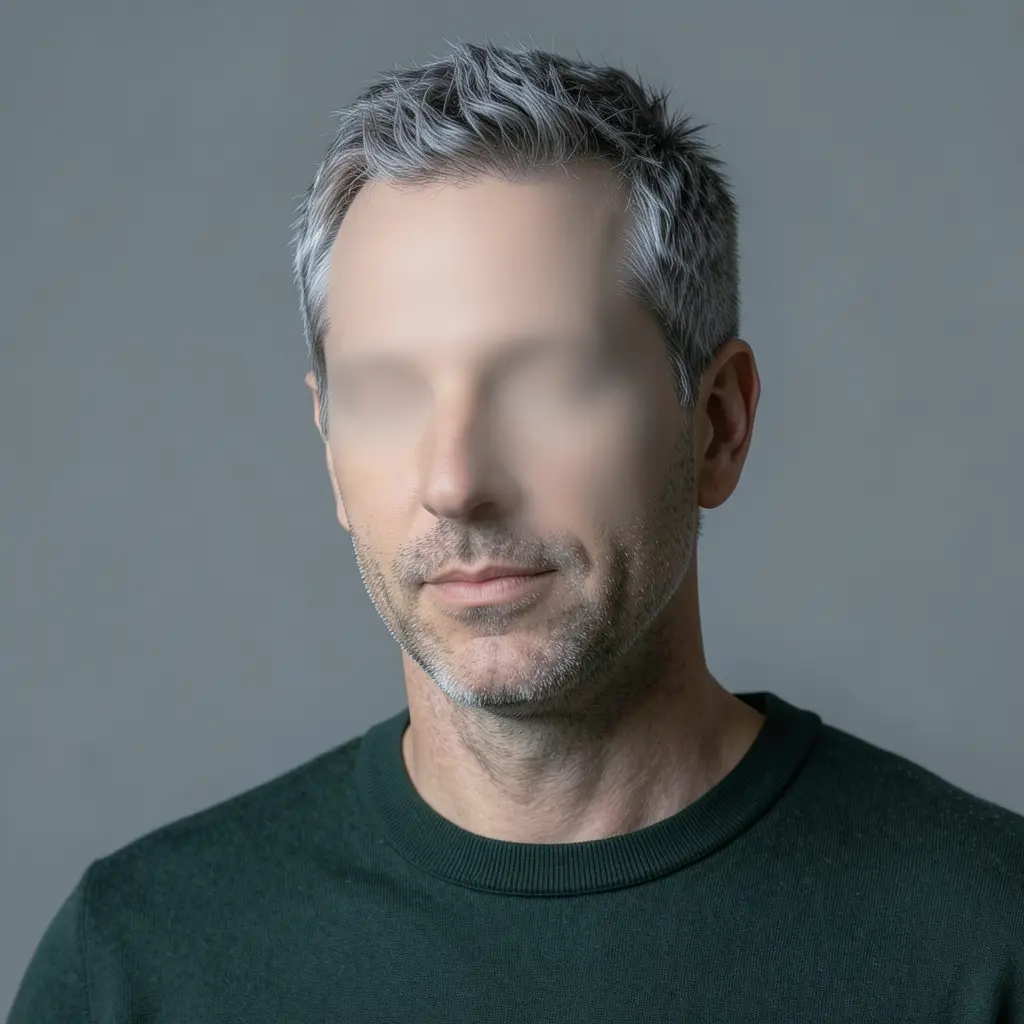
Want a variation? Right-click the new card and choose "Remix / Variations" again, or repeat the command with a different subject. Remix is one-shot — it won't regenerate on its own, so every variation is yours to trigger. Send the finished card to the timeline or on into animation.
Film Movie StudioRenderHunting Club WebsiteNew projectFilesframe_1.pngframe_2.pngframe_3.pngframe_4.png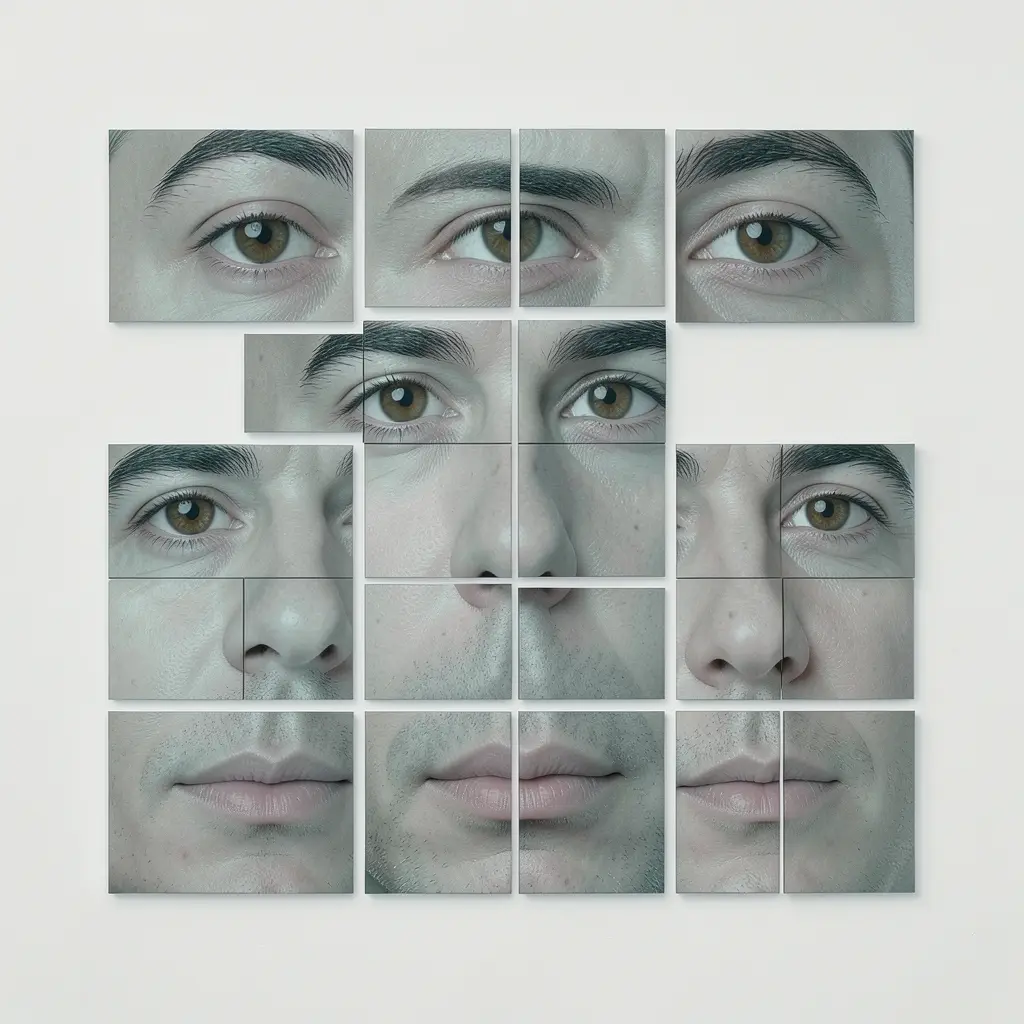 frame_5.png
 frame_6.pngTimelineRenderVideoVoiceoverMusicSubtitlesTip: Remix the remix to push the feel further — each round emphasizes the palette and light again.
What you get
You have a new image on the canvas that carries your reference's vibe — the same composition, palette, light and mood — with a completely different subject. Below it sits a short line of what was kept and what was swapped. You can remix the card again for variations, add it to the timeline, or send it on into animation.
Pro tips
- Remix deliberately does not send the reference into generation — that's how you inherit the feel, not the content, and avoid a copy of the original.
- For a whole series in one style, remix the same reference repeatedly with different subjects.
- References with a clear mood or light work best; flat, neutral images have less "soul" to carry over.
Try it yourself
FilmMovie Studio is a desktop app that walks you from idea to finished export. Download it and start creating.
Get FilmMovie Studio