App Builder turns plain text into functional app screens you can preview right in a device frame, edit and finally export as runnable code. You don't write a line of code — you describe what the app is for and which screens you want, and the app plans the whole flow, seeds realistic data, builds each screen and wires the navigation. It works for phone (iOS/Android), tablet and desktop (web). In this guide we'll go from one sentence in chat to a finished React and React Native project.
What you'll need
- FilmMovie Studio installed (macOS or Windows).
- At least one generation provider configured in Settings (for any images in the app).
- A rough idea of your app — what it's for and the few screens it needs.
Step by step
- 1
Open the Workspace and create a project
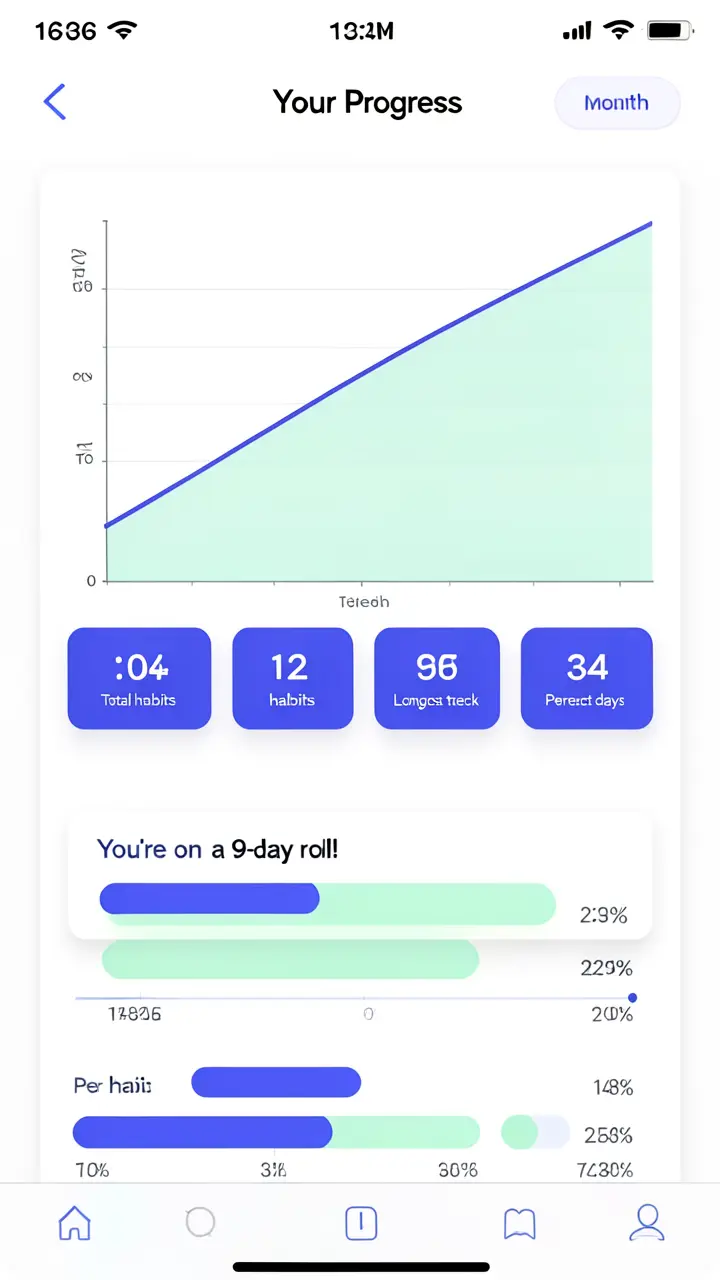
Launch FilmMovie Studio, on the Launchpad click "New project", name it (e.g. "Fitness app") and confirm. The Workspace opens with the Canvas on the left and the chat panel on the right.
Film Movie StudioRenderHabit Tracker — Mobile AppNew projectLaunchpadHubAll projectsRecent project 1
 project 2
 project 3Settings
Film Movie Studio
A new way to create media with AI
Describe what you want to create…
SkillsModelsType / to explore AI skills
Short DramaE-commerceMusic VideoGamesDocumentaryTip: The whole App Builder lives in chat — there are no design tools to learn. You describe, and the app assembles itself in front of you. - 2
Describe your app idea with /app-builder
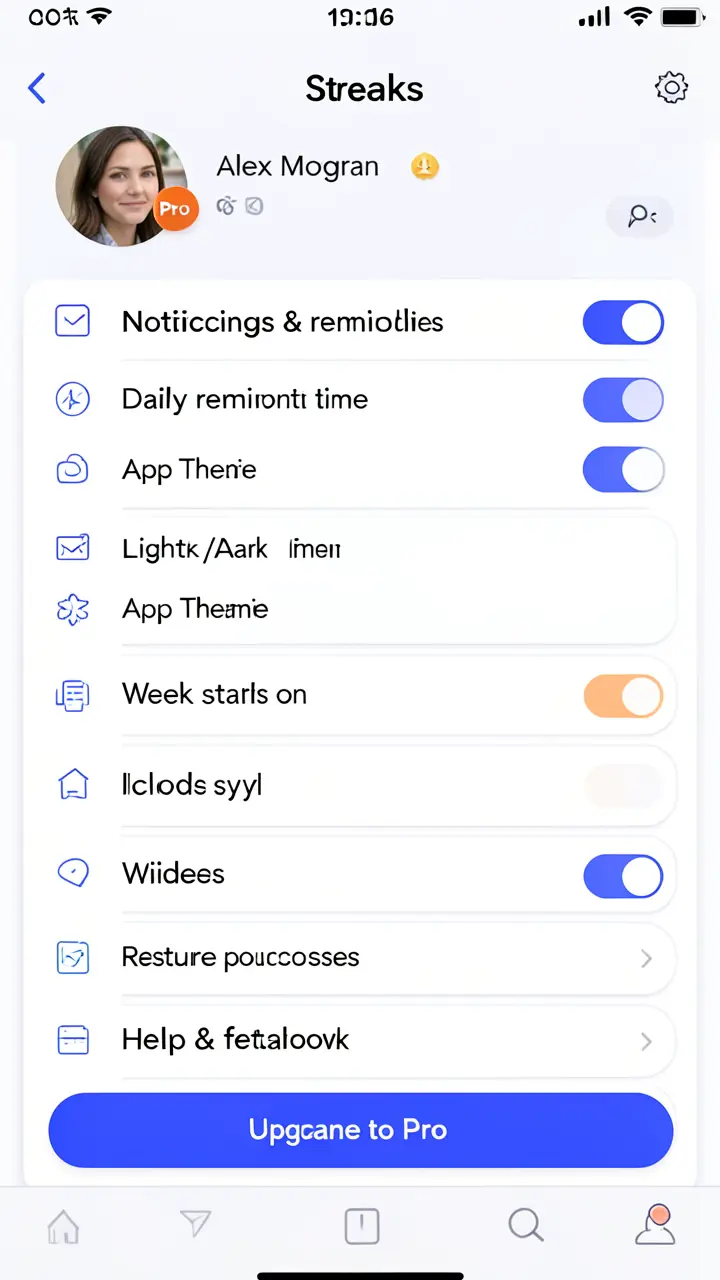
In the chat box, pick the /app-builder skill and describe in your own words what the app should do, e.g. "A fitness tracker with a home dashboard, a workouts list and a profile". Don't spell out components — just say what the app is for and the 1–5 screens you want.
Film Movie StudioRenderBakery ordering appNew projectLaunchpadHubAll projectsRecent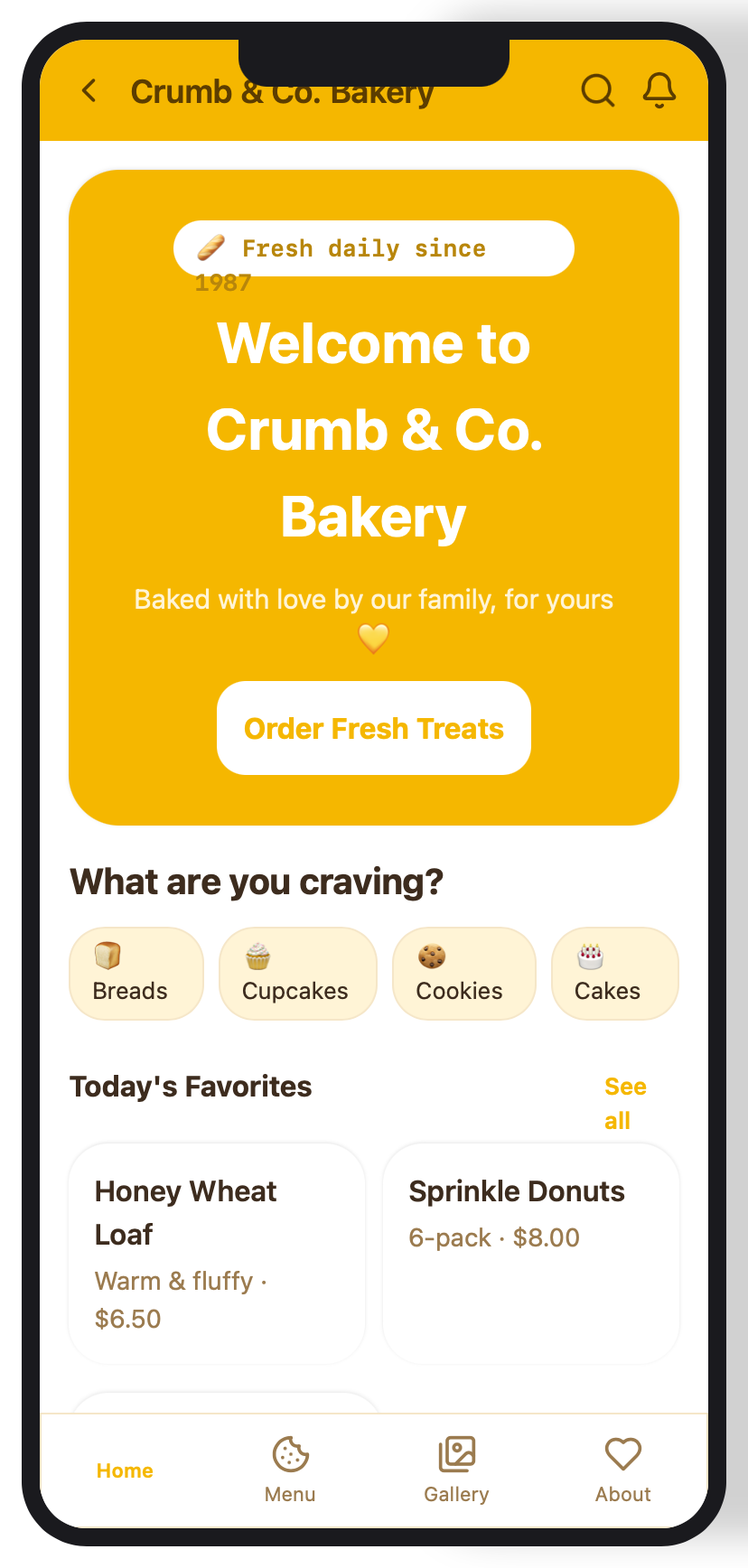 project 1
 project 2
 project 3Settings
Film Movie Studio
A new way to create media with AI
Describe what you want to create…
SkillsModelsType / to explore AI skills
Short DramaE-commerceMusic VideoGamesDocumentaryTip: Describe the purpose and the screens, not buttons and cards. The app picks the right components and layout itself. - 3
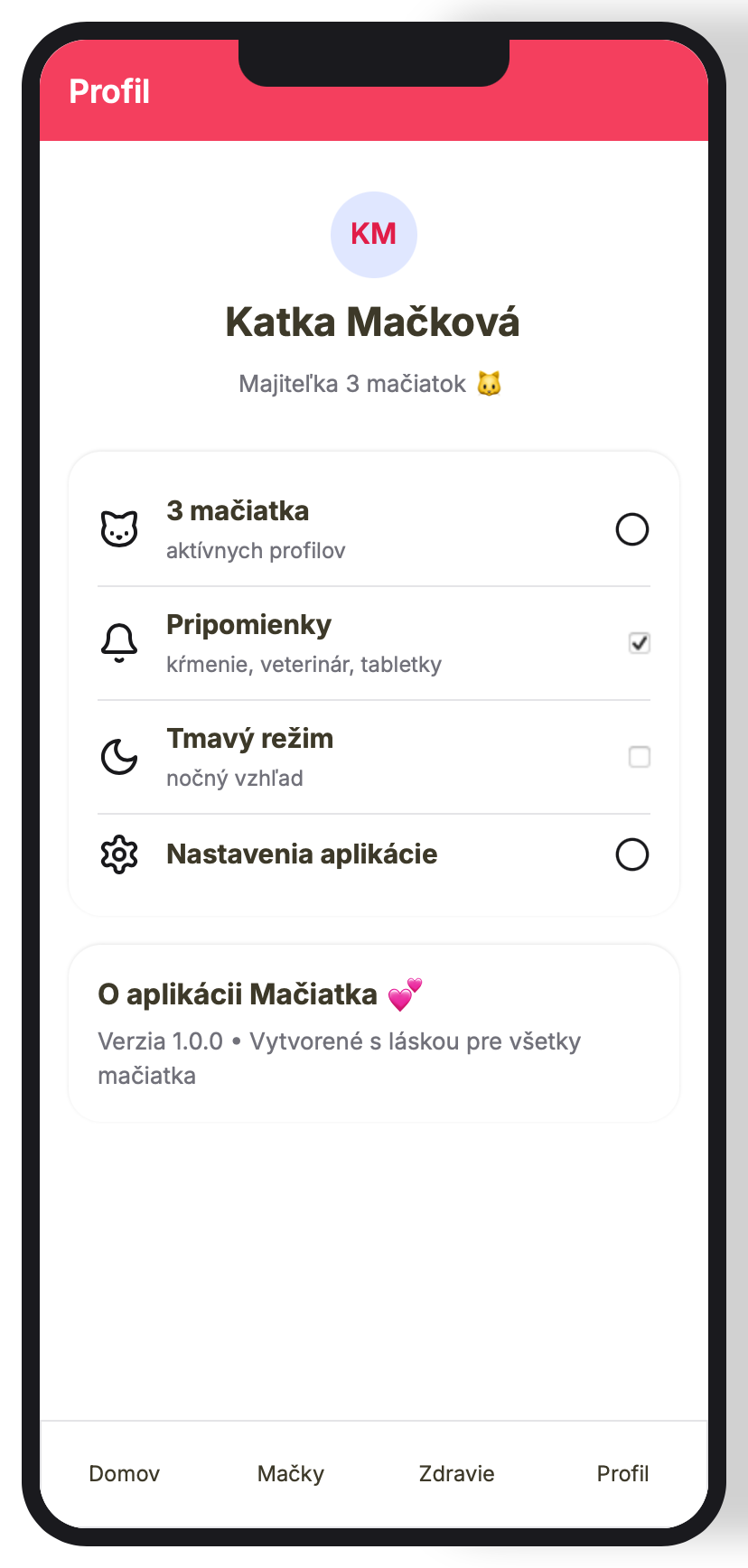
Choose the device — phone, tablet or desktop
The app asks which format to build and which look to use. Pick phone for an iOS/Android app, tablet, or desktop for a web dashboard. Also choose a color theme (e.g. indigo, emerald, dark).
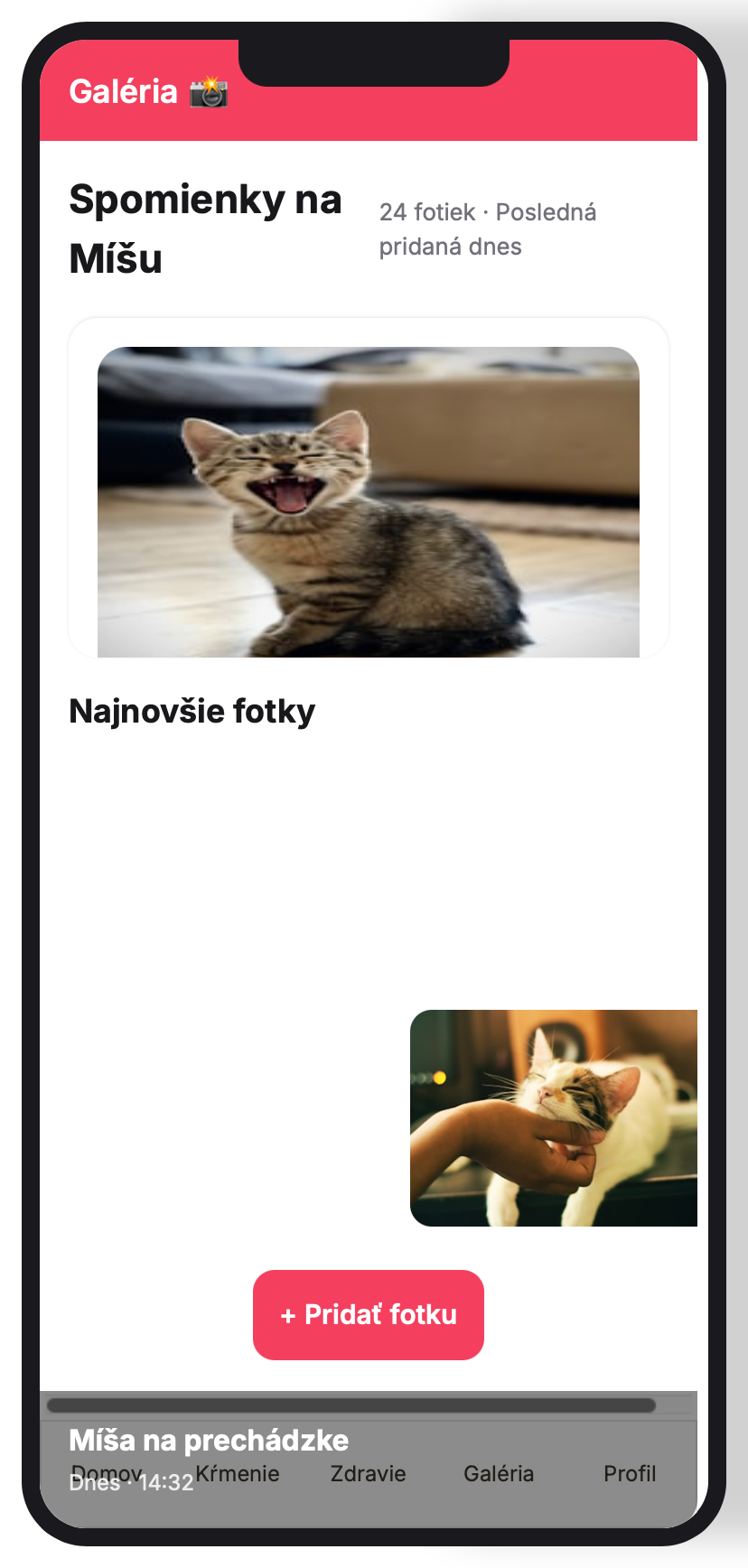
Film Movie StudioRenderCat-care appNew projectLaunchpadHubAll projectsRecentproject 1project 2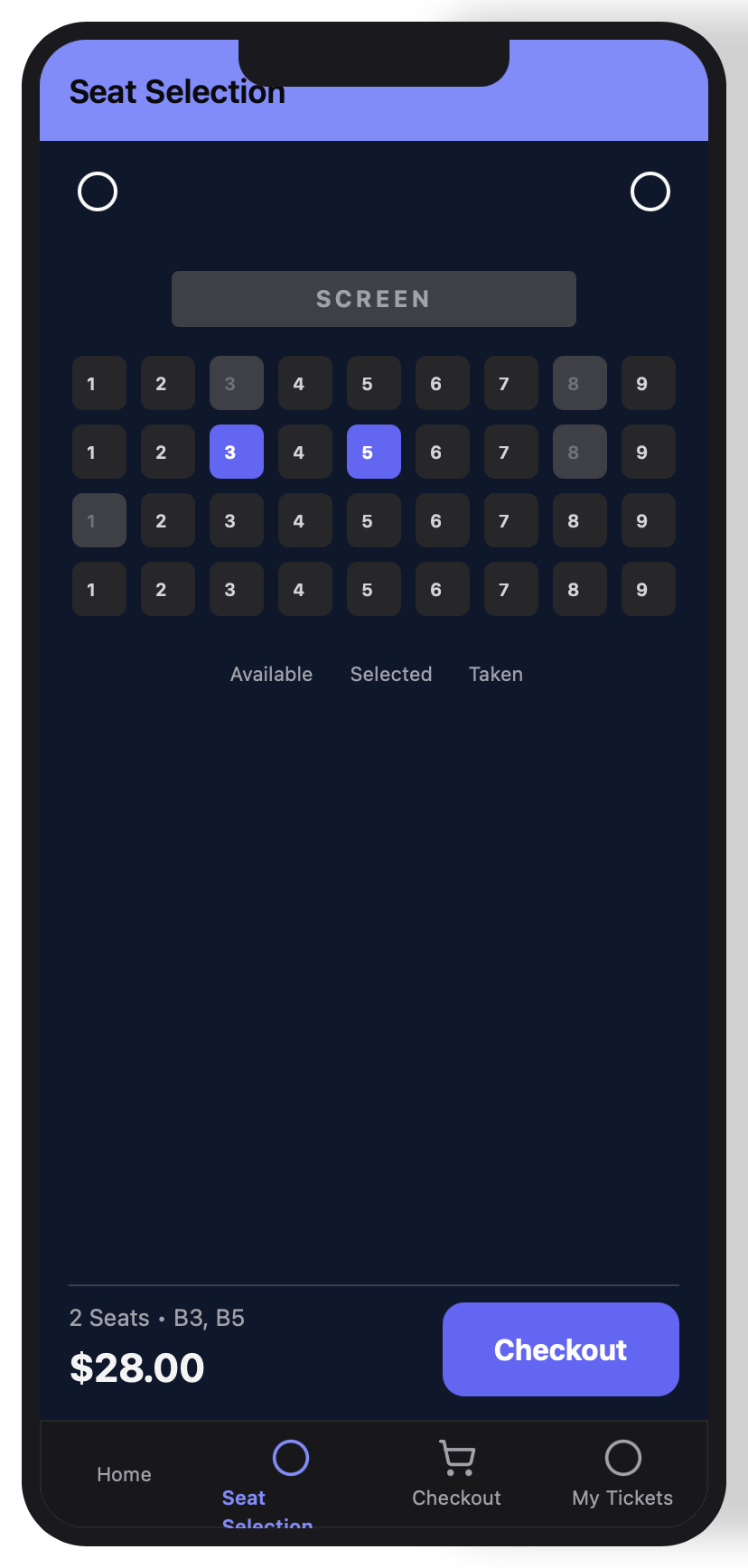 project 3Settings
Film Movie Studio
A new way to create media with AI
Describe what you want to create…
SkillsModelsType / to explore AI skills
Short DramaE-commerceMusic VideoGamesDocumentaryTip: Words like "dashboard" or "web app" mean desktop; "iPad" means tablet; otherwise it defaults to phone. - 4
Watch the multi-screen app card appear on the canvas
The AI plans the screens (e.g. Login → Home → Profile), seeds realistic data and builds each screen as a component tree. An app card drops onto the canvas with a device frame and a live preview of every screen.
Film Movie StudioRenderPet profile appNew projectFilesframe_1frame_2frame_3Drag an image here, or click to upload
reference.png - 5
Click Preview and navigate the screens
Click "Preview" on the app card — the device frame opens. Tap buttons, list rows and the bottom navigation to move between screens exactly like a real app — the navigation is already wired.
Film Movie StudioRenderCinema booking appNew projectFilesframe_1frame_2frame_3frame_460%frame_01.png1024²RemixVariationsframe_02.png1024²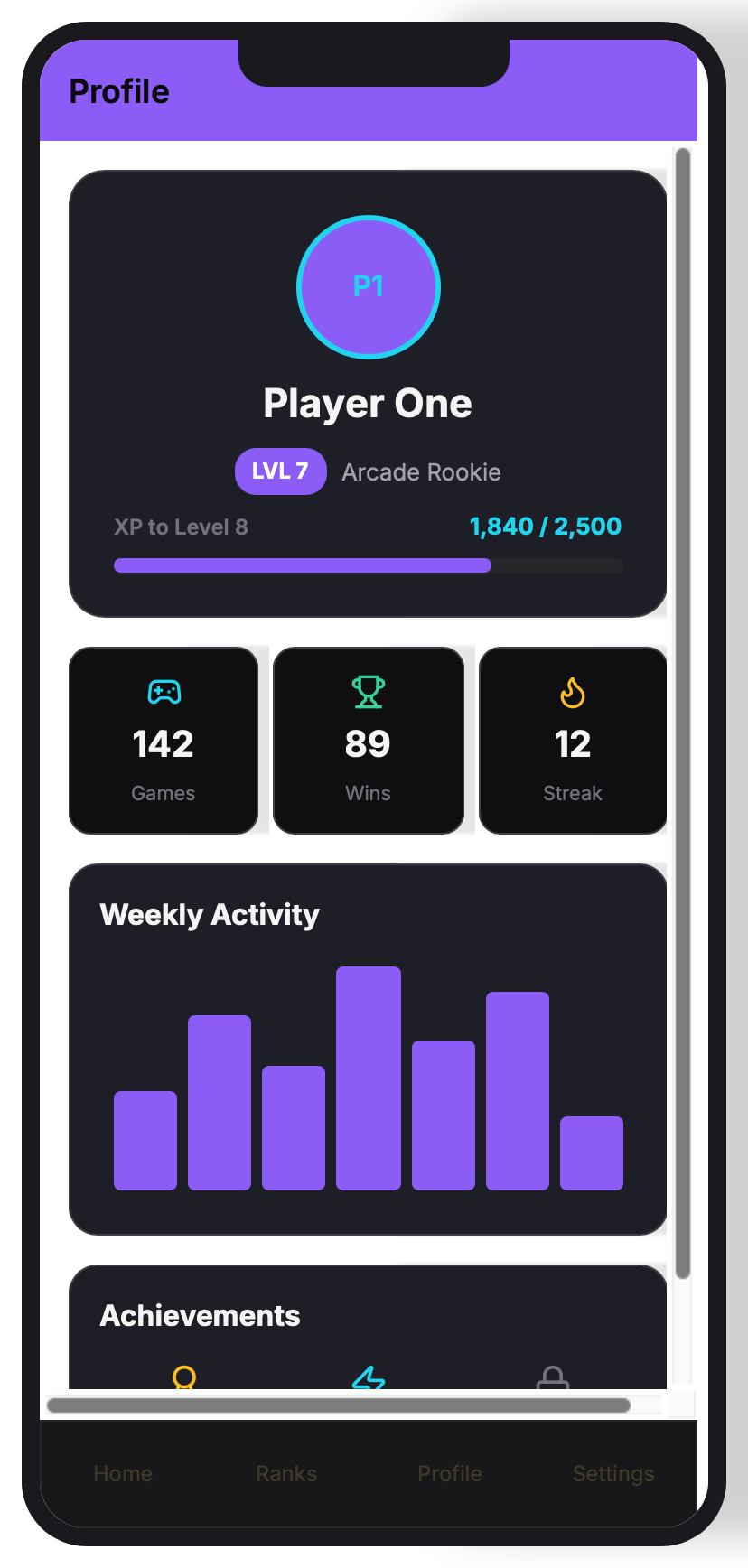 RemixVariationsframe_03.png1024²
 RemixVariationsframe_04.png1024²
 Generating… 80%RemixVariationsTip: The data is real seeded data, so lists, charts and profiles are populated with content, not empty grey boxes.
 - 6
Refine via chat — add a screen
Type into chat, e.g. "Add a Settings screen with notifications and a sign-out button". A new screen card appears, automatically wired into the navigation of the other screens.
Film Movie StudioRenderGame arcade appNew projectSettingsAccountAppearanceProvidersUsagePricingProviders
kie.aisk-••••••••••••deAPIsk-••••••••••••OpenRoutersk-••••••••••••OpenAIPaste API keyTestElevenLabsPaste API keyTestZ.AIPaste API keyTest - 7
Bind data and add a form
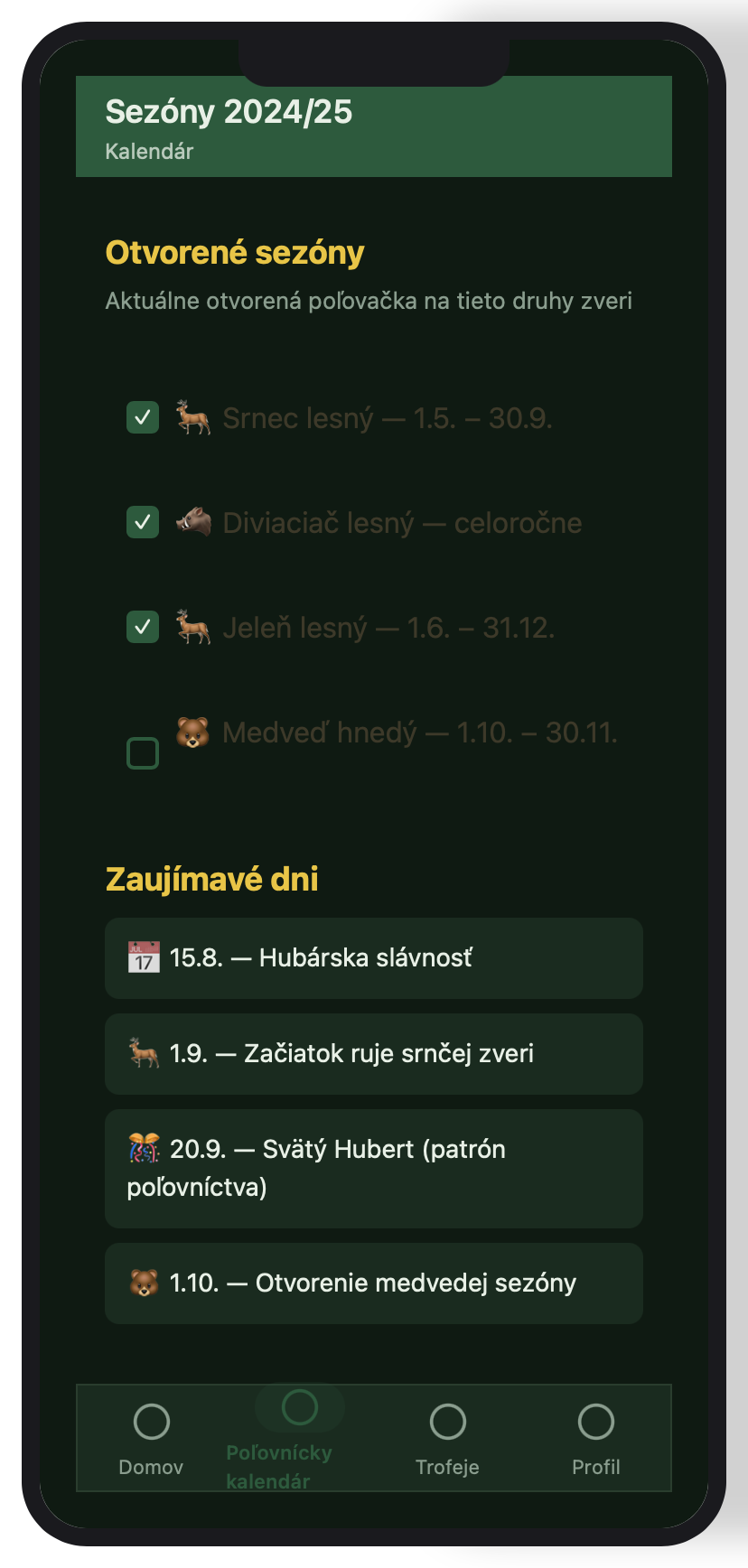
Ask, e.g. "Add a signup form that saves to users" or "Make the feed pull from a posts collection". The app declares data models and binds lists and forms, so input is captured and feeds populate live from real data right in the preview.
Film Movie StudioRenderHunting seasons appNew projectFilesframe_1frame_2frame_3frame_4frame_5frame_660%frame_01.png1024²RemixVariationsframe_02.png1024²RemixVariationsframe_03.png1024² RemixVariationsframe_04.png1024²
 RemixVariationsframe_05.png1024²
 RemixVariationsframe_06.png1024²
 Generating… 61%RemixVariationsTip: Lists and feeds come from collections, so they look populated and update when you submit a form.
 - 8
Export runnable React / React Native code
When you're happy, ask to export. The app generates a runnable Vite + React (web) project and an Expo + React Native project into a folder you pick. Open it in your editor and run.
Film Movie StudioRenderInfinite Photo VaultNew projectFilesframe_1frame_2frame_3Final render1080p · MP4SaveFilesTip: Choose web only for a desktop app, native only for a phone app, or both — both are exported by default.
What you get
From one sentence you have a functional multi-screen app: planned screens, real seeded data, wired navigation and a live preview in a device frame — plus a runnable React and React Native project ready to open in your editor. The same pattern — describe the idea → pick the device → watch the canvas → refine via chat → export — works for phone, tablet and desktop.
Pro tips
- Plan all the screens up front — say every screen you want in one message and the navigation gets wired correctly.
- You can attach a screenshot of an app you like and ask it to match the layout and the colors.
- Everything runs live in the preview with seeded data — no backend needed until you explicitly ask for one at export.
Try it yourself
FilmMovie Studio is a desktop app that walks you from idea to finished export. Download it and start creating.
Get FilmMovie Studio