Good product photos sell — but a white-background shot, a hero image and a lifestyle scene usually mean a studio, a model and a full day of work. The /ecommerce-design skill in FilmMovie Studio acts like a professional e-commerce visual designer: you upload one reference product photo, describe the category and target platform, and the app generates a set of images where each one does a single clear job. It follows strict rules along the way — the product always comes first, nothing is fabricated, and sensitive categories obey compliance redlines. In this guide we'll build a complete set for one product.
What you'll need
- FilmMovie Studio installed with an image-generation provider configured.
- At least one sharp reference photo of your product (ideally on a neutral background).
- Knowing the product category, its colour/material and the platform you'll sell on.
Step by step
- 1
Create a project and open the canvas
From the Launchpad click "New project", name it after the product (e.g. "Leather bag — summer") and open the Workspace. The chat panel is on the right, the empty Canvas on the left where image cards will appear.
Film Movie StudioRenderCubist Portrait Deconstruct…New projectLaunchpadHubAll projectsRecent project 1
 project 2
 project 3Settings
Film Movie Studio
A new way to create media with AI
Describe what you want to create…
SkillsModelsType / to explore AI skills
Short DramaE-commerceMusic VideoGamesDocumentary - 2
Upload a reference product photo
Drag your product photo straight onto the canvas, or attach it in the chat panel via the paperclip icon. An image card appears, from which the app reads the product's real attributes — shape, colour, material and finish.
Film Movie StudioRenderTerra-X Seasonal Motion Pos…New projectFilesframe_1frame_2frame_3frame_4frame_5Drag an image here, or click to upload
reference.png Tip: The truer the reference, the truer the result. The app deliberately won't invent details it can't see on the photo — packaging text, certifications or spec numbers.
 - 3
Run the /ecommerce-design skill
In chat, type /ecommerce-design or pick its icon from the skill list. This tells the app to work through the professional e-commerce workflow, with its rules for compliance and trust.
Film Movie StudioRenderHunting Club WebsiteNew projectSkills/ecommerce-design/short-drama/image-creator/audio-studio/app-builder/ecommerce-design Cinematic wide landscape photo of a misty forest at dawn during hunting season. Golden morning light filtering through tall pine and oak trees, fog rolling across a valley, rich…
SkillsModelsType / to switch skills anytime
- 4
Describe the product and choose the platform
Type the category and subcategory (e.g. "women's leather crossbody bag"), the colour and material, and the target platform — Amazon, Shopify or Taobao. That drives the aspect ratio and white-background requirement. If something essential is missing, the app asks a follow-up question.
Film Movie StudioRenderVOLN Sparkling Water Campai…New projectSkills/ecommerce-design/short-drama/image-creator/audio-studio/app-builder/ecommerce-design A conceptual mood frame establishing the visual system for a sparkling water brand called VOLN. The image is split into two zones divided by a hard vertical threshold. Left…
SkillsModelsType / to switch skills anytime
Tip: For an Amazon main image, pick a square aspect (1:1) and a pure-white background — it's a hard platform requirement. - 5
Choose the shot types for the set
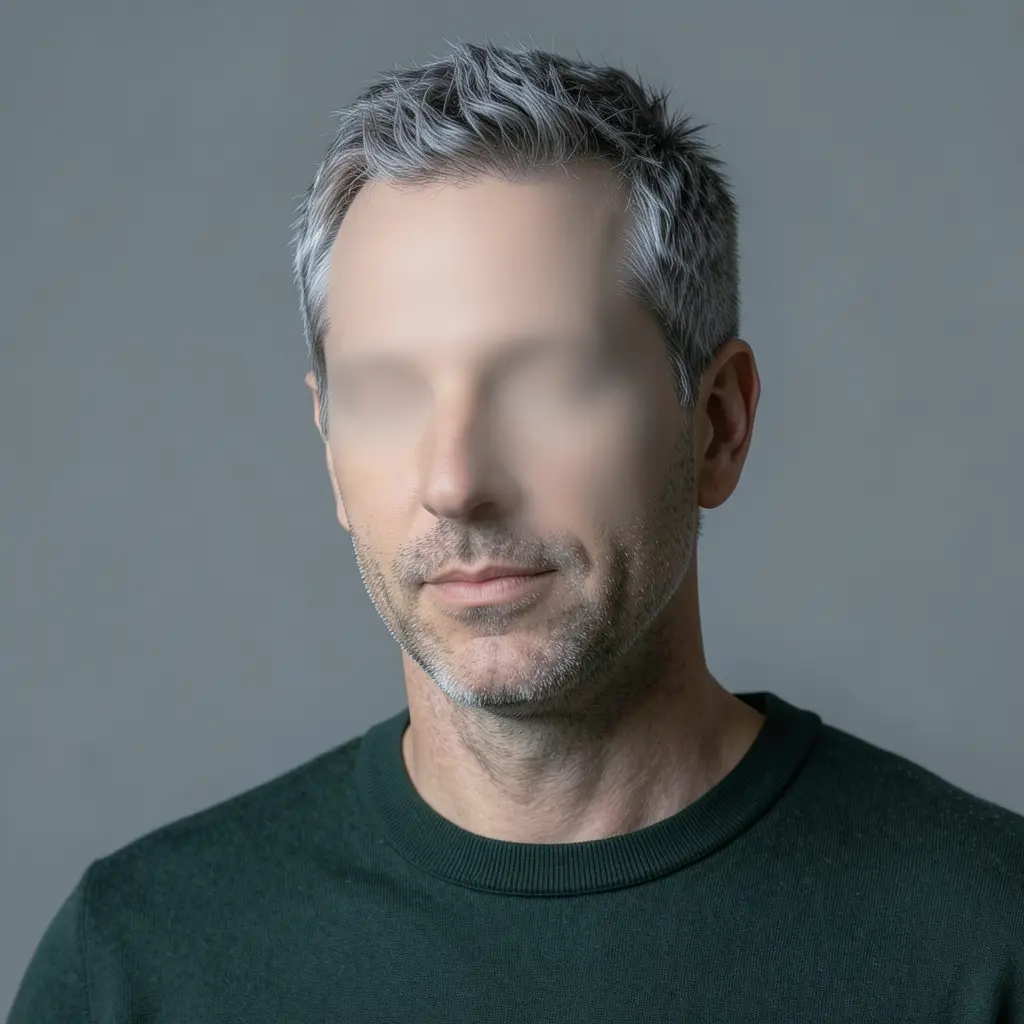
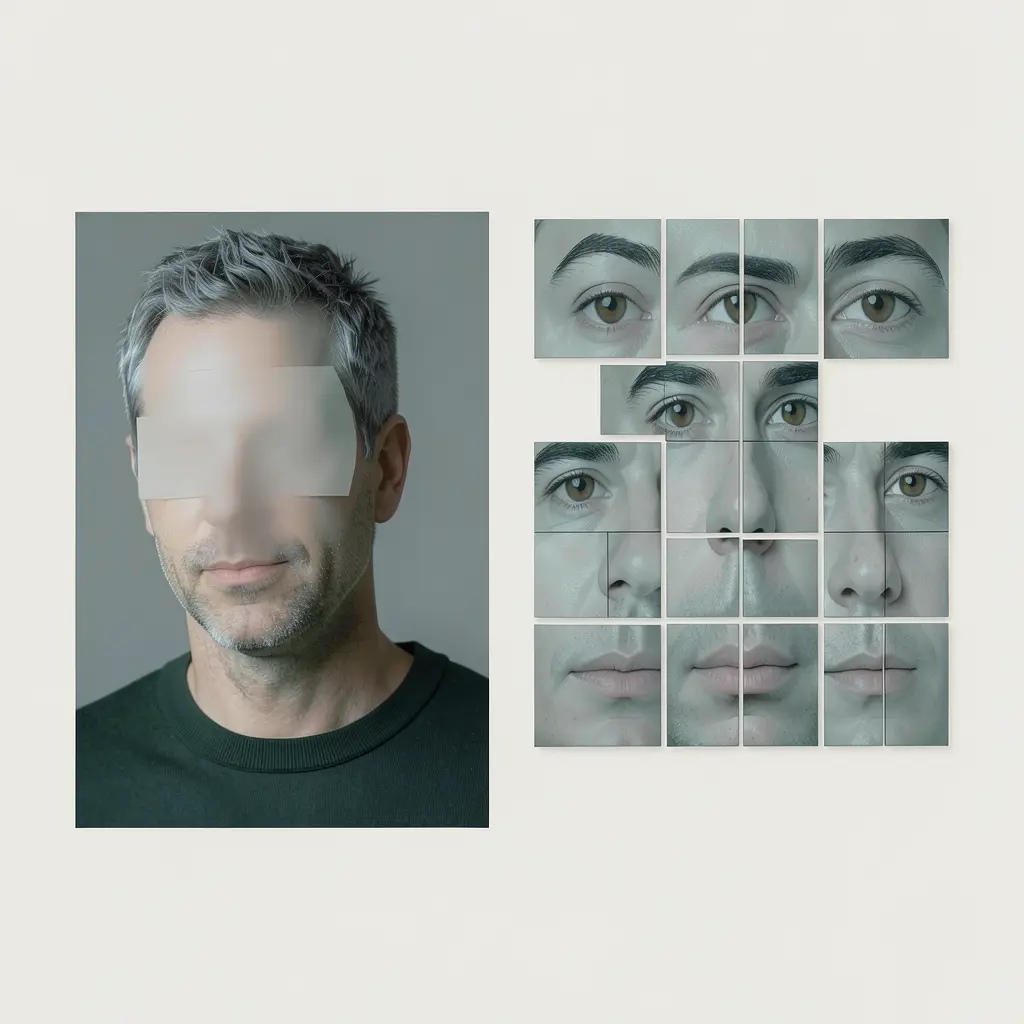
Say how many images you want and what jobs they do: white-background main, hero (the decision shot), detail/macro (material and quality), lifestyle (the product in use) and a size reference. Each image does exactly one job — the app won't mix them.
Film Movie StudioRenderVoxel Golden Gate BridgeNew projectFilesframe_1frame_2frame_3frame_460%frame_01.png1024²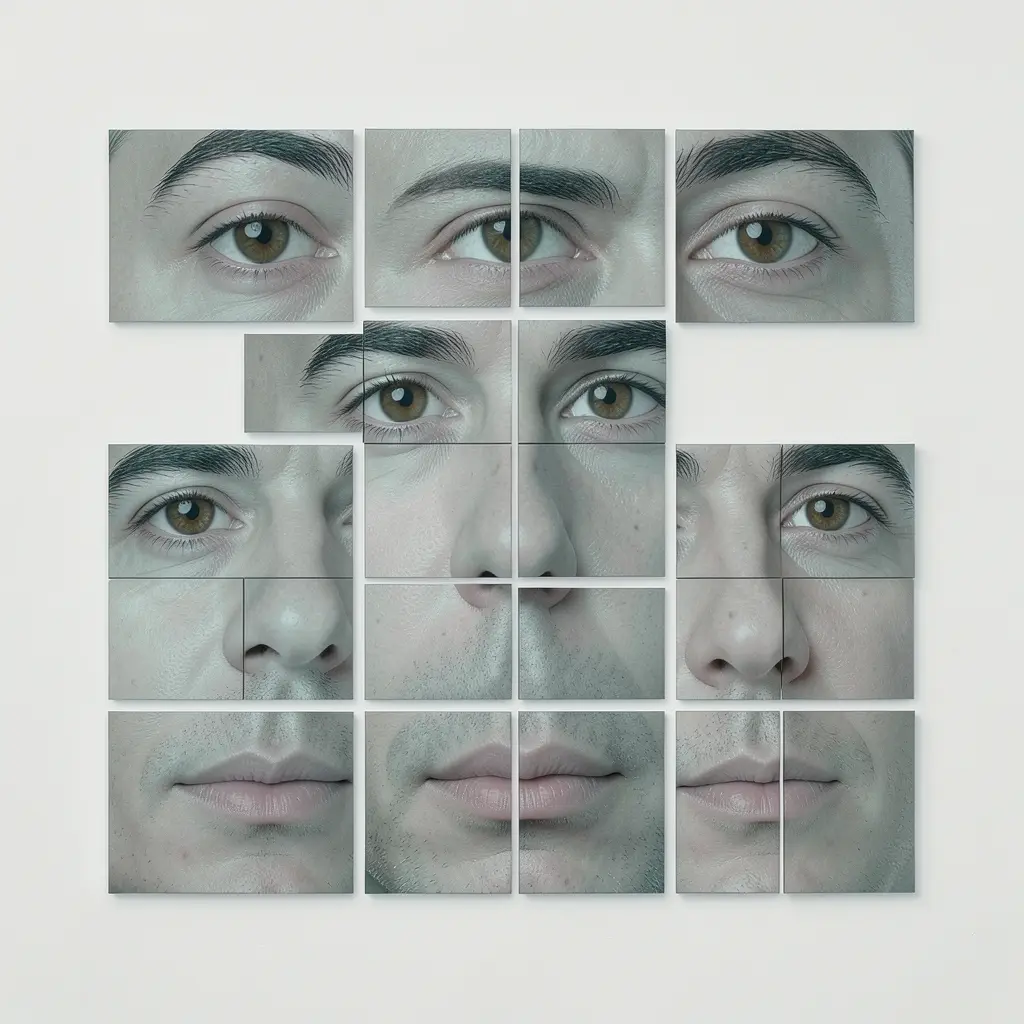 Generating… 42%RemixVariationsframe_02.png1024²
 Generating… 68%RemixVariationsframe_03.png1024²
 Generating… 55%RemixVariationsframe_04.png1024²
 Generating… 80%RemixVariations
 - 6
Watch the image cards appear
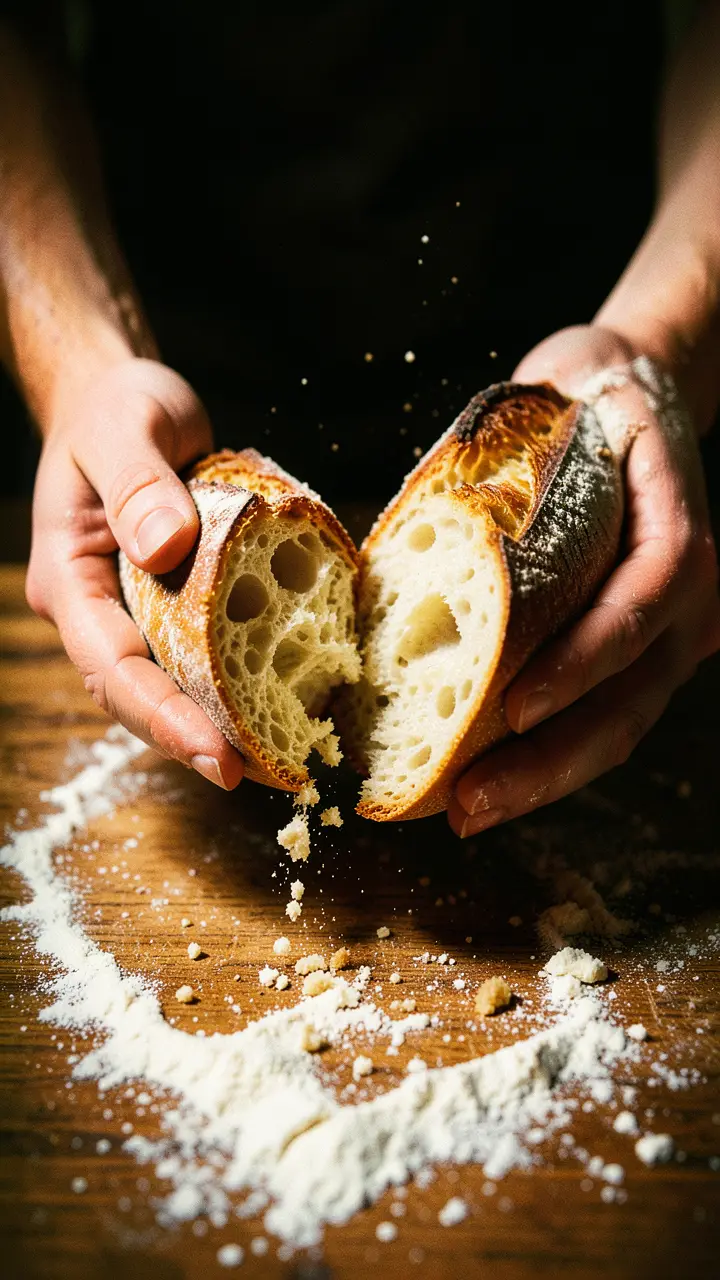
The app generates the shots in sequence and chains each new one under the previous, so you see the whole derived set on the canvas. A card loads first, then fills with the finished image under a short name like "Bag — hero".
Film Movie StudioRenderArtisan Bakery Logo DesignNew projectFilesframe_1frame_2frame_3frame_4frame_560%frame_01.png1024² Generating… 42%RemixVariationsframe_02.png1024²
 Generating… 68%RemixVariationsframe_03.png1024²
 Generating… 55%RemixVariationsframe_04.png1024²
 Generating… 80%RemixVariationsframe_05.png1024²
 Generating… 35%RemixVariations
 - 7
Refine via the context menu
Right-click any card for options: remix (try a variant), color grade or view fullscreen. The app scores each image internally and will auto-regenerate a weak shot once; further attempts you trigger manually with remix.
Film Movie StudioRenderCubist Portrait Deconstruct…New projectFilesframe_1frame_2frame_3frame_4frame_5frame_6frame_01.pngRemixVariationsAdd to timelineFullscreenDeleteTip: Keep one image = one job. If you want a different angle and a detail, ask for two separate cards, not one crammed shot. - 8
Save the images locally
When you're happy with the set, export the individual cards via the "Save" context-menu option into the project folder. The files sit locally on your disk and can go straight up to your store.
Film Movie StudioRenderTerra-X Seasonal Motion Pos…New projectFilesframe_1frame_2frame_3Final render1080p · MP4SaveFiles
What you get
You've got a finished set of product images where each one does a single job — white-background main, hero, detail, lifestyle and size reference — in your platform's format and saved locally. The product stays true to the reference, nothing is fabricated, and every shot is visually consistent, so you can upload them straight to Amazon, Shopify or Taobao.
Pro tips
- Never ask for invented facts — certifications, spec numbers or packaging text; the app deliberately won't fill them in, and for sensitive categories (supplements, beauty, baby goods) that's a hard rule.
- For detail/macro shots the rule is: a single focal point, no people, and a unified background across the whole set.
- In a lifestyle shot the product should occupy roughly 40–60% of the frame — the model, pose and scene serve the product, not themselves.
Try it yourself
FilmMovie Studio is a desktop app that walks you from idea to finished export. Download it and start creating.
Get FilmMovie Studio