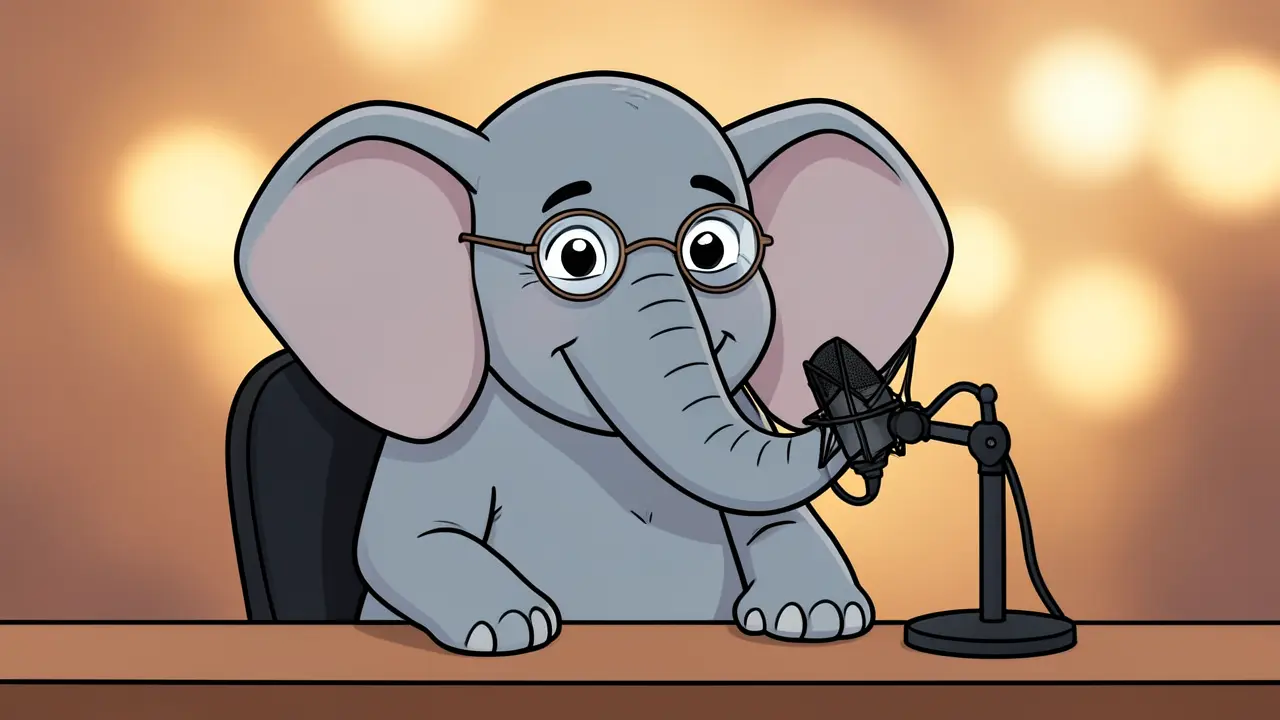
The animal podcast is one of the most fun loops in FilmMovie Studio: two animal hosts with contrasting personalities discuss a human topic from an animal point of view. You just give a topic and a pair of animals, and the app writes a comedy script, generates consistent portraits, animates them into talking-head clips with image-to-video (the Seedance model), records the lines and adds subtitles. The result is a short vertical video built for Shorts, Reels or TikTok. In this guide we'll walk the whole flow click by click.
What you'll need
- FilmMovie Studio installed with a generation provider configured (images, video and audio).
- A one-sentence podcast topic (e.g. "why do humans go to work") and a pair of animals with contrasting personalities.
- Basic familiarity with the Workspace and the timeline — see the "Your first project" guide.
Step by step
- 1
Open the Workspace and a new project
In the Launchpad, create a new project (e.g. "Animal podcast") and open the Workspace. You'll have the chat panel on the right and an empty canvas on the left where cards will appear.
Film Movie StudioRenderTiger Elephant AI PodcastNew projectLaunchpadHubAll projectsRecent project 1
 project 2
 project 3Settings
Film Movie Studio
A new way to create media with AI
Describe what you want to create…
SkillsModelsType / to explore AI skills
Short DramaE-commerceMusic VideoGamesDocumentary - 2
Give the topic and the two animals with /animal-podcast
In chat, type the /animal-podcast command followed by the topic and your two hosts, e.g. "/animal-podcast why do humans go to work — hosted by a Shiba Inu and a grumpy cat". The app asks for the aspect ratio (9:16 portrait or 16:9) and fine-tunes the animals' personalities.
Film Movie StudioRenderTiger Elephant AI PodcastNew projectSkills/animal-podcast/short-drama/image-creator/audio-studio/app-builder/animal-podcast Cute cartoon podcast studio scene. A confident orange Bengal tiger with headphones and a wise gray African elephant with round reading glasses sit at separate podcast desks with…
SkillsModelsType / to switch skills anytime
Tip: Opposites work best: one chatty and one grumpy, one optimist and one cynic. The personality contrast is the engine of the whole comedy. - 3
Watch the script and portrait cards appear
First an attribute card drops (topic, animals, aspect ratio), then a text card with the comedy script split into scenes and lines (target length 30–39s). At the same time two consistent host portraits are generated in one shared style (cartoon, 3D or watercolour).
Film Movie StudioRenderTiger Elephant AI PodcastNew projectFilesframe_1frame_2frame_3frame_4frame_5frame_6Drag an image here, or click to upload
reference.pngTip: Read the script before moving on — this is the easiest place to tweak the jokes. The portraits are the reference frames for the video, so their style shapes the whole video. - 4
Generate the talking-head video clips (Seedance)
The app turns each portrait into a talking clip with image-to-video — the portrait is passed to the Seedance model as the first frame, so the host keeps its look. You usually get two clips set in a podcast studio (~15s each).
Film Movie StudioRenderTiger Elephant AI PodcastNew projectFilesframe_1frame_2frame_360%frame_01.png1024²Generating… 42%RemixVariationsframe_02.png1024²Generating… 68%RemixVariationsframe_03.png1024²Generating… 55%RemixVariationsTip: The first frame is critical: without it the model would invent a new look for every clip. The app therefore draws a reference line on the canvas from each portrait to its clip. - 5
Record the lines — voiceover per speaker
For each script line one voiceover clip is generated in line order. Each is named like "Dial 1 — Shiba" so you can tell who's speaking on the timeline. The app remembers each clip's duration for aligning things later.
Film Movie StudioRenderTiger Elephant AI PodcastNew projectFilesframe_1frame_2frame_3frame_4TimelineRenderVideoVoiceoverMusicSubtitles - 6
Add the subtitles
The app walks the script's lines and adds one subtitle per line to the Subtitle track. It aligns each subtitle's start and duration to its matching voiceover clip, so the captions run exactly with the spoken audio. A short vertical video without captions loses half its reach.
Film Movie StudioRenderTiger Elephant AI PodcastNew projectFilesframe_1frame_2frame_3frame_4frame_5frame_01.pngRemixVariationsAdd to timelineFullscreenDeleteTip: Subtitles carry the line text without the speaker name — the name belongs in the clip label, not in the on-screen caption. - 7
Open the timeline and lay out the tracks
Bring up the timeline at the bottom. Place clip 1 at 0–15s and clip 2 at 15–30s; underneath, align the voiceover lines to their durations. Background music goes on the Music track, sound effects (laugh, applause) on the SFX track, and captions on the Subtitle track.
Film Movie StudioRenderTiger Elephant AI PodcastNew projectFilesframe_1frame_2frame_3frame_4frame_5frame_6TimelineRenderVideoVoiceoverMusicSubtitles - 8
Render the finished video
When the tracks line up, click "Render". Using ffmpeg, the app combines video, voiceover, music and SFX, burns in the subtitles and drops a final-video card on the canvas. You'll find the MP4 saved locally in the project folder, ready to upload.
Film Movie StudioRenderTiger Elephant AI PodcastNew projectFilesframe_1frame_2frame_3Drag an image here, or click to upload
reference.png
What you get
You have a finished short animal podcast: two hosts with their own look discussing your topic comedically in talking-head clips, with recorded voiceover, music, SFX and burnt-in subtitles — all in one vertical MP4 ready for Shorts, Reels or TikTok. To change a joke or an animal, edit the script or a portrait and render again.
Pro tips
- The 30–39s target isn't arbitrary — a short video holds attention and the algorithms favour it.
- Pick the portrait style by the topic's tone: 3D Pixar suits a more serious question, cartoon suits a silly one.
- After each stage the app posts a short summary and waits for your confirmation — feel free to ask for changes before it moves on.
Try it yourself
FilmMovie Studio is a desktop app that walks you from idea to finished export. Download it and start creating.
Get FilmMovie Studio