Zodiac World is a director for the kids' educational series "Zodiac English World", set in the forest village of Kazefumori, where the zodiac animals live everyday life and learn English. Monkey is the narrative anchor — he appears in every episode and visits one friend (Rabbit, Tiger, Rat or Dragon). In this advanced guide we run the full /zodiac-world loop: from a chapter idea through script approval, design sheets, keyframes and measured voice-over, to clips, subtitles and a final render. The iron law: design sheets before keyframes, measured audio before clips.
What you'll need
- FilmMovie Studio with a provider configured for images, video and audio (kie.ai or deAPI).
- An idea for one everyday-life chapter in Kazefumori — who Monkey visits and what happens (one sentence is enough).
- A sense of target length (30, 45 or 60 seconds) and the core English phrase you want kids to learn.
Step by step
- 1
Launch /zodiac-world and describe the chapter
In the chat panel type /zodiac-world and briefly describe the episode, e.g. "Monkey visits Rabbit's garden and learns to ask May I come in?". The app confirms the idea in one line. If you have no details yet, it asks what happens in the episode.
Film Movie StudioRenderCafe Lumiere Romantic DramaNew projectSkills/zodiac-world/short-drama/image-creator/audio-studio/app-builder/zodiac-world Anna stands under the rainy awning, holding the cup, reading "STAY." Rain falls in soft sheets around her. Slowly she turns around, over-the-shoulder tracking shot,…
SkillsModelsType / to switch skills anytime
Tip: Stick to everyday life. No floating islands or monsters — the drama is small: a stuck door, a lost carrot, a first visit. - 2
Fill in the episode brief
A card dialog opens: pick the friend Monkey visits (Rabbit, Tiger, Rat or Dragon), the age band (3–5 or 6–8), the length (30, 45 or 60 seconds) and the teaching language. From this the app derives the number of story beats and the core English phrase.
Film Movie StudioRenderCafe Lumiere Romantic DramaNew projectFiles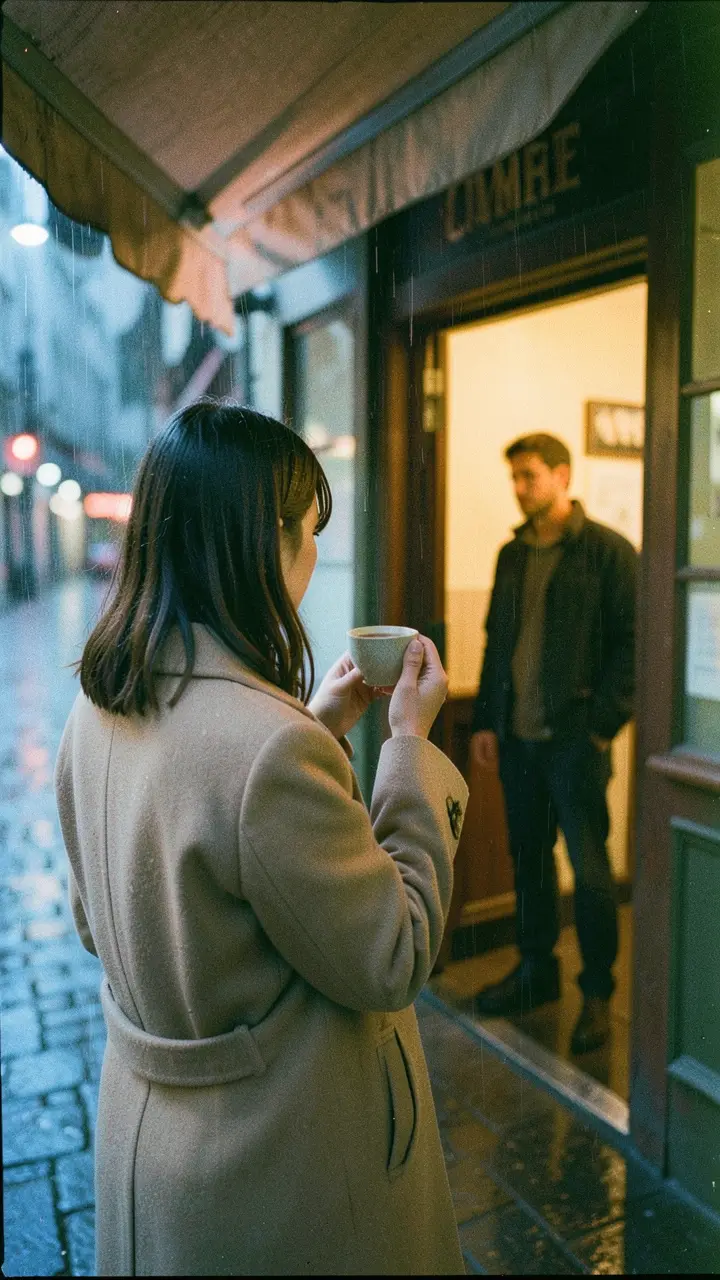 frame_1.png
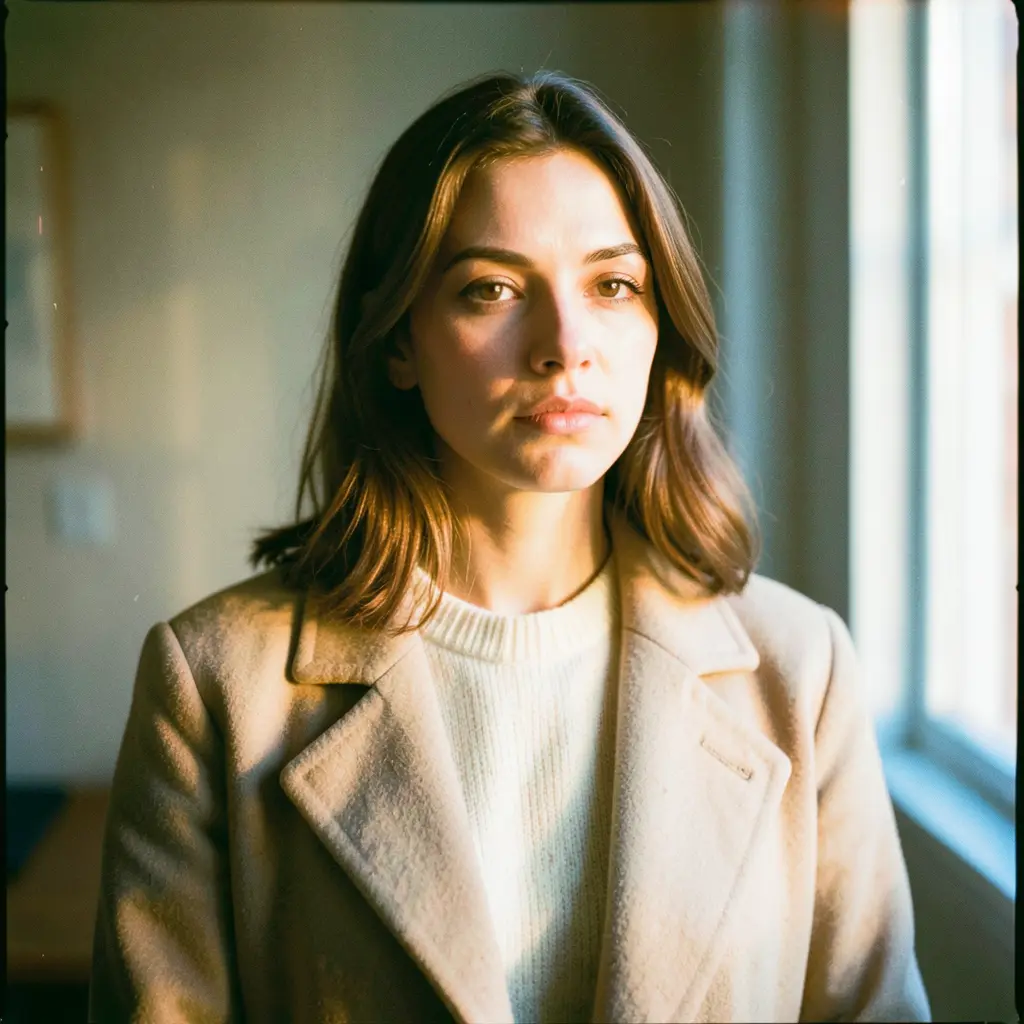 frame_2.png
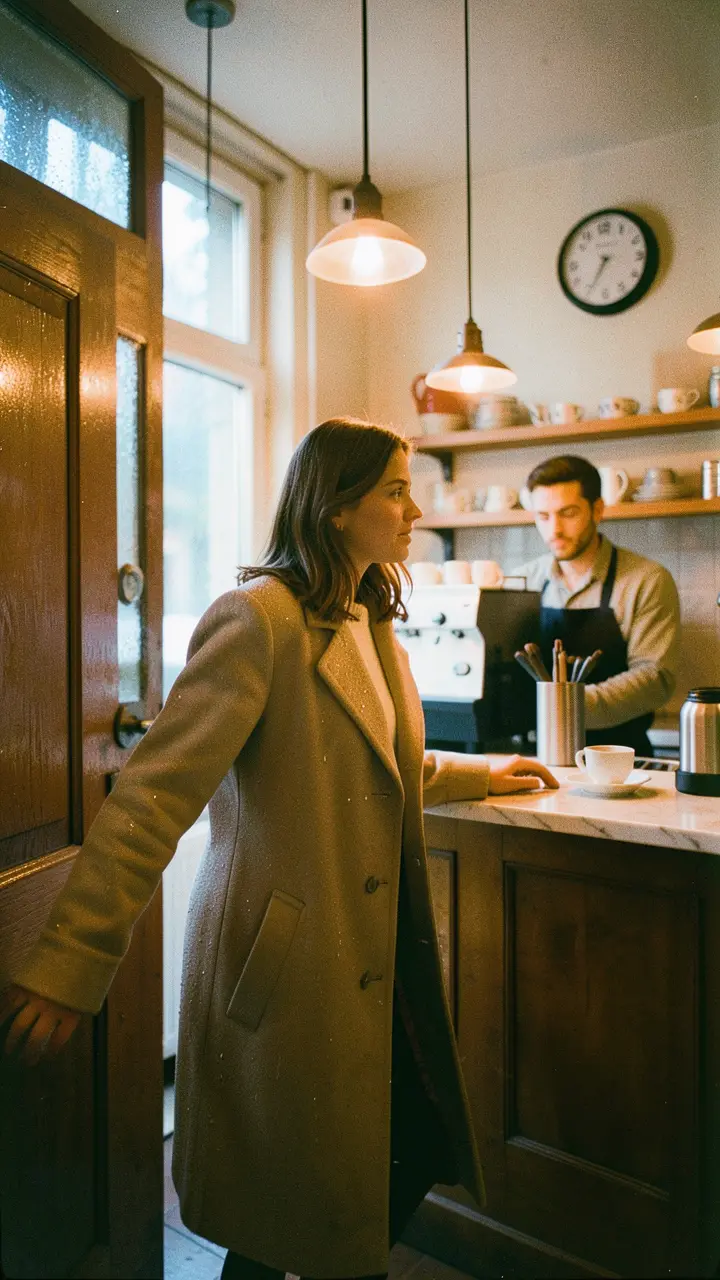 frame_3.png
 frame_4.png
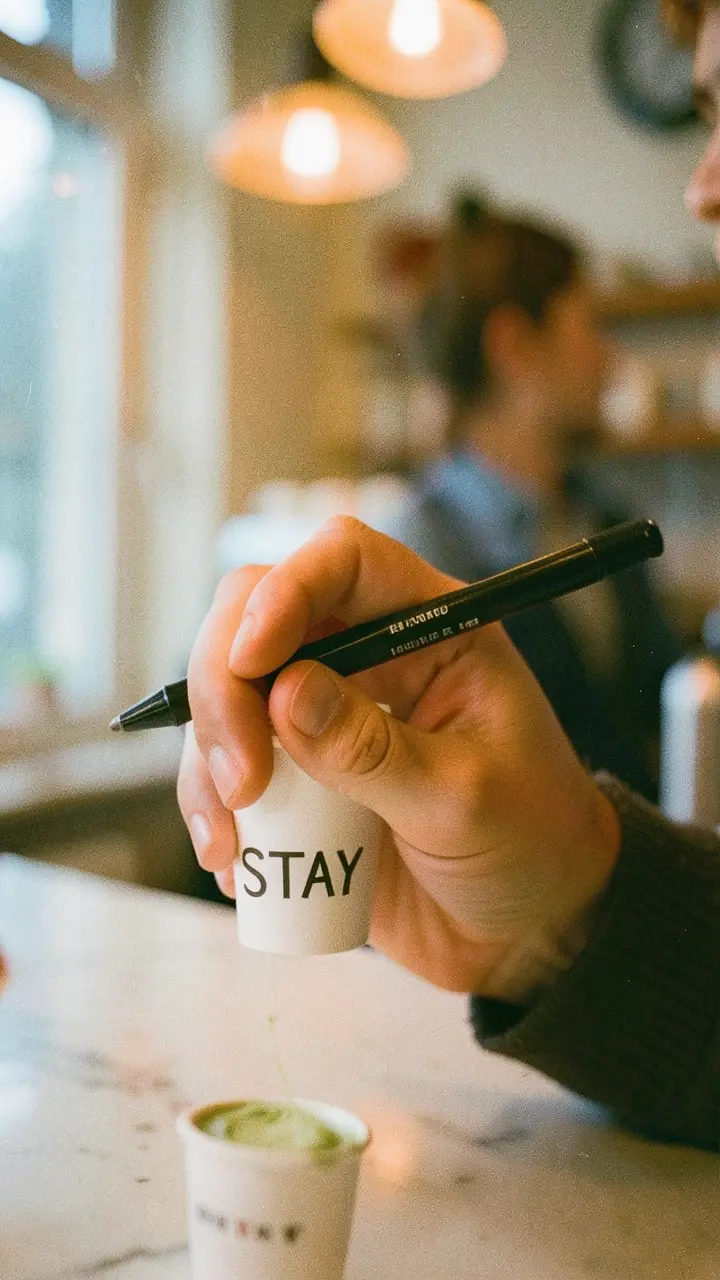 frame_5.png
Drag an image here, or click to upload
reference.png - 3
Approve the script and song
The app generates a script — the exact number of story beats (opening problem → dialogue → warm resolution) plus a closing song that repeats the core phrase. The script is saved as a plan card on the canvas. At the creative gate click "Approve — start production", or request revisions.
Film Movie StudioRenderCafe Lumiere Romantic DramaNew projectFilesframe_1.pngframe_2.pngframe_3.pngframe_4.pngframe_5.png frame_6.png60%promptframe_01.pngRemixframe_02.pngRemixframe_03.pngRemixframe_04.pngGenerating… 80%RemixoutputTip: Each character has its own speech style. If the script reads the same in every mouth, ask for a rewrite — the song lyrics are written only after the story is done.
 - 4
Generate the character and scene design sheets
For each character a turnaround sheet is created (four views in one square); the first sheet becomes the "style anchor" for the rest. Then a scene sheet (environment with no characters) and a scale sheet (a character beside a key prop) are added, so fences and doors don't change height between shots.
Film Movie StudioRenderCafe Lumiere Romantic DramaNew projectFilesframe_1.pngframe_2.pngframe_3.png60%promptframe_01.pngRemixframe_02.pngRemixframe_03.pngGenerating… 55%Remixoutput - 5
Build the keyframes for each beat
For each story beat the app generates a 9:16 keyframe that uses, as references (ref_node_ids), the sheets of EVERY character in the shot plus the scene and scale sheets. Two song keyframes are also added, with the characters together and dancing.
Film Movie StudioRenderCafe Lumiere Romantic DramaNew projectFilesframe_1.pngframe_2.pngframe_3.pngframe_4.png60%promptframe_01.pngGenerating… 42%Remixframe_02.pngGenerating… 68%Remixframe_03.pngGenerating… 55%Remixframe_04.pngGenerating… 80%RemixoutputTip: In two-character beats, double-check you're passing both characters' sheets and name each one in the prompt — otherwise the model blends them. - 6
Record the voice-over and measure durations
For each line a voiceover is generated — a different voice per character, the same voice for all of that character's lines. The app records the measured duration (duration_sec) of every line and creates a ~16-second children's song. These numbers drive the clip lengths.
Film Movie StudioRenderCafe Lumiere Romantic DramaNew projectFilesframe_1.pngframe_2.pngframe_3.pngframe_4.pngframe_5.png60%promptframe_01.pngGenerating… 42%Remixframe_02.pngGenerating… 68%Remixframe_03.pngGenerating… 55%Remixframe_04.pngGenerating… 80%Remixoutput - 7
Generate the clips from the measured audio
For each beat a 9:16 video is created from its keyframe as the first frame; the clip's duration comes from the measured audio (it never exceeds 10s). Prompts use visual verbs and gestures only — no mouth description, because this pipeline does not do lip-sync.
Film Movie StudioRenderCafe Lumiere Romantic DramaNew projectSkills/zodiac-world/short-drama/image-creator/audio-studio/app-builder/zodiac-world Anna stands under the rainy awning, holding the cup, reading "STAY." Rain falls in soft sheets around her. Slowly she turns around, over-the-shoulder tracking shot,…
SkillsModelsType / to switch skills anytime
- 8
Lay subtitles, assemble and render
Subtitles are laid with accumulating timing — each beat starts at the sum of all prior clips; the song is transcribed and its cues offset by the song's start. Open the timeline (clips, voices, song and subtitles auto-populate) and click "Render". The finished vertical episode lands as a card on the canvas.
Film Movie StudioRenderCafe Lumiere Romantic DramaNew projectFilesframe_1.pngframe_2.pngframe_3.pngFinal render1080p · MP4SaveFilesTip: Render is the terminal step — call it exactly once. To make changes, edit the cards or the timeline and render again.
What you get
You have a finished 30–60-second vertical "Zodiac English World" episode: a script with lines in each character's style, one core English phrase repeated in both dialogue and the song, style-matched characters and scene, duration-measured voice-over, clips that never exceed 10 seconds, synced subtitles and a final render saved locally. Repeat the same loop for the next chapter and build the whole series.
Pro tips
- Design sheets before keyframes: always include the scene and scale sheets in the references, or fences and doors change height between shots.
- At most 3 characters per episode (Monkey + one friend + optionally one more) and no clip over 10 seconds — more breaks the 30–60s format.
- This pipeline does no lip-sync: animate characters with gestures and movement, and let the voice ride separately on the dialogue track.
Try it yourself
FilmMovie Studio is a desktop app that walks you from idea to finished export. Download it and start creating.
Get FilmMovie Studio