This is an advanced workflow for series work. The /wasteland-short-film skill turns you into the director of a post-apocalyptic 3D-CG series: dark sci-fi game cinematics, cold dawn light, rust and dust, hard cuts and no sentimentality. The core idea is "the Style Bible is law" — a short paragraph describing palette, atmosphere and lens that is then pasted verbatim into every prompt. That keeps the look uniform across every shot and every episode. The second rule saves credits: first frames first, video only once they're approved.
What you'll need
- FilmMovie Studio with an image and a video provider configured (kie.ai or deAPI).
- An episode premise in one or two sentences, plus a length (30/60/90 s) and cast size.
- Optional: character illustrations attached via the paperclip icon if you continue an ongoing series.
Step by step
- 1
Launch the /wasteland-short-film skill and give a premise
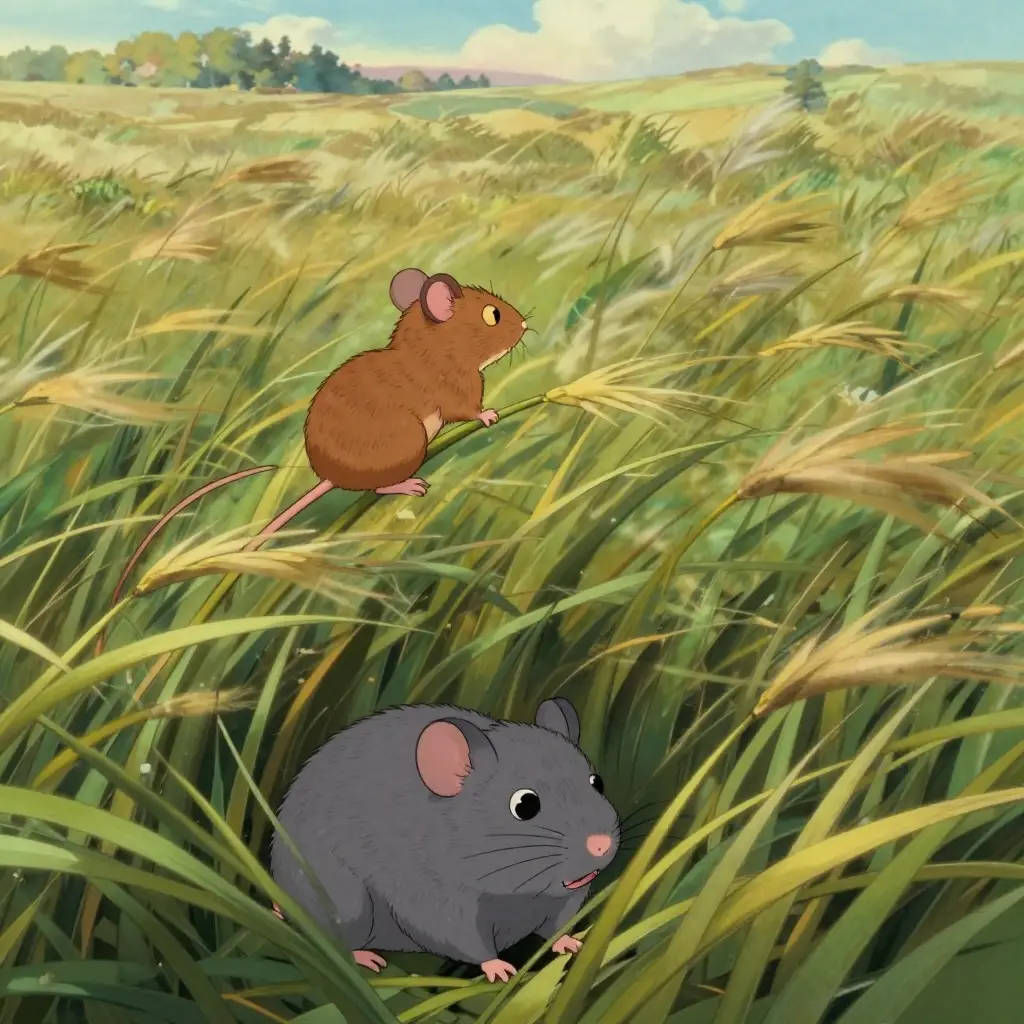
In chat, type /wasteland-short-film and press Enter. The app asks what the episode is about — answer in one or two sentences (e.g. "two scavengers find a working greenhouse in a dead city, but someone got there first"). If you continue a series, attach your character illustrations via the paperclip icon; typed filenames won't do, it needs the actual files.
Film Movie StudioRenderBeyond The Manor WallsNew projectFiles frame_1.png
 frame_2.png
 frame_3.png
 frame_4.png
Drag an image here, or click to upload
reference.pngTip: You own the premise — leave the directing, style and production to the skill. A clear story core is enough. - 2
Pick length, cast and mood
A short brief opens (ask_user_brief) with tabs. Choose a length — 30 s (4 beats) / 60 s (8 beats) / 90 s (11 beats), a cast size (1–3) and a mood: Tense (something hunts) / Quiet desolation (elegiac, slow) / Hard action (pursuit, confrontation). These choices drive pacing and the number of shots.
Film Movie StudioRenderBeyond The Manor WallsNew projectFilesframe_1.pngframe_2.pngframe_3.png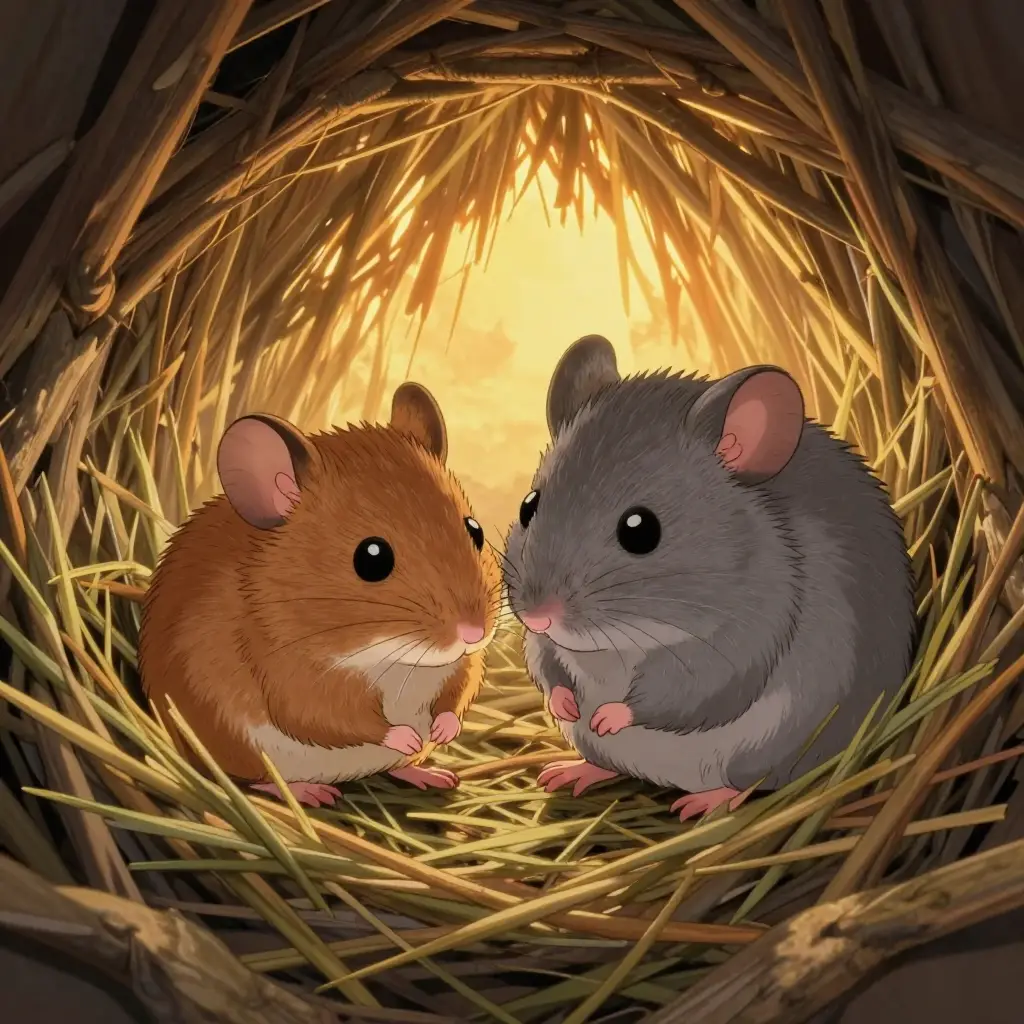 frame_4.pngframe_5.png60%promptframe_01.pngGenerating… 42%Remixframe_02.pngGenerating… 68%Remixframe_03.pngGenerating… 55%Remixframe_04.pngGenerating… 80%Remixoutput
 - 3
Approve the creative plan and Style Bible
The skill generates a plan: title, logline, a beat breakdown (what happens, shot size, camera move, lighting) and a Style Bible — one paragraph of prompt language that locks the render, palette and lens. It saves the plan and the bible as cards on the canvas and pauses at a creative gate. Click "Approve — start production", or "Revise the plan" / "Change the look".
Film Movie StudioRenderBeyond The Manor WallsNew projectSkills/wasteland-short-film/short-drama/image-creator/audio-studio/app-builder/wasteland-short-film Medium-wide tracking shot: a brown field mouse darts carrying foraged grass and feathers in his mouth, while a gray dormouse weaves the materials into a small domed…
SkillsModelsType / to switch skills anytime
Tip: The Style Bible is law: the same paragraph is then pasted verbatim into every image prompt. Read it carefully — it defines the whole episode. - 4
Generate the character designs (fixed cast)
For each character you didn't attach, the skill makes a full-body design with the Style Bible verbatim and saves a "Design — <character>" card. The first design becomes the style anchor; later ones receive it via ref_node_ids so the models don't reinvent characters on every call.
Film Movie StudioRenderBeyond The Manor WallsNew projectFilesframe_1.pngframe_2.pngframe_3.pngDrag an image here, or click to upload
reference.png - 5
Batch the beat first frames
The skill makes one image per beat, in order — composition, who stands where doing what, shot size and angle, lighting from the beat's note, and the Style Bible verbatim at the end. With multiple characters in a frame it passes all their designs via ref_node_ids so the model won't blend them. "Frame <n>" cards drop onto the canvas.
Film Movie StudioRenderBeyond The Manor WallsNew projectFilesframe_1.pngframe_2.pngframe_3.pngframe_4.png60%promptframe_01.pngRemixframe_02.pngRemixframe_03.pngRemixframe_04.pngGenerating… 80%Remixoutput - 6
Clear the quality gate before video
Before the expensive video step the skill pauses: check that characters match their designs, each scene matches its beat, and the style is uniform across all frames. Have any bad frame regenerated. Then click "Generate the clips", or "Flag frames to redo" and describe what to fix.
Film Movie StudioRenderBeyond The Manor WallsNew projectSkills/wasteland-short-film/short-drama/image-creator/audio-studio/app-builder/wasteland-short-film Medium-wide tracking shot: a brown field mouse darts carrying foraged grass and feathers in his mouth, while a gray dormouse weaves the materials into a small domed…
SkillsModelsType / to switch skills anytime
Tip: Never image-to-video a frame you wouldn't sign off as a still. Video costs far more credits than an image. - 7
Generate clips and unify the grade
The skill makes one clip per beat (6/8/10 s per the pacing) with the first frame as first_frame and a motion prompt of visual verbs only (crouches, scans, drags) — never "realizes/decides". If clips drift in tone, it runs a unifying color grade (color_adjust) with identical values on every clip.
Film Movie StudioRenderBeyond The Manor WallsNew projectFilesframe_1.pngframe_2.pngframe_3.pngframe_4.pngframe_5.png frame_6.png
Drag an image here, or click to upload
reference.png - 8
Add voice-over, subtitles and score
For dialogue (at most 4 short lines) the skill generates voice-over with a distinct voice per character and lays subtitles with accumulating timing. It adds an ambient score (dark drones, distant metallic groans) and optionally 1–2 SFX for the loudest beats. The speaker is always in silhouette or turned away — there is no lip-sync.
Film Movie StudioRenderBeyond The Manor WallsNew projectFilesframe_1.pngframe_2.pngframe_3.pngTimelineRenderVideoVoiceoverMusicSubtitles - 9
Assemble the timeline and render
The skill opens the timeline (open_timeline): clips — the graded versions if available — voice-over, music and subtitles auto-populate. It then runs render_timeline with hard cuts only, and the finished MP4 is saved locally. Render is the terminal step; it's called exactly once.
Film Movie StudioRenderBeyond The Manor WallsNew projectFilesframe_1.pngframe_2.pngframe_3.pngframe_4.pngFinal render1080p · MP4SaveFilesTip: Hard cuts are deliberate — no crossfades, no fancy transitions. They suit the tough narrative.
What you get
You have a finished post-apocalyptic episode in a uniform AAA game-cinematic look: the Style Bible locked the palette and atmosphere, the first frames passed a quality gate before any expensive video, the clips share a unified grade, and a hard-cut timeline with voice-over and ambient score rendered to a local MP4. Because the cast and the bible are fixed, the same project is the base for the next episodes of the series.
Pro tips
- The Style Bible is law: if the look diverges (one shot photoreal, the next cartoonish), move the bible to the front of the prompt and regenerate the frame.
- Use only visual verbs in motion prompts (crouches, scans, drags), never "realizes/decides" — the model can show an action, not a thought.
- With multiple characters in a frame, always pass all their designs via ref_node_ids and name each with one identifying feature so the model won't blend them.
Try it yourself
FilmMovie Studio is a desktop app that walks you from idea to finished export. Download it and start creating.
Get FilmMovie Studio