This is an advanced guide. We'll show how to take a simple idea ("an endless runner dodging neon obstacles") and build a real 3D game that runs right on the FilmMovie Studio canvas inside a sandboxed iframe. The game is created as one self-contained HTML file: Three.js handles the scene, camera and rendering, the Rapier physics engine drives movement and collisions, and post-processing (bloom, tone mapping) polishes the look. The key is pacing — the AI doesn't send the whole game at once; it assembles it in small pieces, so you watch the world grow and each round stays fast. At the end you have a playable game you download as a single .html and open in any browser with no install.
What you'll need
- Completed the "Getting started" guide — you can create a project and work with the canvas and chat.
- A generation provider configured in Settings (for any textures, skybox and sounds via generate_image / generate_audio).
- A clear idea for one game loop — a verb, an objective and a fail condition (e.g. "dodge obstacles, collect crystals, a crash ends the run").
Step by step
- 1
Launch the /threejs-game skill
In your project open the chat and pick the skill icon, or just type /threejs-game. This skill is for 3D, Three.js and premium games — for 2D classics (Snake, Pong, a quiz) use /games instead. Add your idea right after the command.
Film Movie StudioRenderFantasy RTS War GameNew projectSearch skills…AllWorkflowsQuickvideoShort DramaViral vertical mini-series, end to end.imageImage CreatorGenerate single images from a prompt.audioAudio StudioVoiceover, SFX and music tracks.copyApp BuilderMulti-screen apps with live preview.imageE-commerce DesignPro product shots for any platform.videoMusic VideoBeat-synced clips cut to your track.Tip: It helps to mention whether you target desktop, touch, or both — it shapes the controls and the HUD. - 2
Describe the game loop in one sentence
In chat, write the loop as verb + objective + pressure + reward + fail, e.g. "Endless runner: run forward, dodge neon obstacles, collect crystals for points, a crash ends the run and restarts". If the request is vague, the AI asks once about genre, art direction and target device — answer and it keeps building.
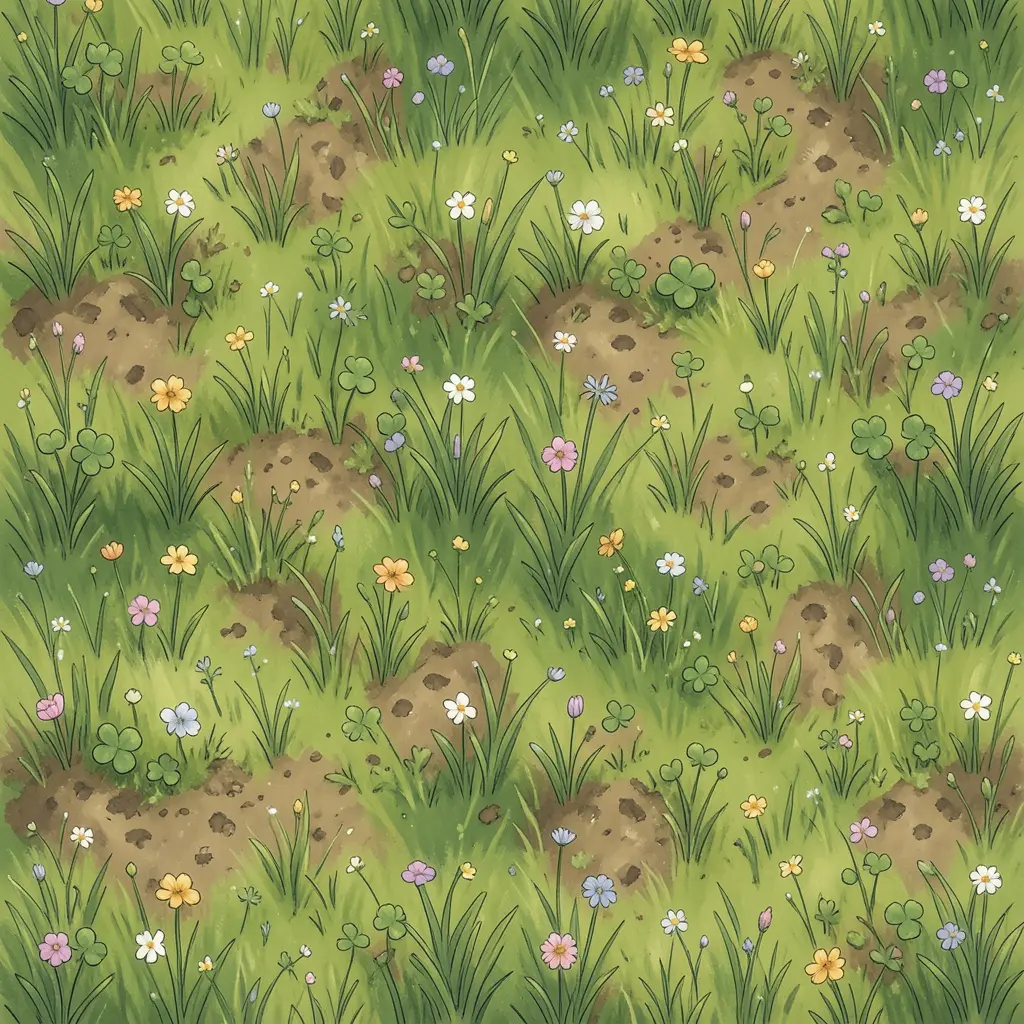
Film Movie StudioRenderFantasy RTS War GameNew projectSkills/threejs-game/short-drama/image-creator/audio-studio/app-builder/threejs-game Seamless tileable top-down albedo texture of lush fantasy meadow grass, warm storybook hand-painted illustration style, soft varied greens with tiny wildflowers,…
SkillsModelsType / to switch skills anytime
Tip: Describe intent, not code. The skill reads the workflow itself and picks the geometry, physics and effects. - 3
Watch the game card appear (the shell)
The AI's first step (create_game) opens a game card on the canvas with just a "shell" — the skeleton: a full-screen canvas, the HUD, a start overlay and the Three.js renderer/scene/camera. Three.js and Rapier load from a CDN via an importmap. The shell is deliberately small so the card doesn't reject it.
Film Movie StudioRenderFantasy RTS War GameNew projectFiles frame_1.png
 frame_2.png
 frame_3.png
 frame_4.png
 frame_5.png
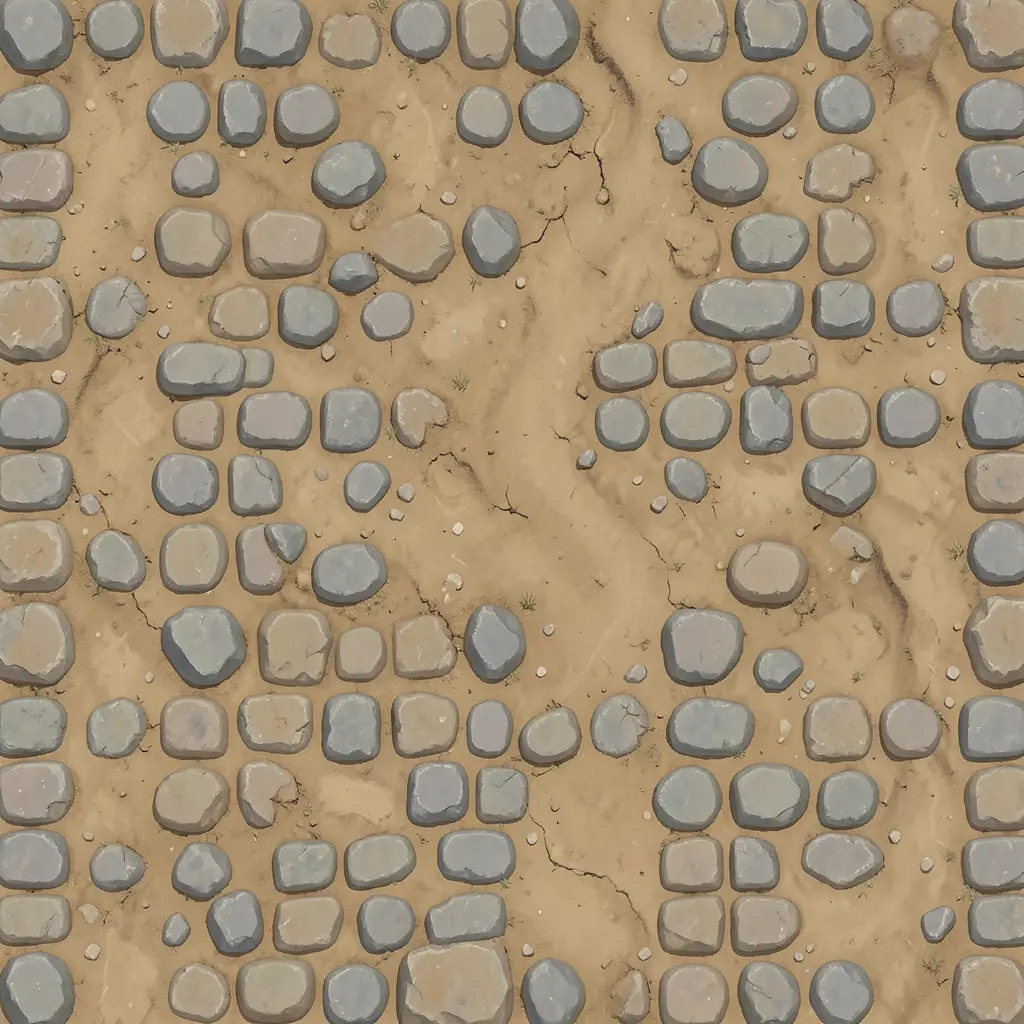 frame_6.png60%promptframe_01.pngRemixframe_02.pngRemixframe_03.pngRemixframe_04.pngGenerating… 80%Remixoutput
 - 4
Let the game grow piece by piece (append_game_code)
Now the AI calls append_game_code many times — one system per round: player input, a Rapier body and collider, the obstacle spawner, the update(dt) step, the world builder, materials and VFX. A premium 3D game easily has 15–25 of these. The card comes alive after each piece, right in front of you.
Film Movie StudioRenderFantasy RTS War GameNew projectFilesframe_1.pngframe_2.pngframe_3.png60%promptframe_01.pngRemixframe_02.pngRemixframe_03.pngGenerating… 55%RemixoutputTip: This pacing is by design, not slowness — each round is fast and you see the world accumulate. - 5
Play it inline in the card
Click the start overlay in the card and play the game inline in the sandboxed iframe — keyboard and mouse on desktop, or touch on mobile. Rapier physics handles jumps, crashes and falls; after a loss the game must restart clean (no stale entities, timers or listeners).
Film Movie StudioRenderFantasy RTS War GameNew projectFilesframe_1.pngframe_2.pngframe_3.pngframe_4.png60%promptframe_01.pngGenerating… 42%Remixframe_02.pngGenerating… 68%Remixframe_03.pngGenerating… 55%Remixframe_04.pngGenerating… 80%Remixoutput - 6
Add textures, a skybox and sounds
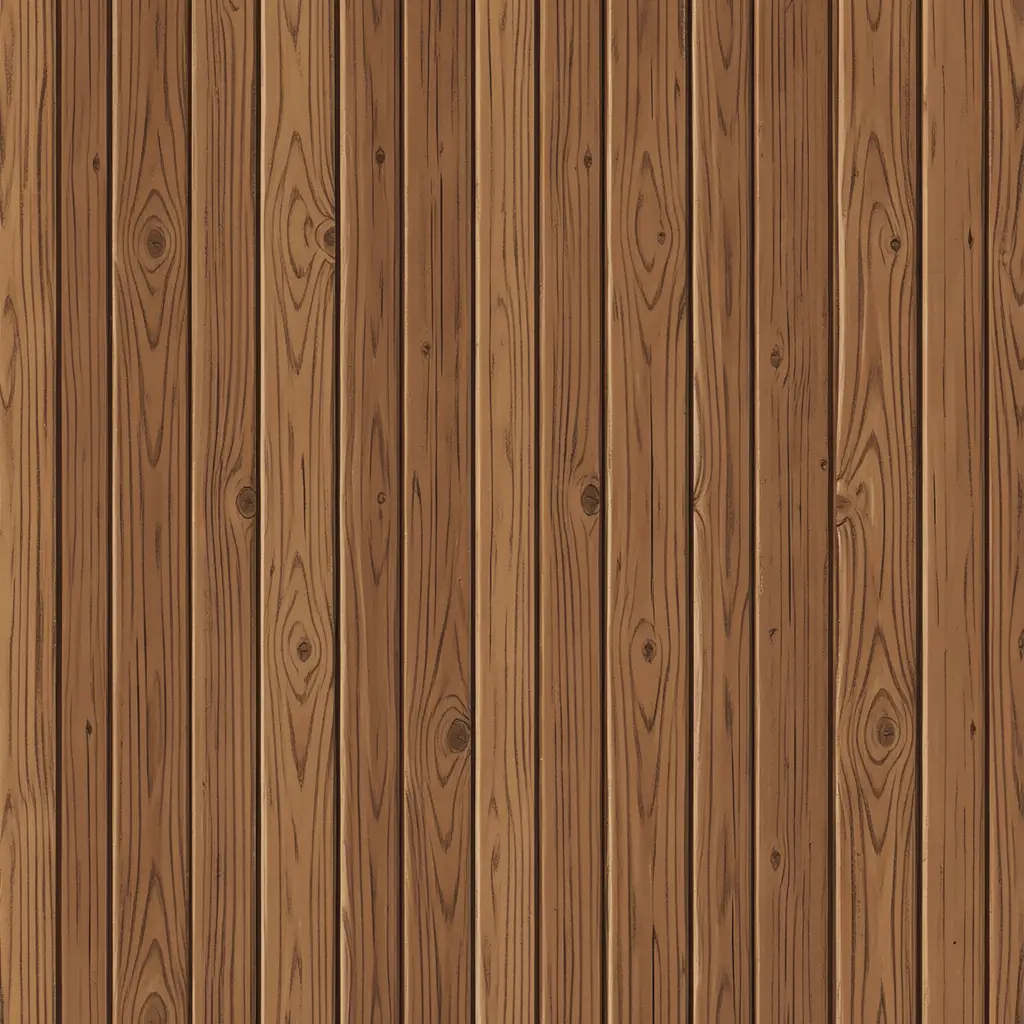
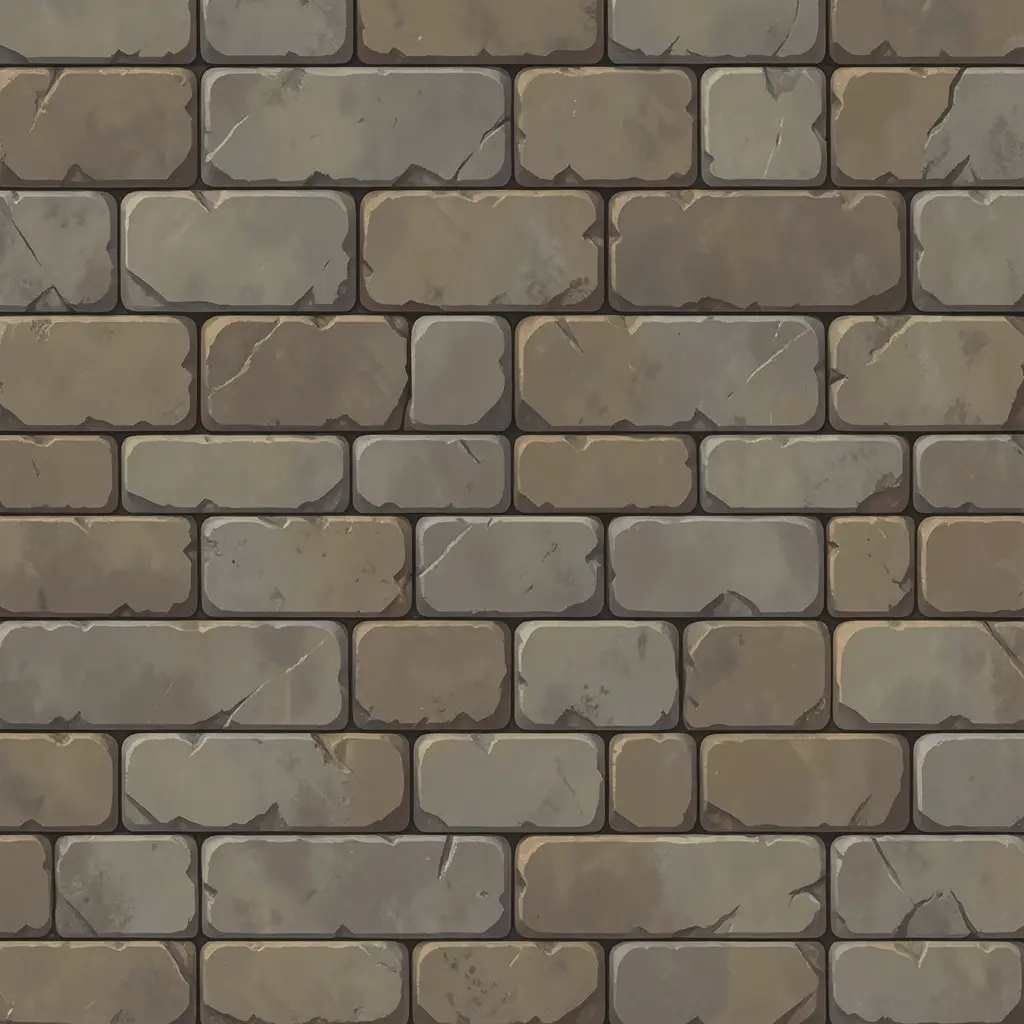
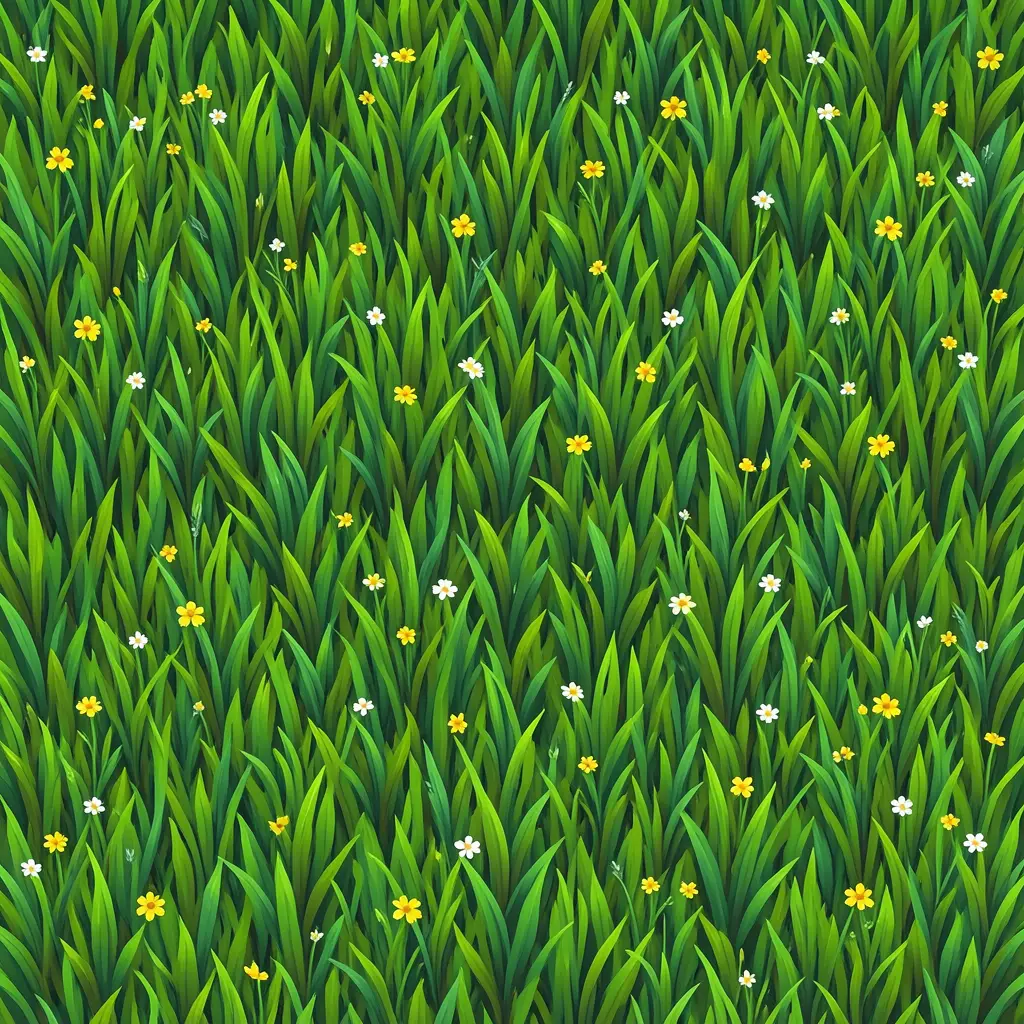
For a premium look, have the AI generate at least one hero texture or skybox (generate_image) and the core SFX — jump, pickup, crash — plus a music bed (generate_audio). The file path is auto-inlined straight into the game HTML, so an image becomes a real texture and a sound a real SFX with no upload step.
Film Movie StudioRenderFantasy RTS War GameNew projectFilesframe_1.pngframe_2.pngframe_3.pngframe_4.png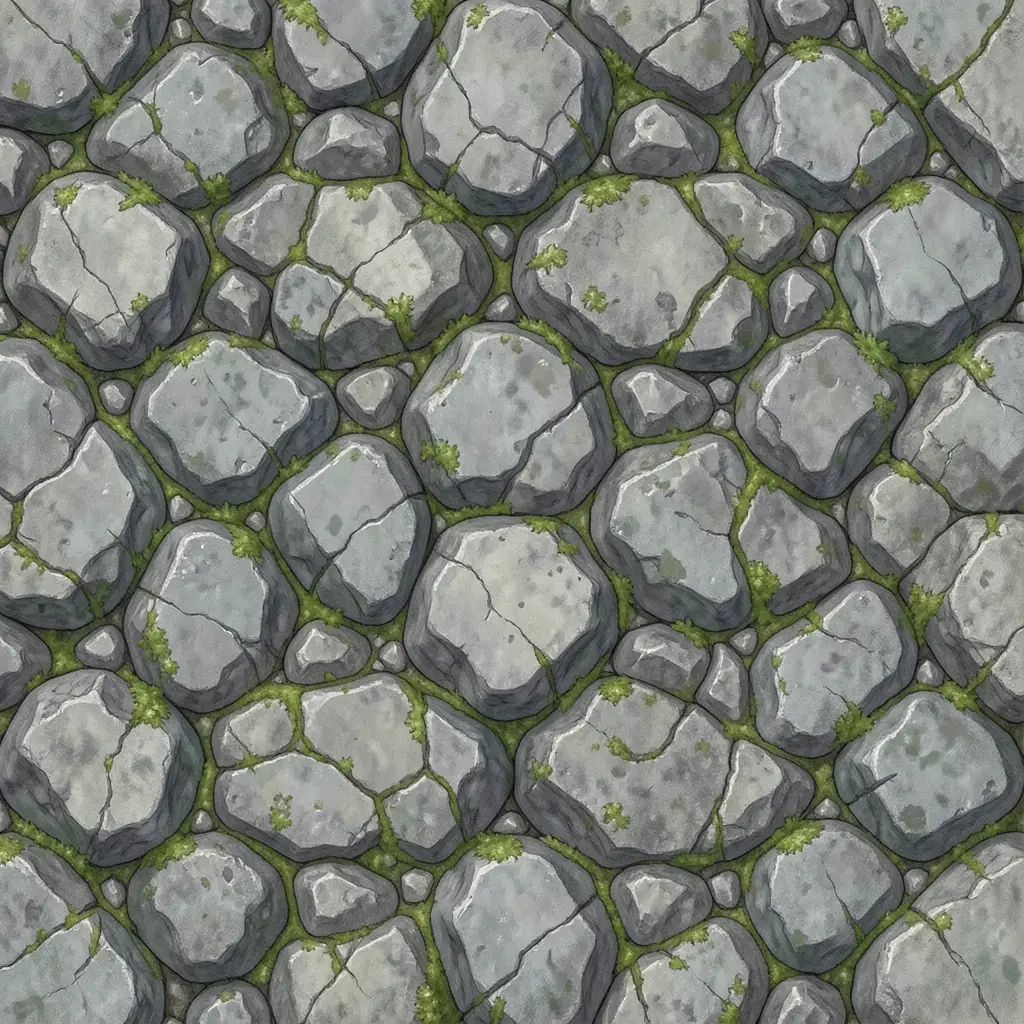 frame_5.png
Drag an image here, or click to upload
reference.pngTip: Generate each asset only once — the AI tracks what already exists on the canvas and won't repeat it. - 7
Iterate via chat
You refine the game in plain language in chat: "speed up the obstacles", "add a second obstacle type with a telegraph", "dial down the bloom", "fix the jump, it feels too floaty". The AI tops up via append_game_code or rewrites with update_game, and you play again immediately. Change one thing and test.
Film Movie StudioRenderFantasy RTS War GameNew projectSkills/threejs-game/short-drama/image-creator/audio-studio/app-builder/threejs-game Seamless tileable top-down albedo texture of lush fantasy meadow grass, warm storybook hand-painted illustration style, soft varied greens with tiny wildflowers,…
SkillsModelsType / to switch skills anytime
- 8
Export the game as a single .html
When you're happy, ask to export — the AI calls export_game_html and you download one self-contained .html file. It opens in any browser with no install and no server, ready to share or upload to the web. This is the terminal step.
Film Movie StudioRenderFantasy RTS War GameNew projectFilesframe_1.pngframe_2.pngframe_3.pngDrag an image here, or click to upload
reference.pngTip: Export is the last step. For more changes, tune the game in chat and export again.
What you get
From a single sentence you have a playable 3D game that ran right on the canvas: a Three.js scene, movement and collisions through Rapier physics, a look polished with post-processing and a HUD with states for pause, fail and restart. After iterating in chat you exported it as one self-contained .html that opens in any browser with no install and no server — ready to share or upload to the web.
Pro tips
- For 2D classics (Snake, Pong, 2048, a quiz) use /games — /threejs-game always pays the cost of a full WebGL pipeline and suits 3D and premium games.
- Don't expect ready-made 3D models: forms are procedural Three.js geometry; generate_image gives textures, skyboxes, decals and UI — not rigged characters.
- After each change, play a short loop and tune one axis at a time (speed, jump, obstacle count) so you see exactly what helped.
Try it yourself
FilmMovie Studio is a desktop app that walks you from idea to finished export. Download it and start creating.
Get FilmMovie Studio