Storyboard is a skill that works like a pre-production department: it breaks your story into a shot list with scale and camera, then draws one frame per shot. The point is consistency — style, characters and lighting stay the same across every shot, so the result reads like one film rather than a random pile of images. In this guide you'll use /storyboard to go from a one-sentence story, through approving the breakdown, to a finished series of cards on the canvas.
What you'll need
- An open project in FilmMovie Studio with an image provider configured.
- A story, scene or script — a few sentences you want broken into shots.
- Optionally, style or character reference images to attach via the paperclip icon.
Step by step
- 1
Launch the Storyboard skill
In the chat panel on the right, click the skill icon and pick /storyboard (or type /storyboard straight into the box). This activates the visual director that breaks your story into shots and then draws them.
Film Movie StudioRenderAries Rainbow Hill RescueNew projectSearch skills…AllWorkflowsQuickvideoShort DramaViral vertical mini-series, end to end.imageImage CreatorGenerate single images from a prompt.audioAudio StudioVoiceover, SFX and music tracks.copyApp BuilderMulti-screen apps with live preview.imageE-commerce DesignPro product shots for any platform.videoMusic VideoBeat-synced clips cut to your track. - 2
Describe the story and attach references
Type your story, scene or script in your own words. To lock the look, click the paperclip icon and attach style or character reference images — these are the supreme authority for palette and identity.
Film Movie StudioRenderAries Rainbow Hill RescueNew projectFiles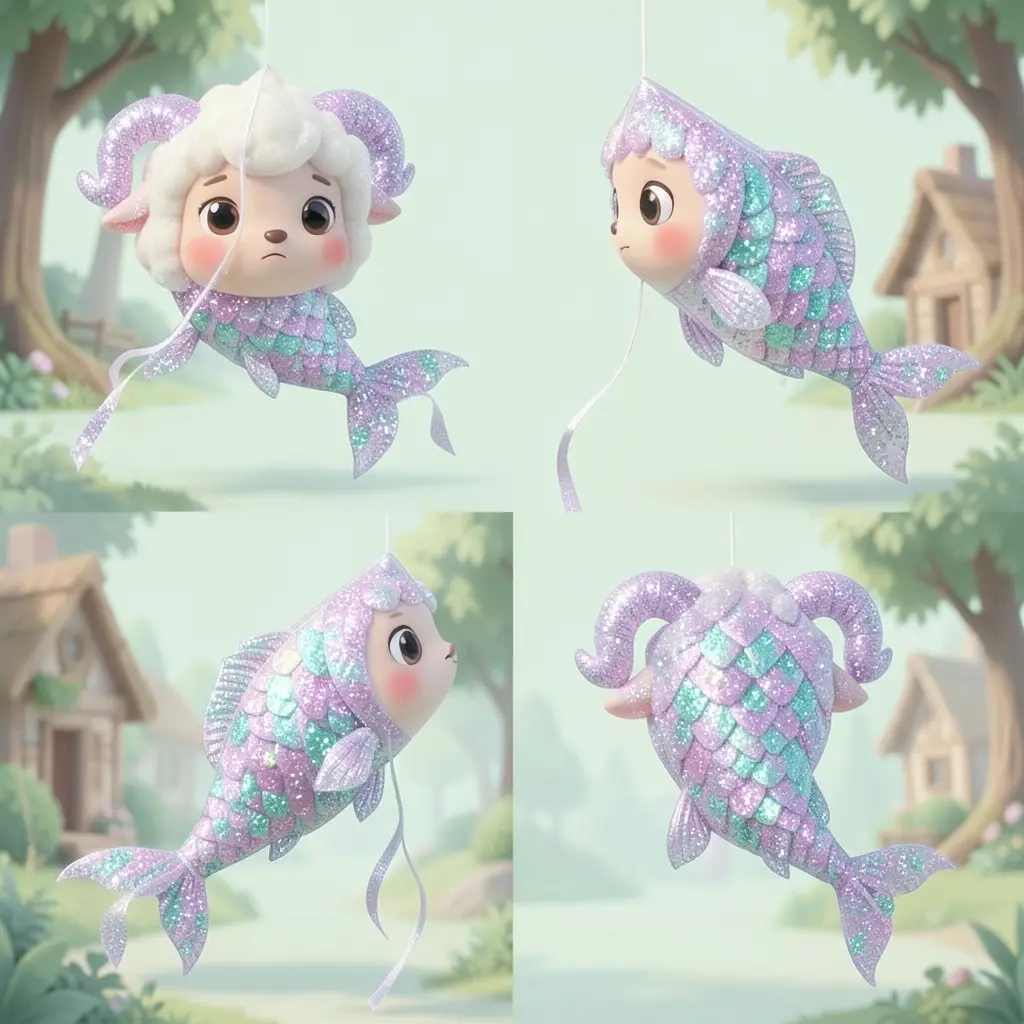 frame_1.png
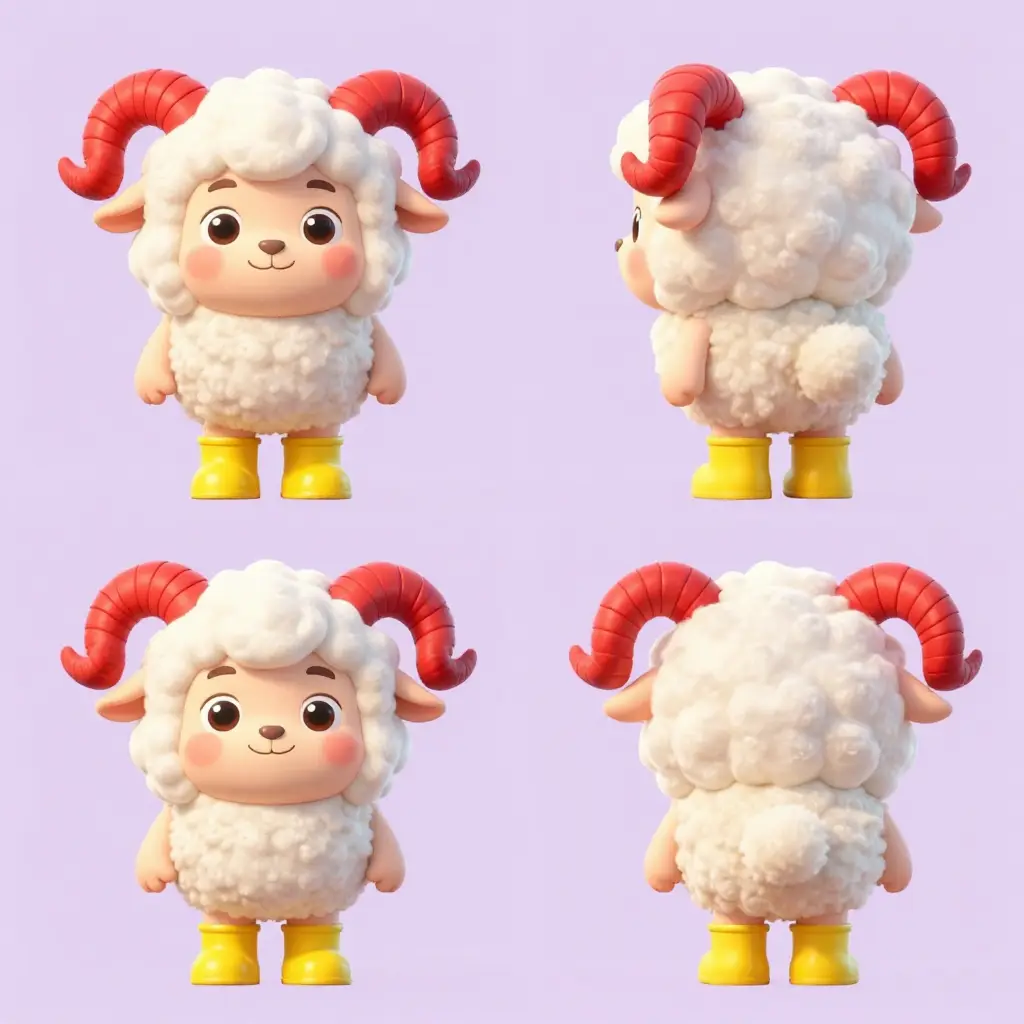 frame_2.png
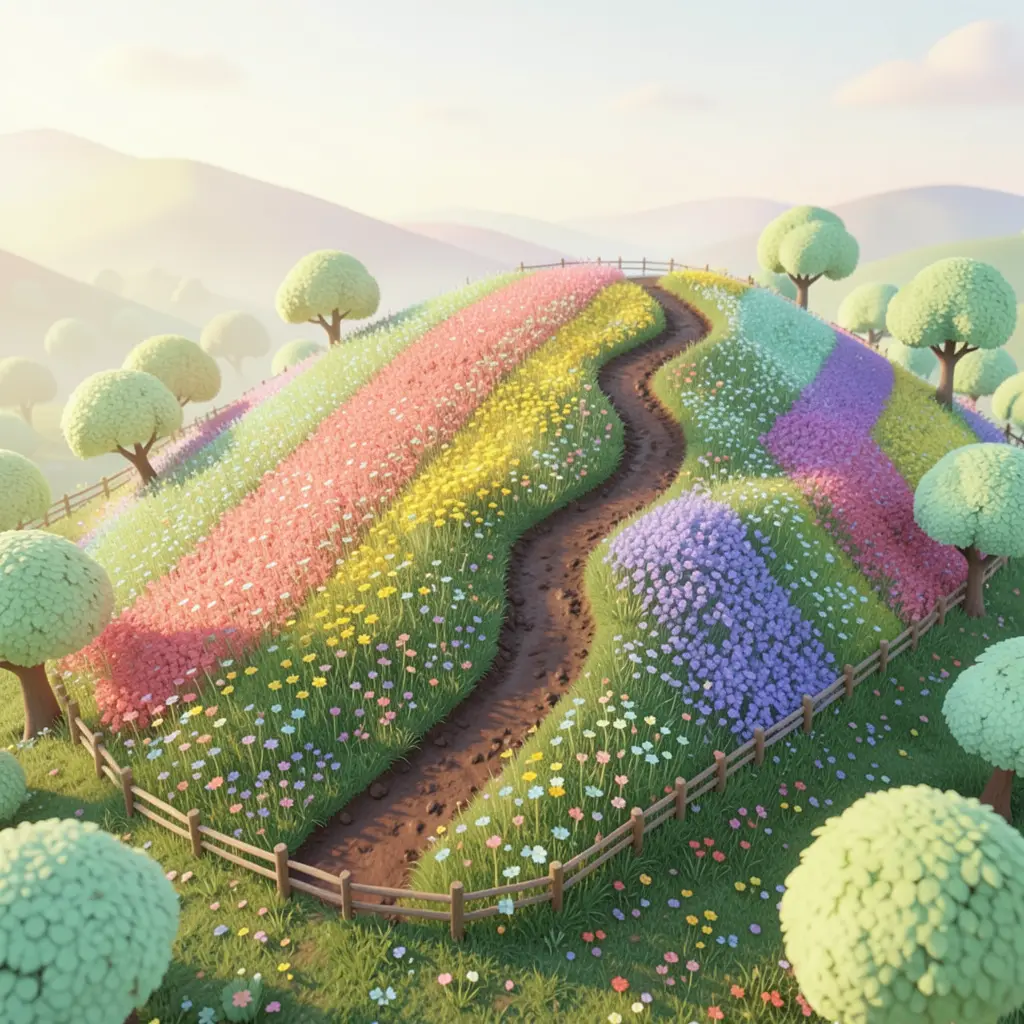 frame_3.png
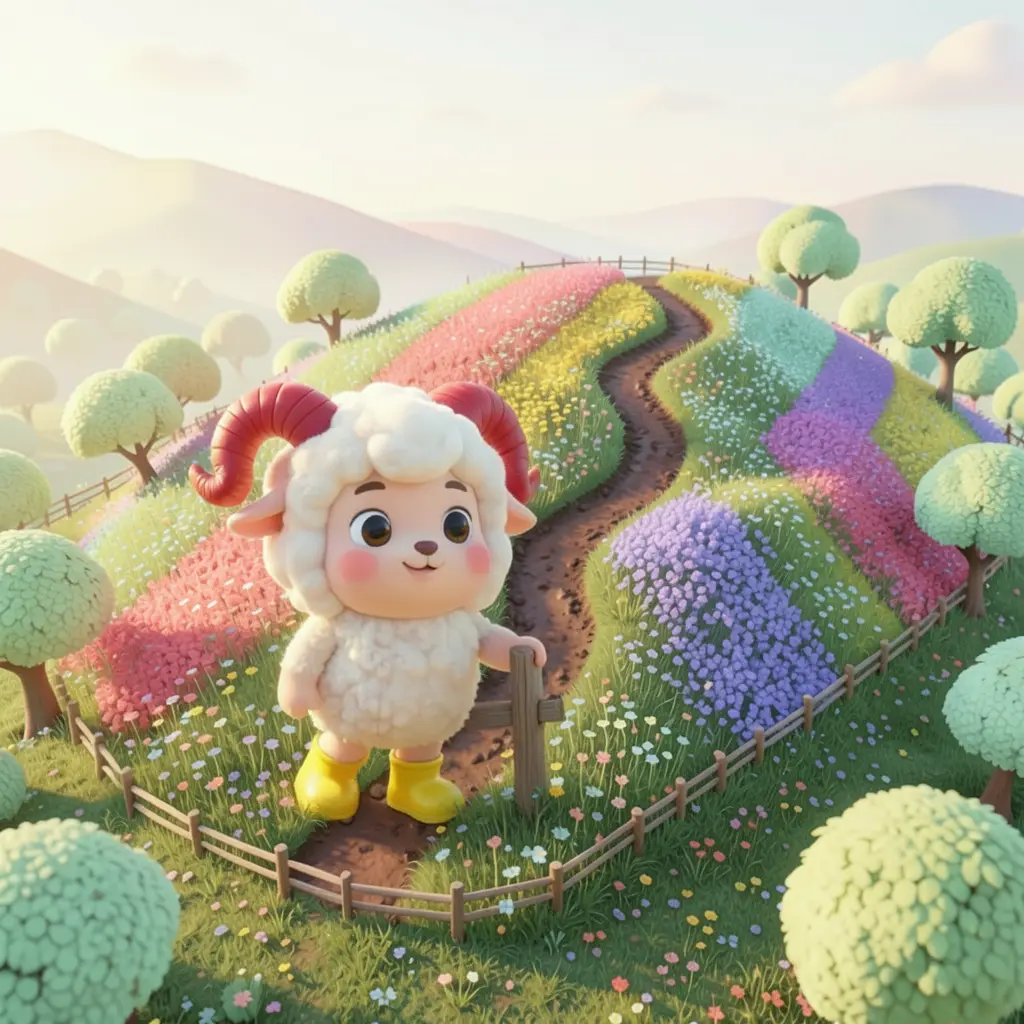 frame_4.png
 frame_5.png
Drag an image here, or click to upload
reference.pngTip: Character refs lock how a face and costume look; style refs lock the medium and colors. They improve consistency more than any amount of text. - 3
Review the style anchors
From your story (and references) the app writes 3–6 style anchors — constants like medium, palette, lighting logic and character locks. These appear verbatim in every shot. Read them and add anything missing in chat.
Film Movie StudioRenderAries Rainbow Hill RescueNew projectFilesframe_1.pngframe_2.pngframe_3.pngframe_4.png frame_5.png
 frame_6.pngframe_01.pngRemixVariationsAdd to timelineFullscreenDelete
 - 4
Approve the shot breakdown at the creative gate
Storyboard saves a "Shot List" card to the canvas — a table with columns Shot, Scale (LS/MS/MCU/CU/ECU), Camera, Action, Lighting and Dialogue, plus a finished prompt per shot. Then it pauses and asks. Pick "Generate all frames", or "Revise the breakdown" and type your changes.
Film Movie StudioRenderAries Rainbow Hill RescueNew projectSkills/storyboard/short-drama/image-creator/audio-studio/app-builder/storyboard Character turnaround sheet of Pisces the twin-fish kite: a magical glittery translucent kite character shaped like two small fish joined side by side, covered in…
SkillsModelsType / to switch skills anytime
Tip: No two adjacent shots share a scale code, and each new location opens with a long shot (LS) and no dialogue — that's a craft rule of editing. - 5
Watch the frames appear
After approval the app generates one image per shot, in order. Each frame parents to the Shot List card and references earlier shots with the same character or location, so connected edges form on the canvas. The style anchors repeat in every prompt.
Film Movie StudioRenderAries Rainbow Hill RescueNew projectFilesframe_1.pngframe_2.pngframe_3.pngframe_4.png60%promptframe_01.pngRemixframe_02.pngRemixframe_03.pngRemixframe_04.pngGenerating… 80%Remixoutput - 6
Let the consistency pass run
Once the frames exist, the skill runs one vision check: it rates whether style, characters and scale stay consistent across frames. On a low rating it regenerates only the flagged frames once, with a stronger lock, then stops.
Film Movie StudioRenderAries Rainbow Hill RescueNew projectFilesframe_1.pngframe_2.pngframe_3.pngframe_4.png frame_5.png60%promptframe_01.pngGenerating… 42%Remixframe_02.pngGenerating… 68%Remixframe_03.pngGenerating… 55%Remixframe_04.pngGenerating… 80%Remixoutput
 - 7
Refine or use the finished board
Every frame has a Remix button to redraw it by taste. Add the frames you like to the timeline via the card's context menu, or keep the whole board as a visual script for the next skill, such as animating it into a video.
Film Movie StudioRenderAries Rainbow Hill RescueNew projectFilesframe_1.pngframe_2.pngframe_3.pngframe_4.png frame_5.png
 frame_6.pngTimelineRenderVideoVoiceoverMusicSubtitles
What you get
From a one-sentence story you have a professional storyboard: a Shot List card with a shot table and a series of connected frames on the canvas that share the same style, characters and lighting. Use the board as a visual script, add frames to the timeline, or have them animated into a video.
Pro tips
- Consistency is the entire value of a storyboard — a beautiful frame that breaks character look or lighting is a failed frame. Style anchors outrank per-shot creativity.
- Attached references outrank text: one good character image holds identity better than a long description.
- If the story is too thin for the chosen shot count, let the app use fewer shots instead of adding filler — fewer strong frames beat many empty ones.
Try it yourself
FilmMovie Studio is a desktop app that walks you from idea to finished export. Download it and start creating.
Get FilmMovie Studio